Free AI Text to Image Generator — Turn Prompts into Stunning Visuals
Create original images from a single line of text. This online Text to Image generator lets you describe the subject, style, lighting, and mood, then pick from leading models like GPT Image 2, Seedream 4.5, Nano Banana Pro, and Seedream 5 to render HD visuals for creative drafts, campaigns, product ideas, and concept art.
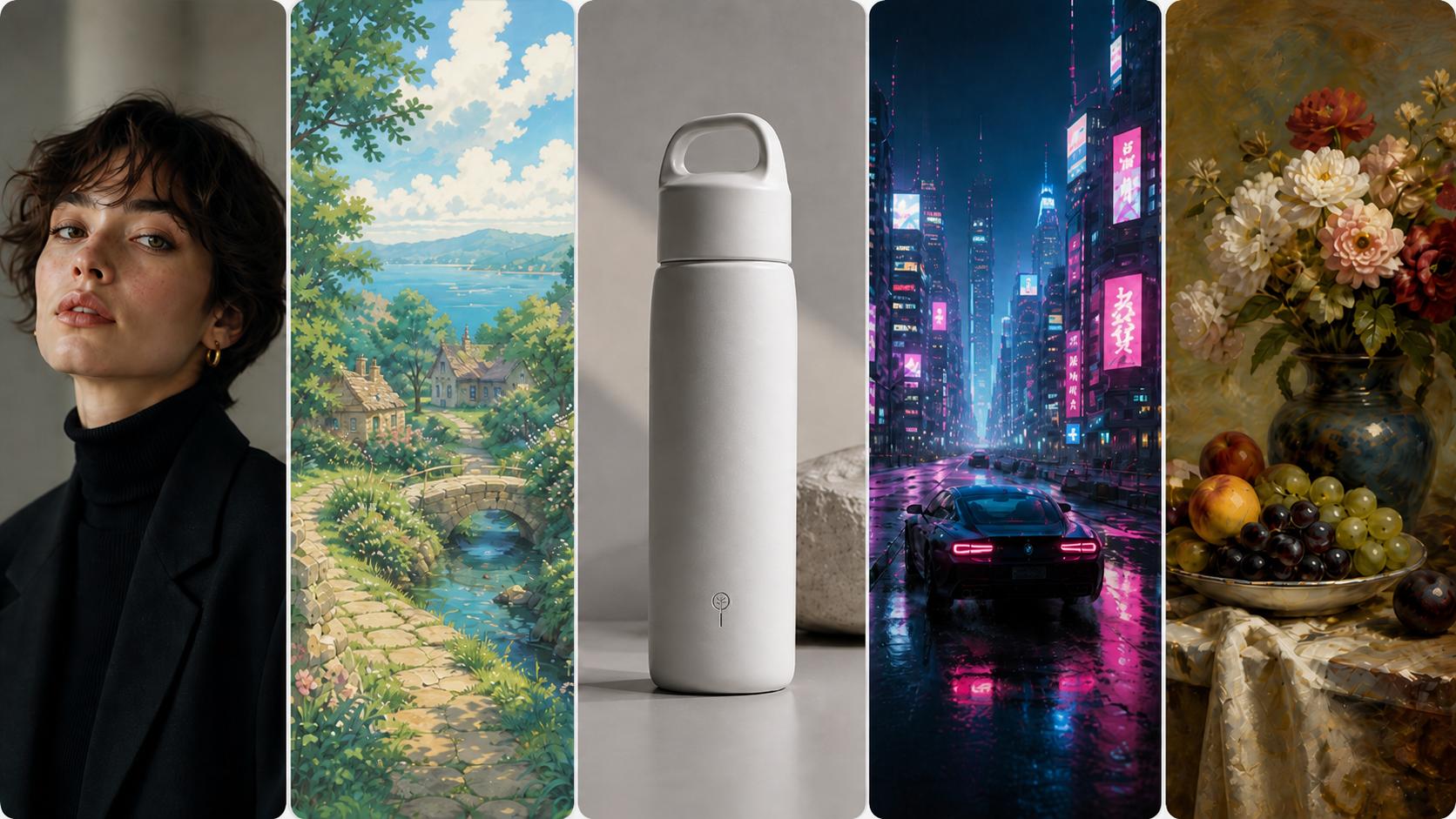
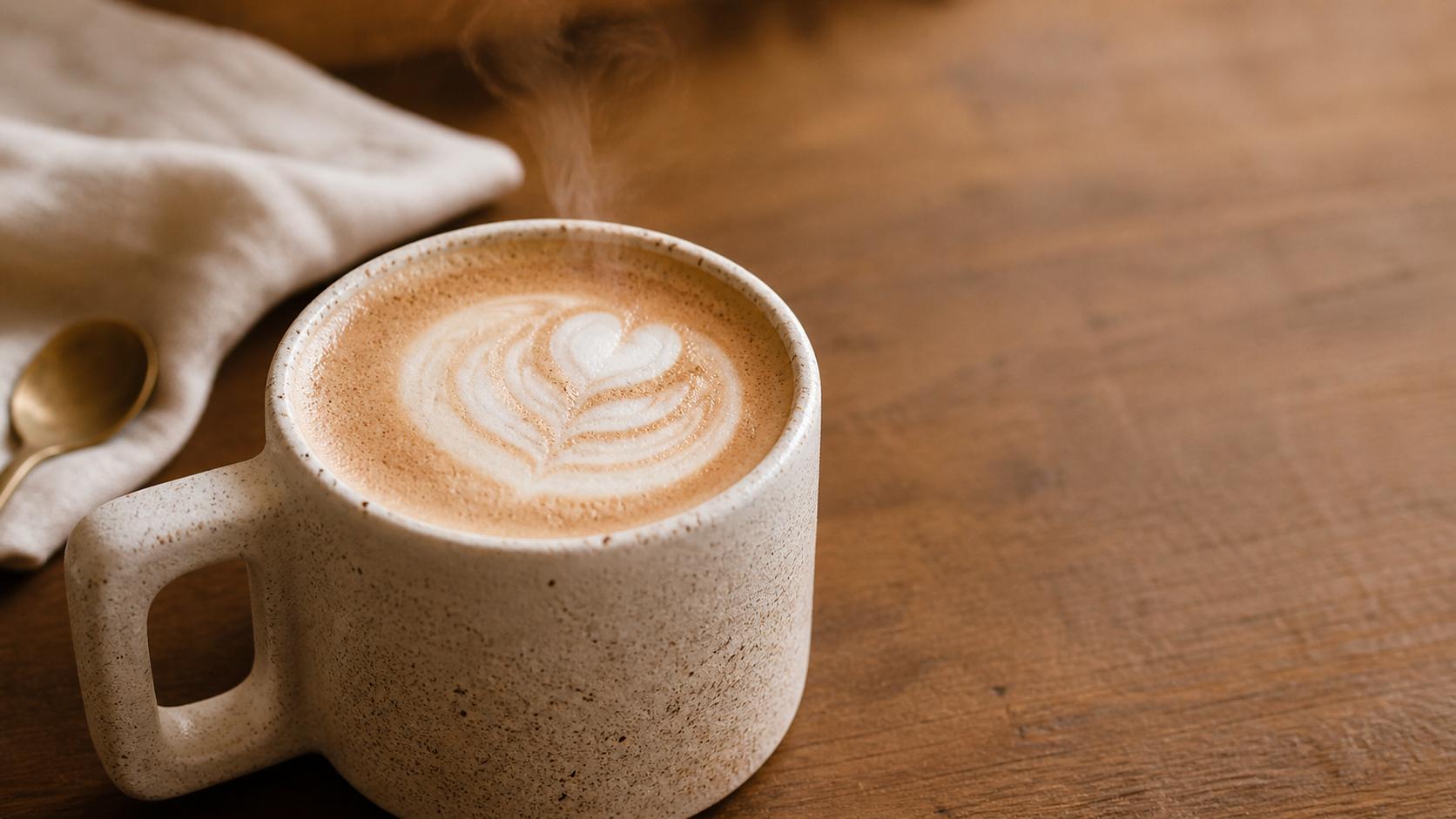
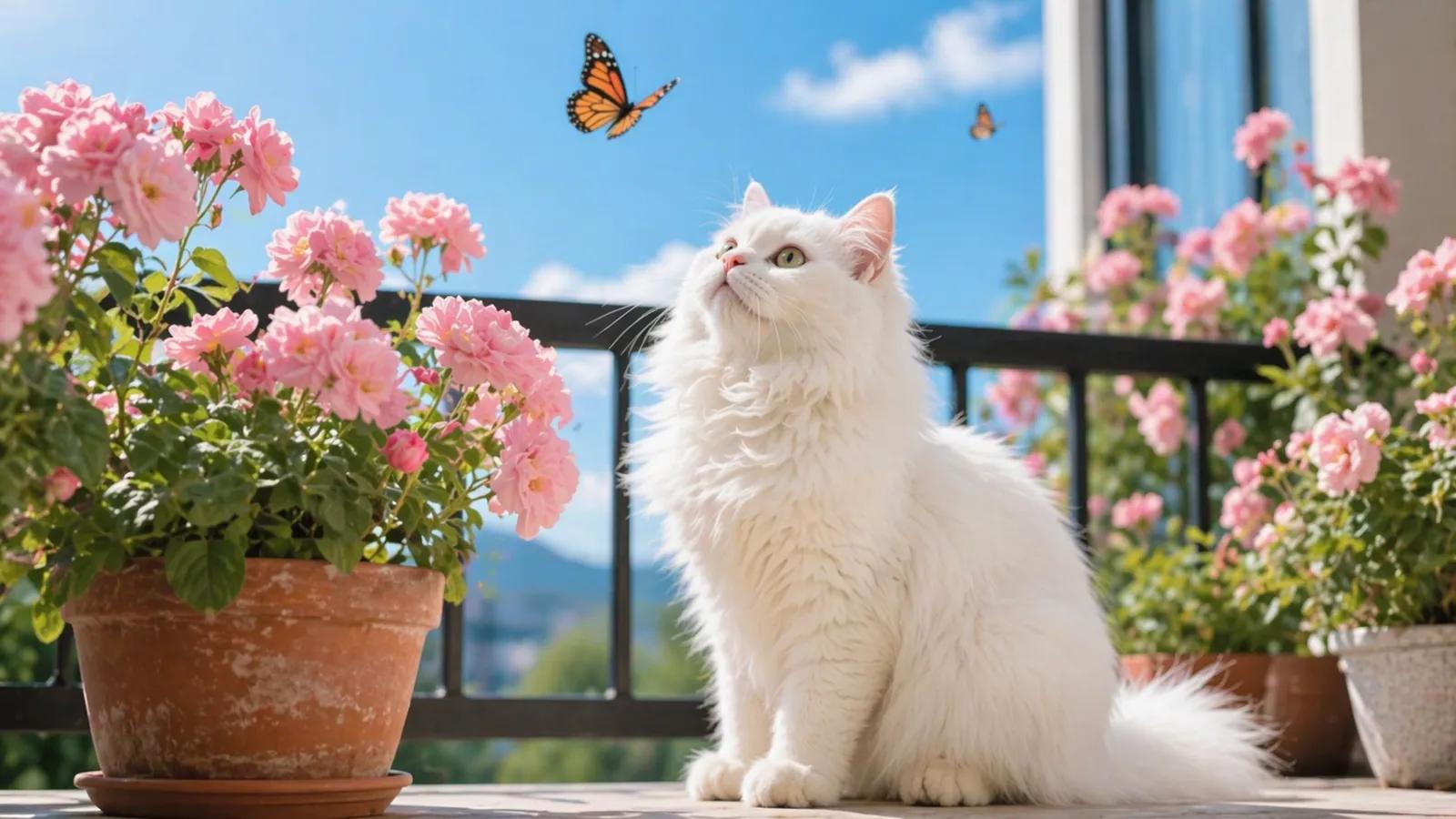
Leading Image Models Behind One Prompt
From concept art and social posts to product mockups and brand visuals, AIGenTools' text-to-image studio gathers the leading image models behind one prompt box — so you can pick the right look per shot, free, with no watermark.
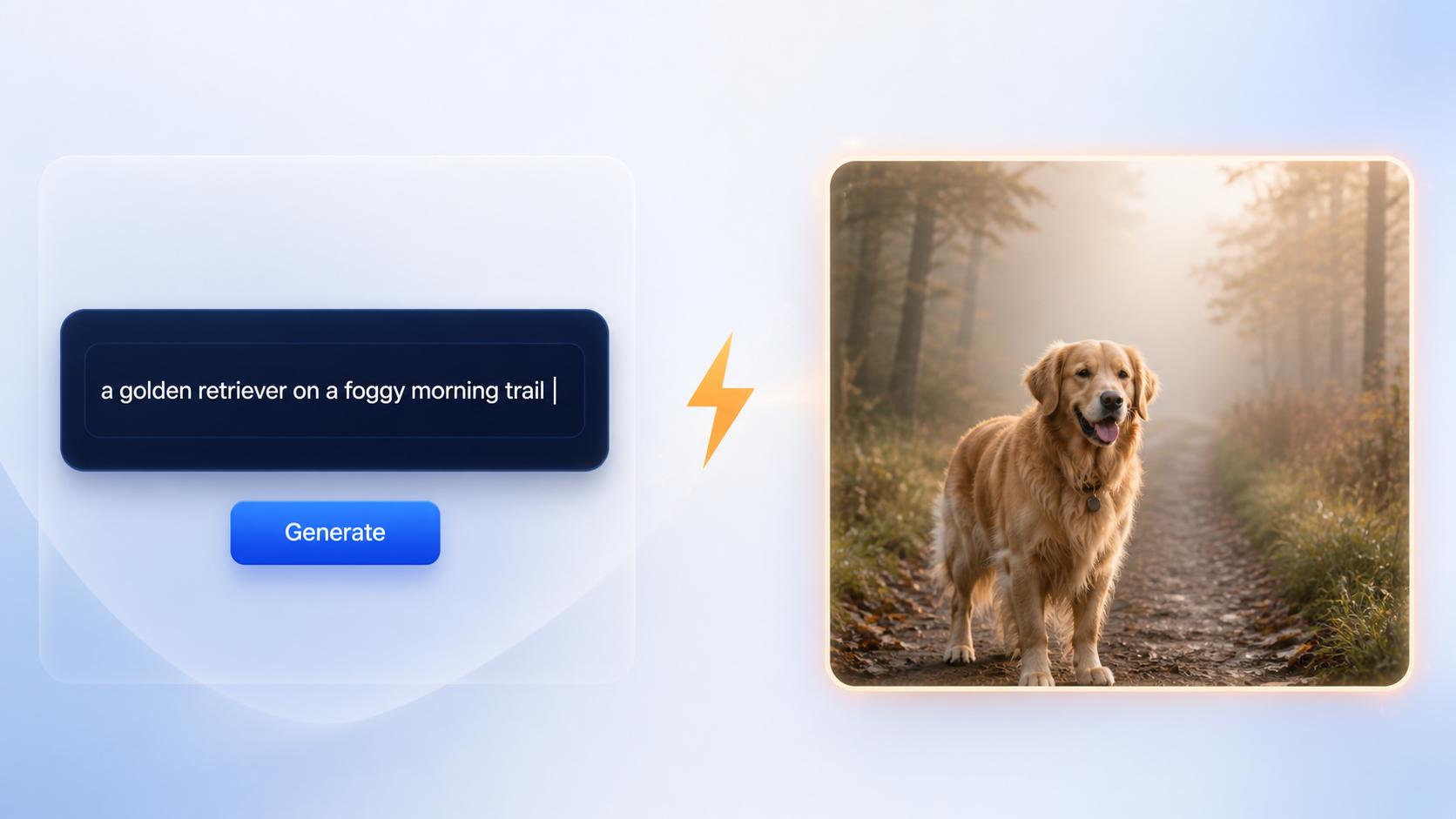
Text to Image in Seconds
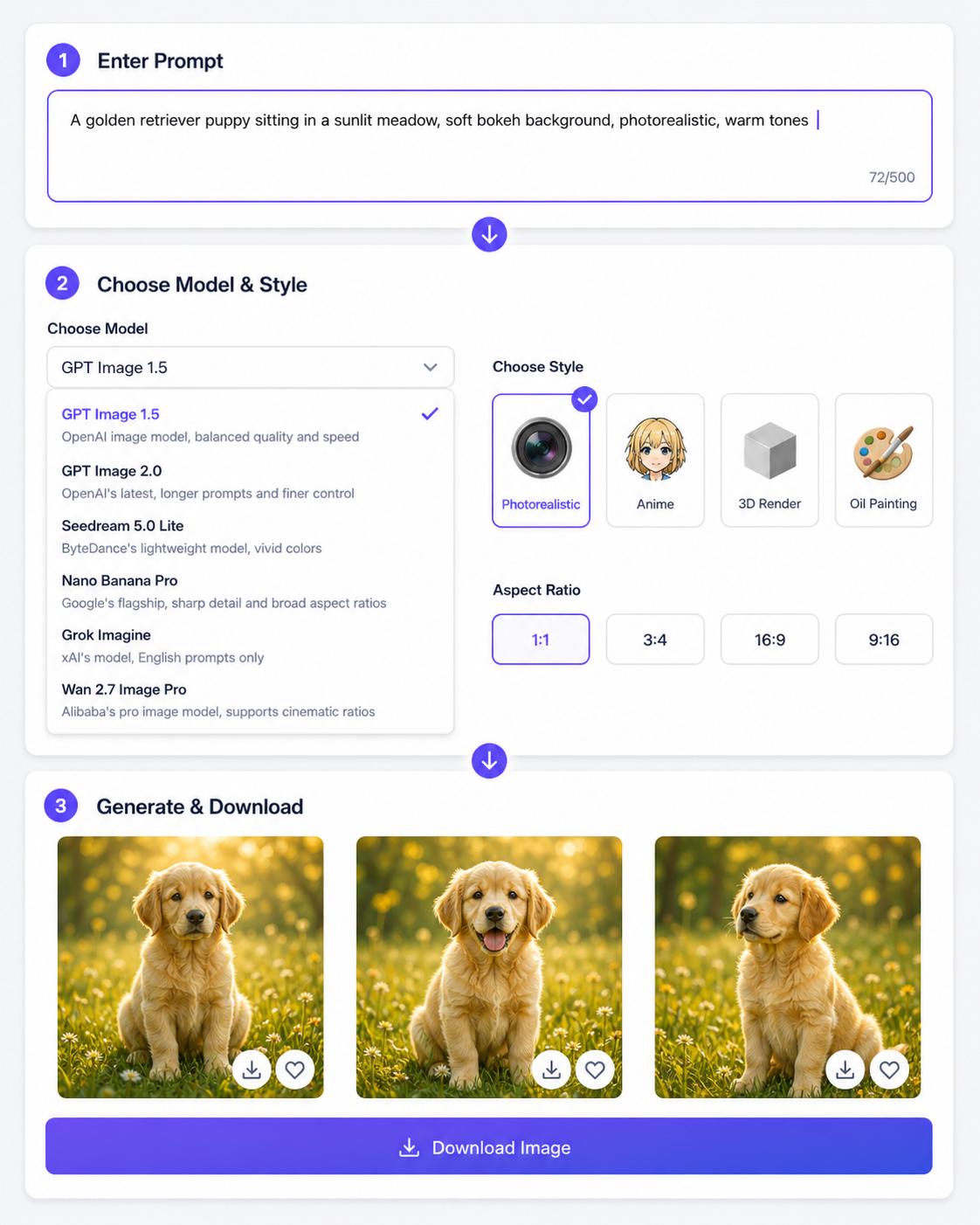
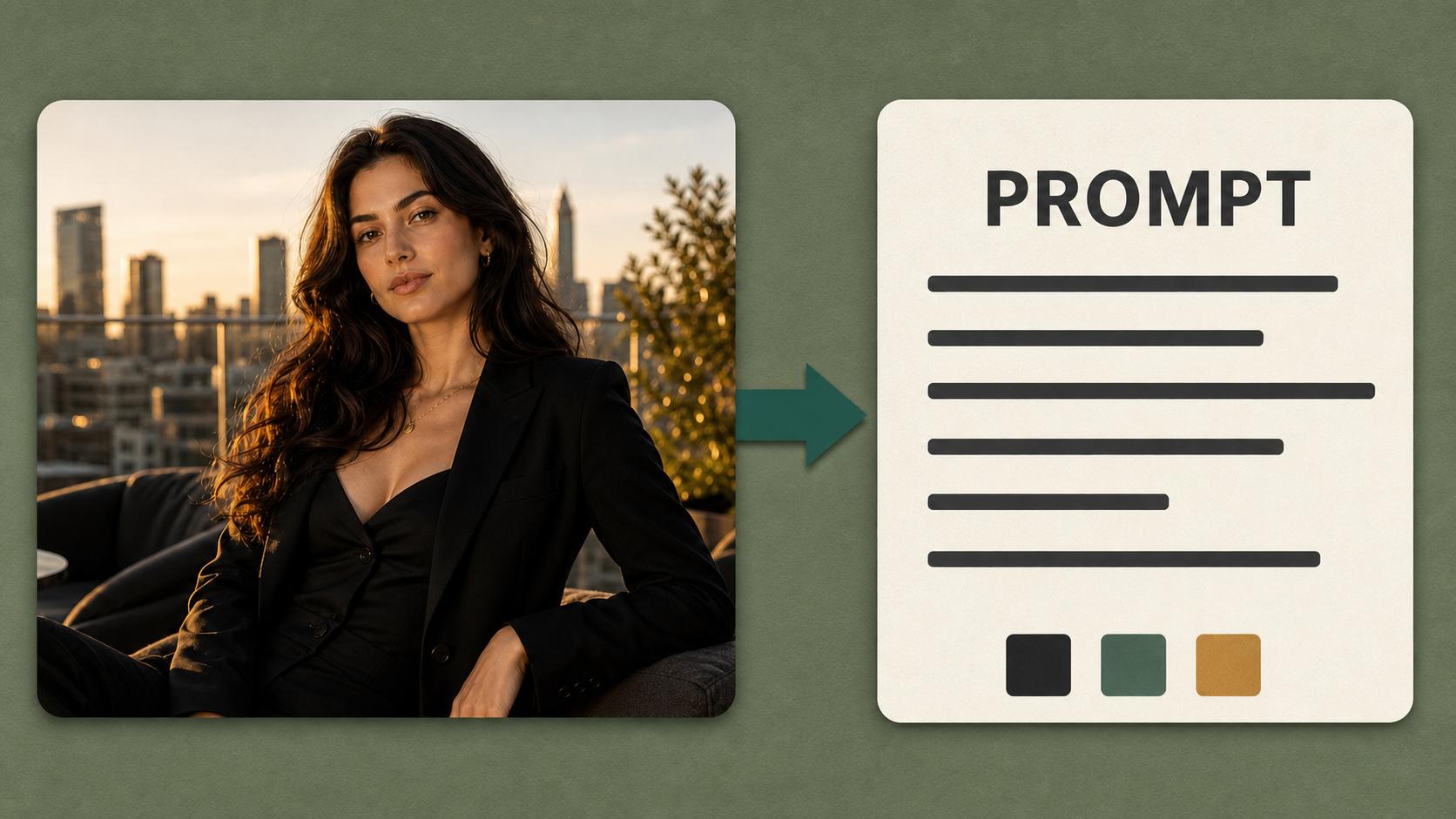
Type an idea in plain language, choose a model and aspect ratio, then generate an image from the prompt. The flow stays simple: describe the subject, style, lighting, and mood, then refine the result with another prompt when needed.
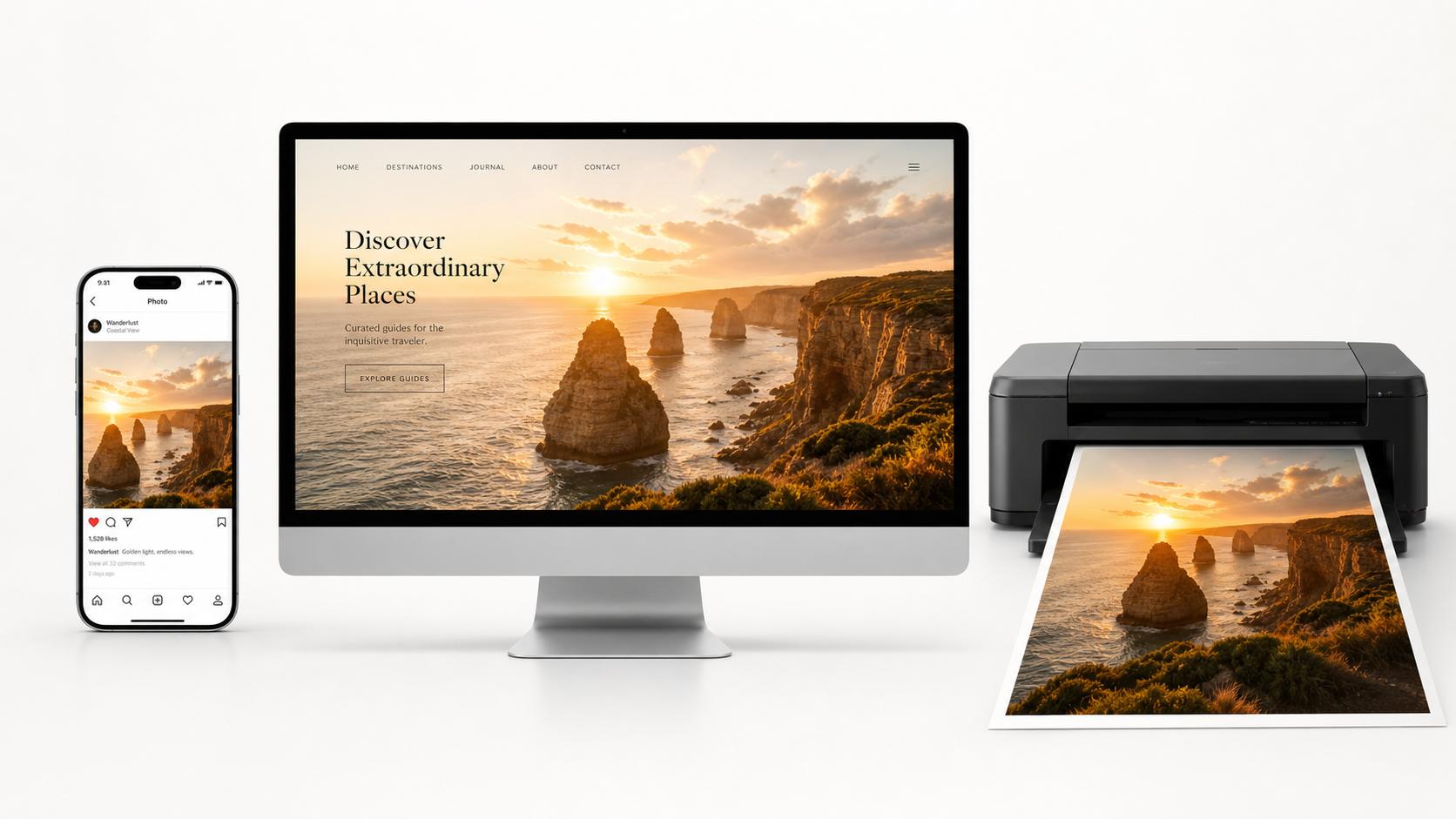
HD Output for Creative Work
Every render is built for sharp, usable output — strong enough for web heroes, social campaigns, concept boards, and client-facing creative drafts.
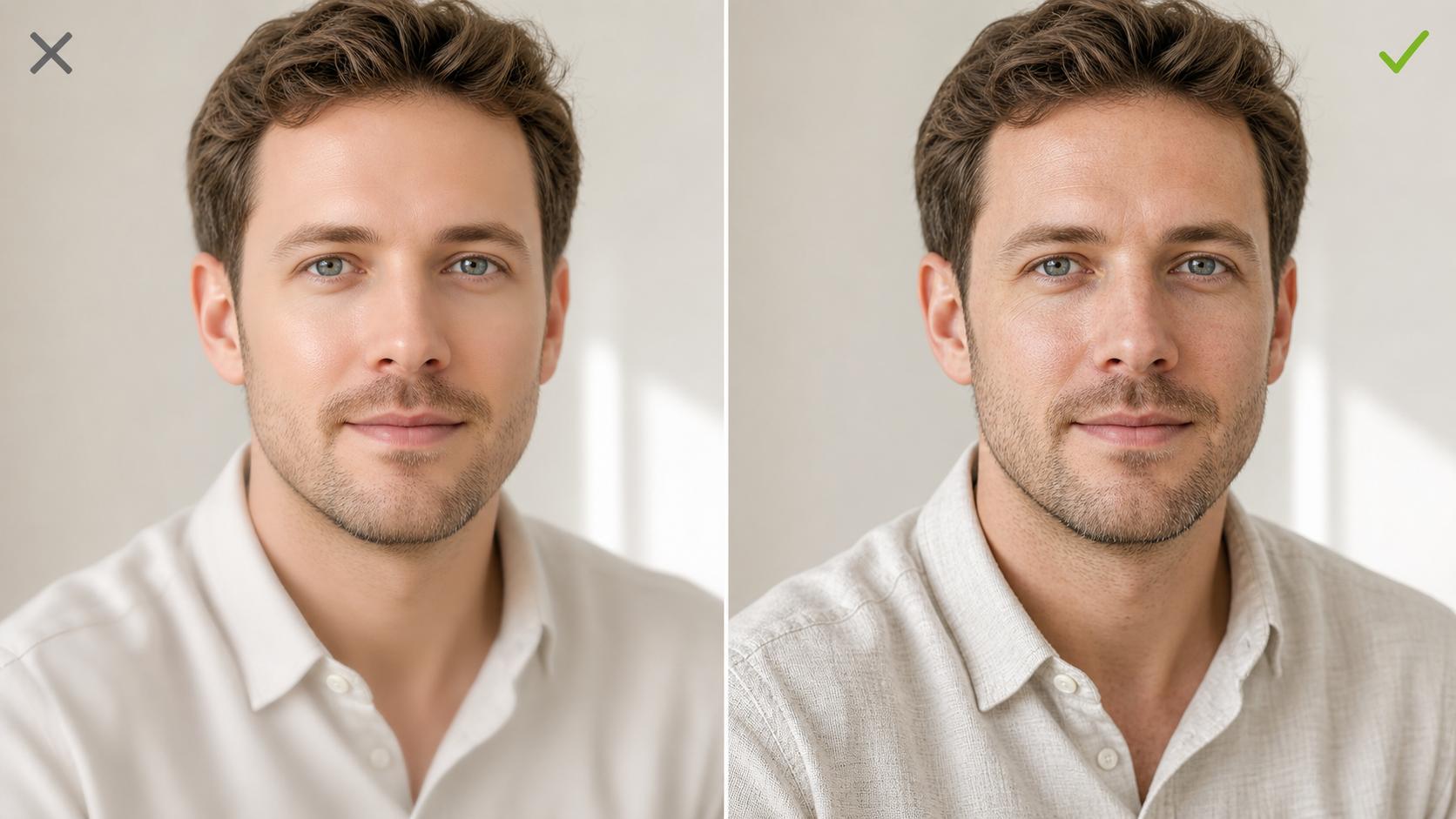
Photorealistic Quality
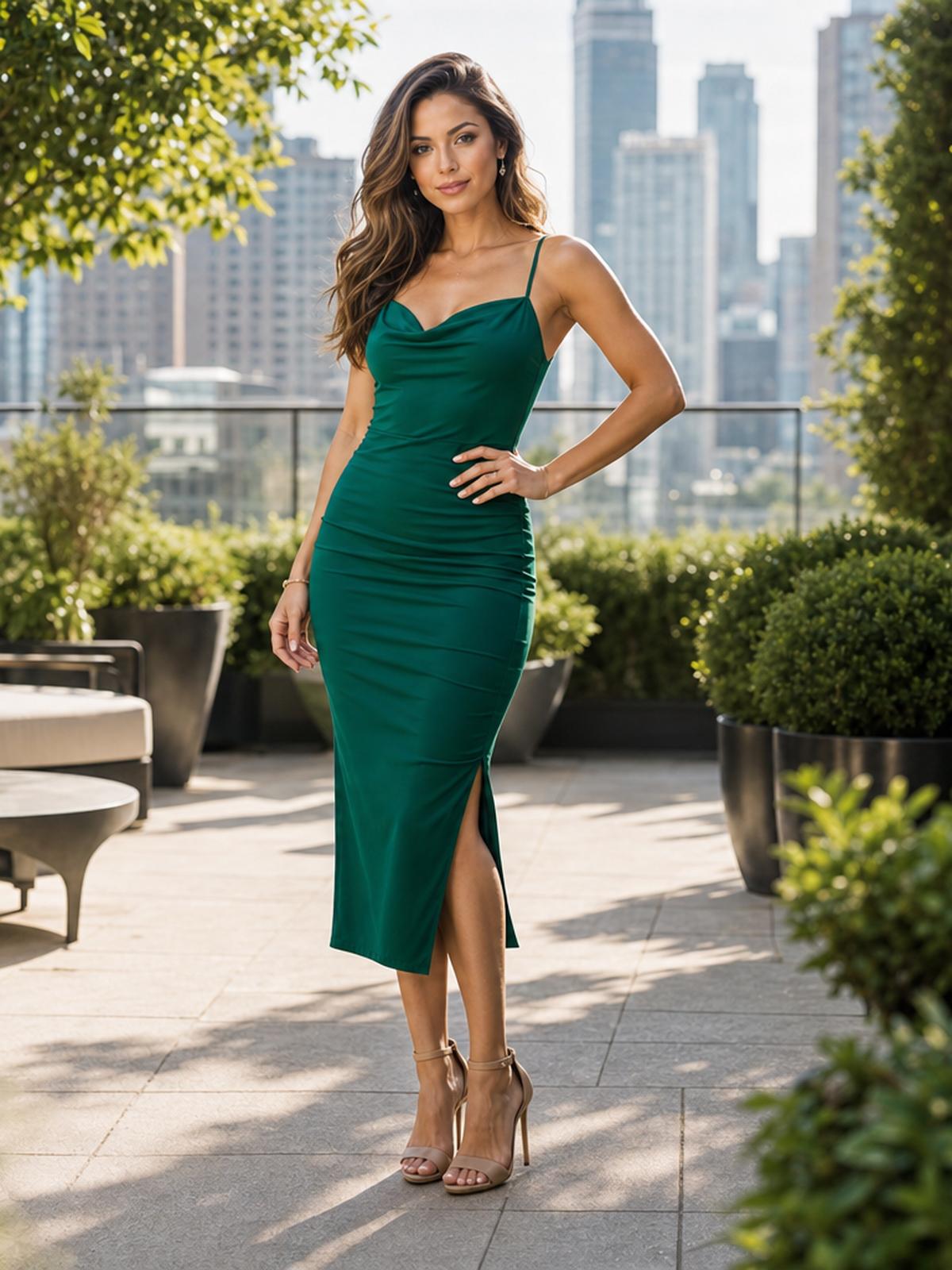
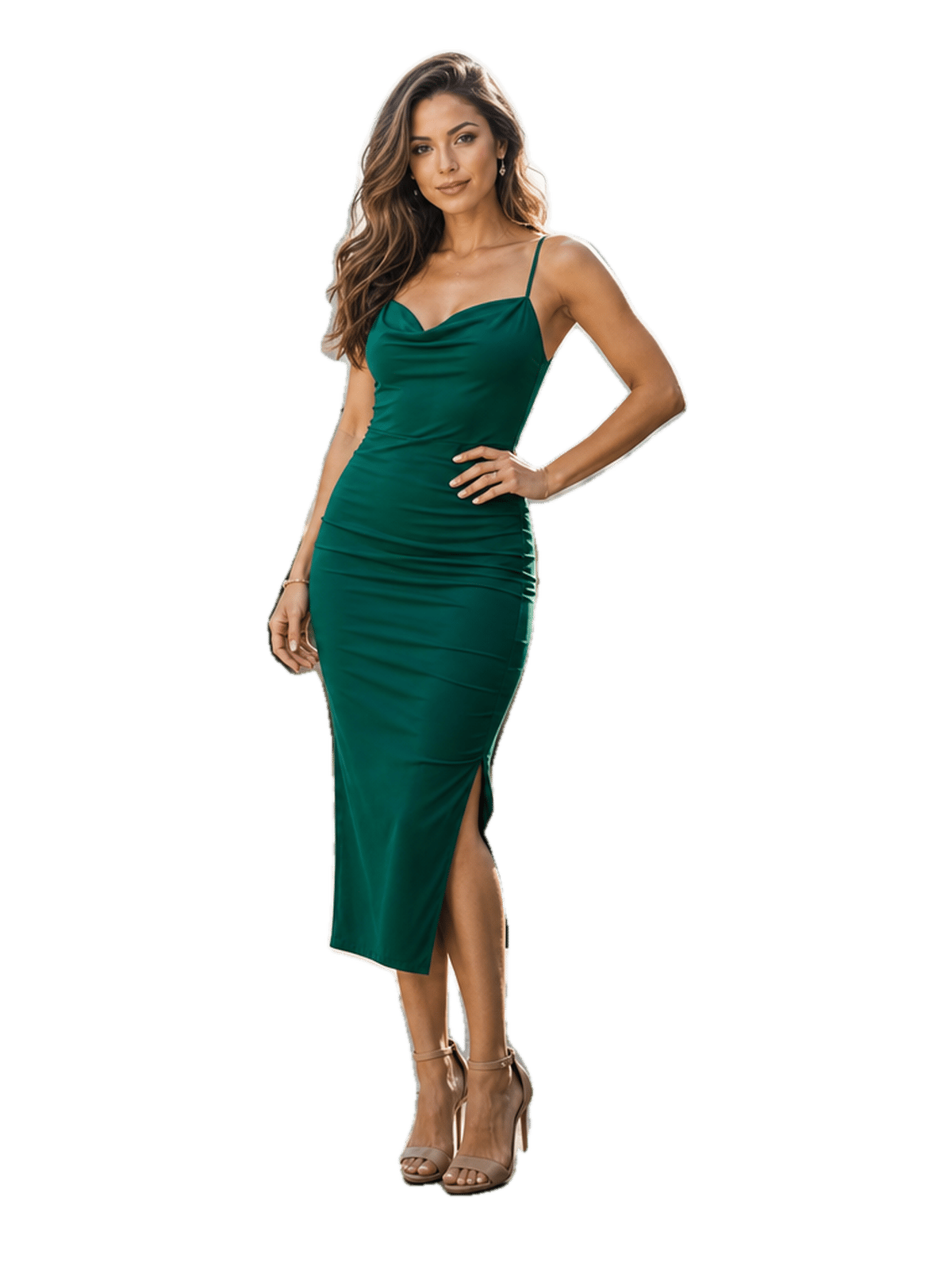
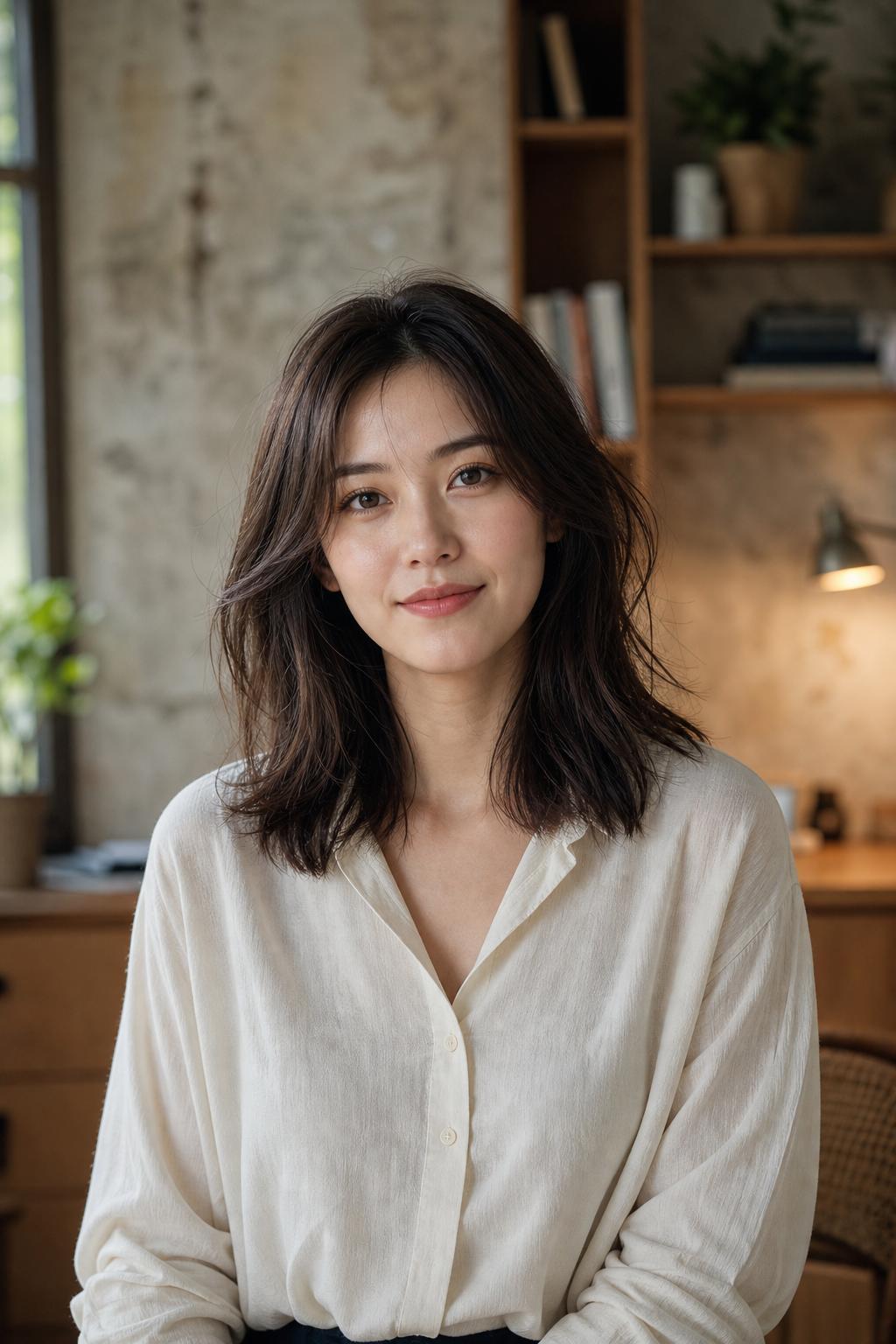
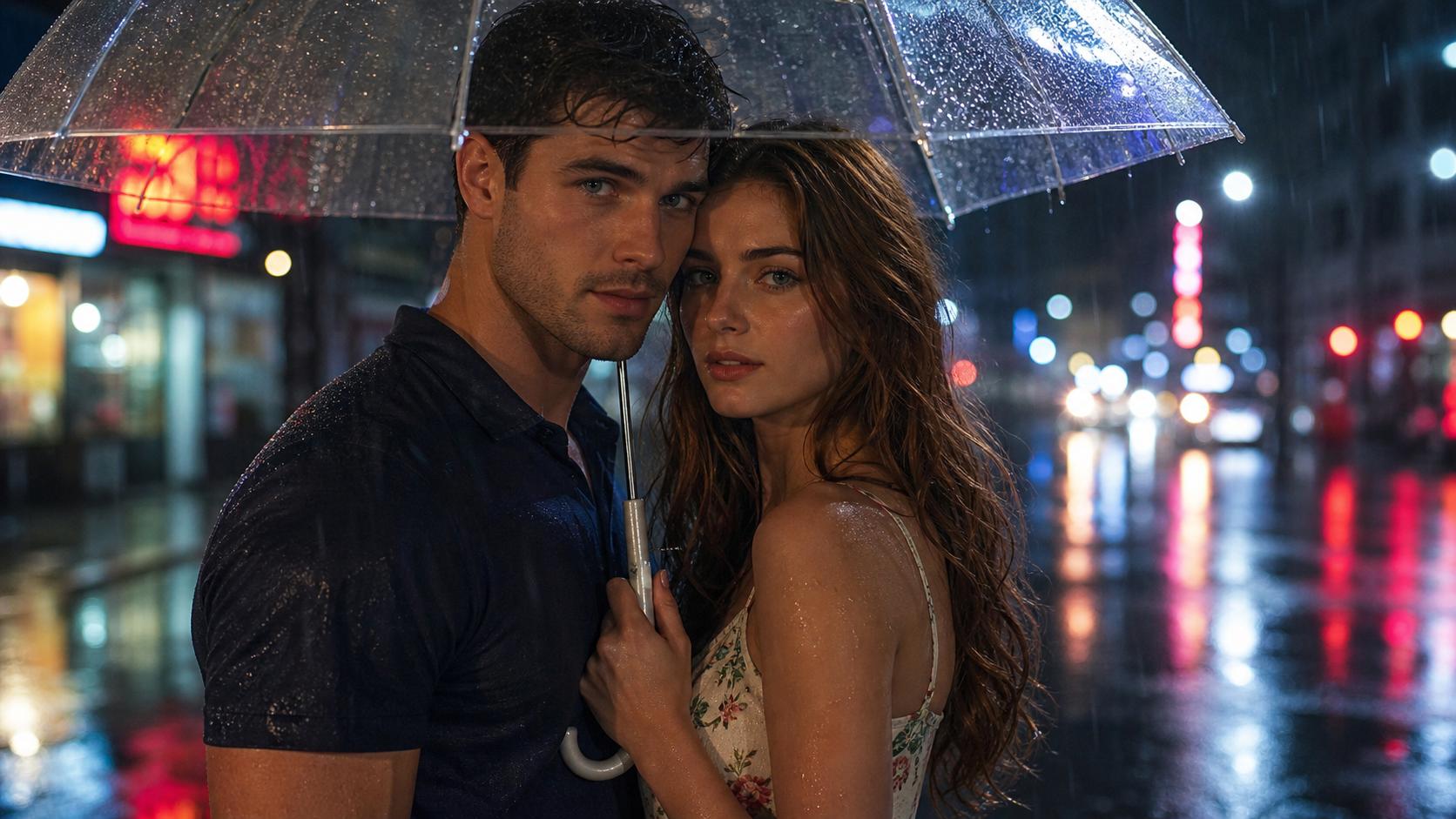
Generate images that read like real photographs — lifelike portraits, product shots, and scenes with honest lighting and textures that hold up in marketing collateral. Our photorealism-tuned models handle skin, fabric, and reflective surfaces without the plastic sheen that gives most AI image generators away.
Diverse Art Styles
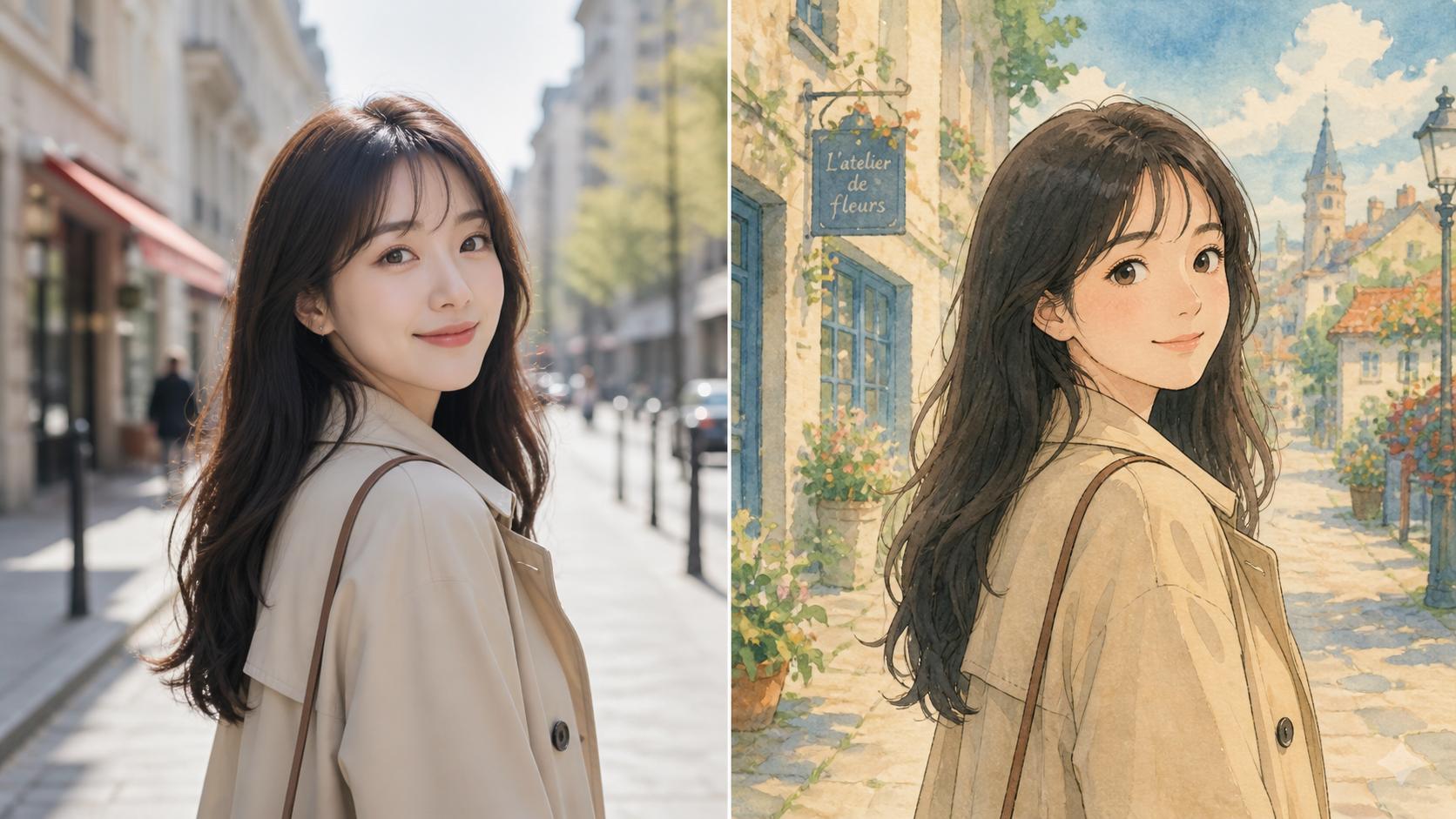
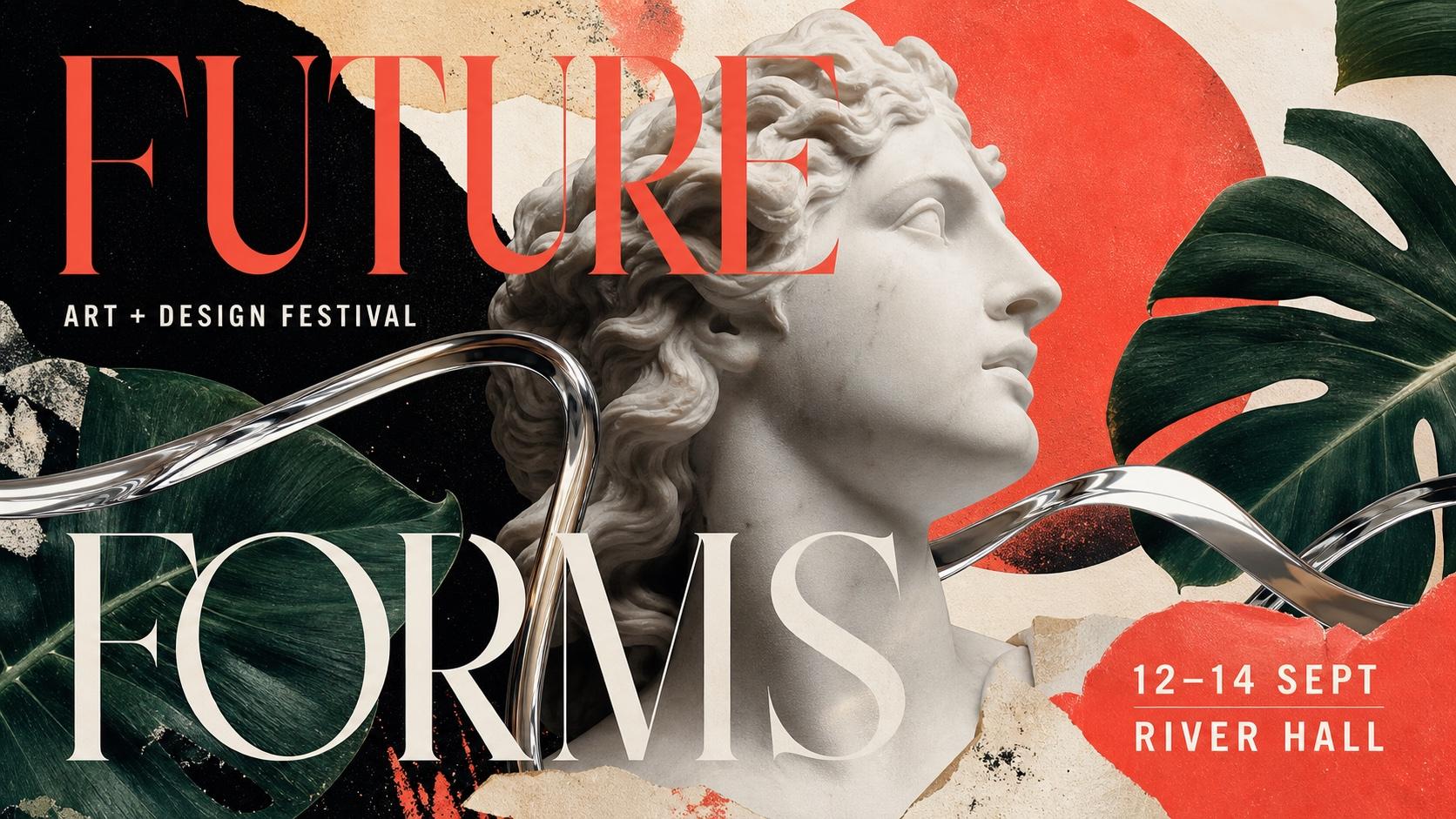
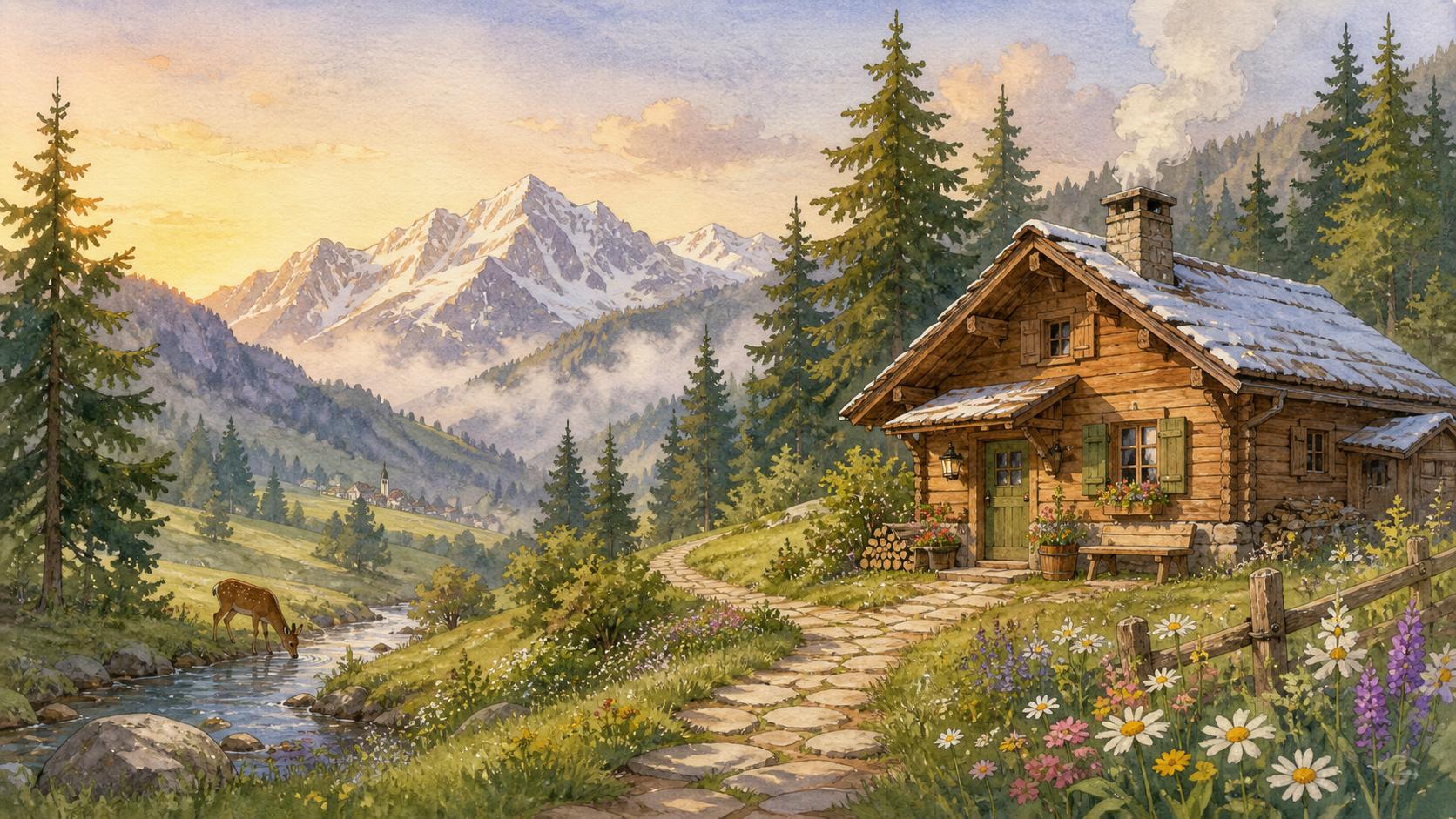
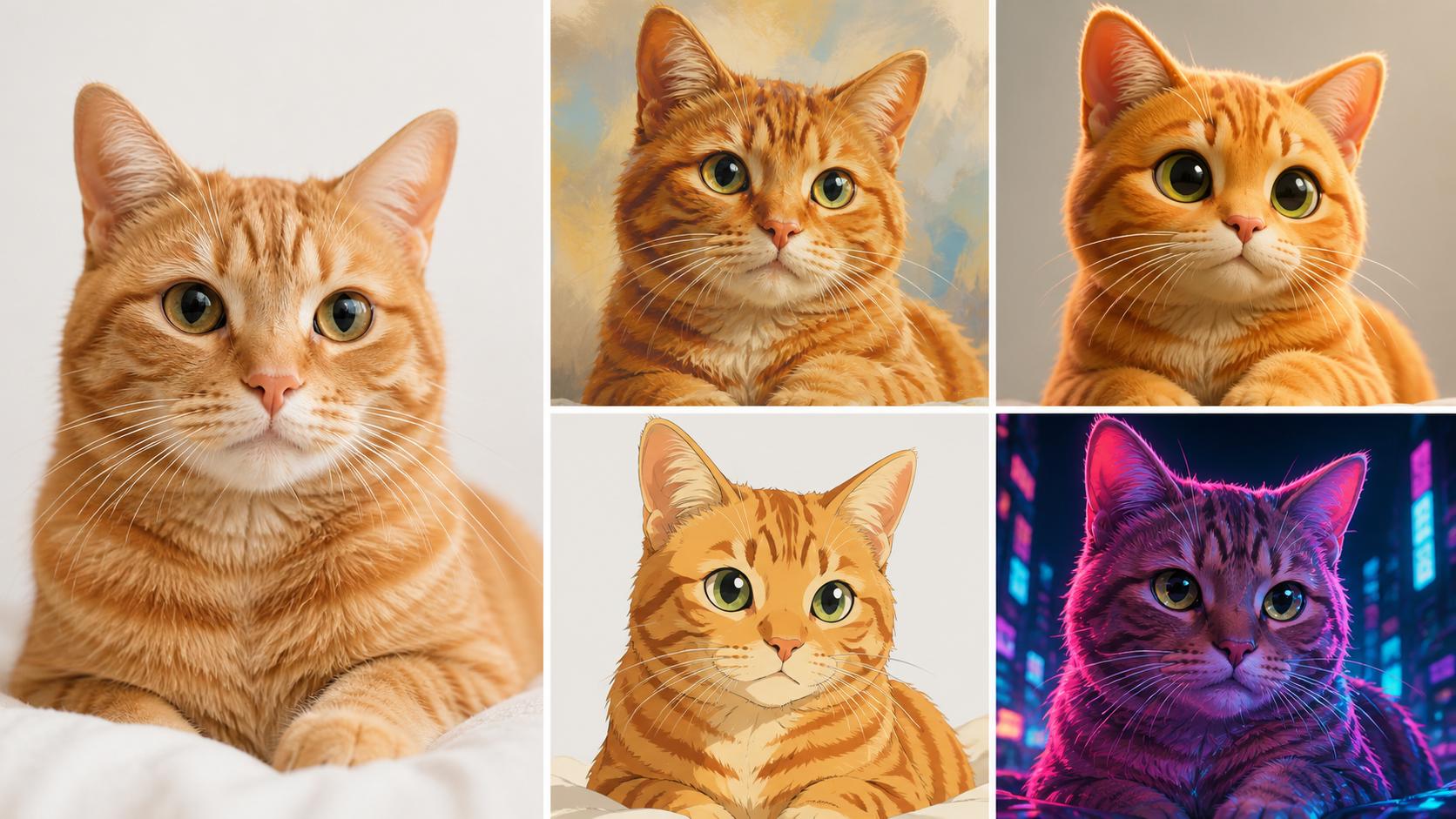
From digital painting and 3D renders to anime, oil paint, and cyberpunk — pick from dozens of styles or describe your own to land the aesthetic you want. Mix two styles in one text to image prompt to invent new ones, like "Ghibli watercolor with Wes Anderson palettes."
What Makes Text to Image Different?
Text to Image is built for real production work — pick any aspect ratio, prompt in your own language, and refine right where you generate. The small controls that turn a one-shot render into a finished asset make it one of the best AI generators for drafts, campaigns, and concept art.
Every Aspect Ratio in One Control
Choose 1:1 for social, 3:4 for prints, 16:9 for banners, or 9:16 for reels — Text to Image switches ratio from a single control above the preview, with no preset packs or menu diving.
Prompt in Your Language
Describe a scene in English, Japanese, Chinese, Spanish, and more — it adapts to your wording without losing nuance or forcing an awkward translation.
Compare Variants When Available
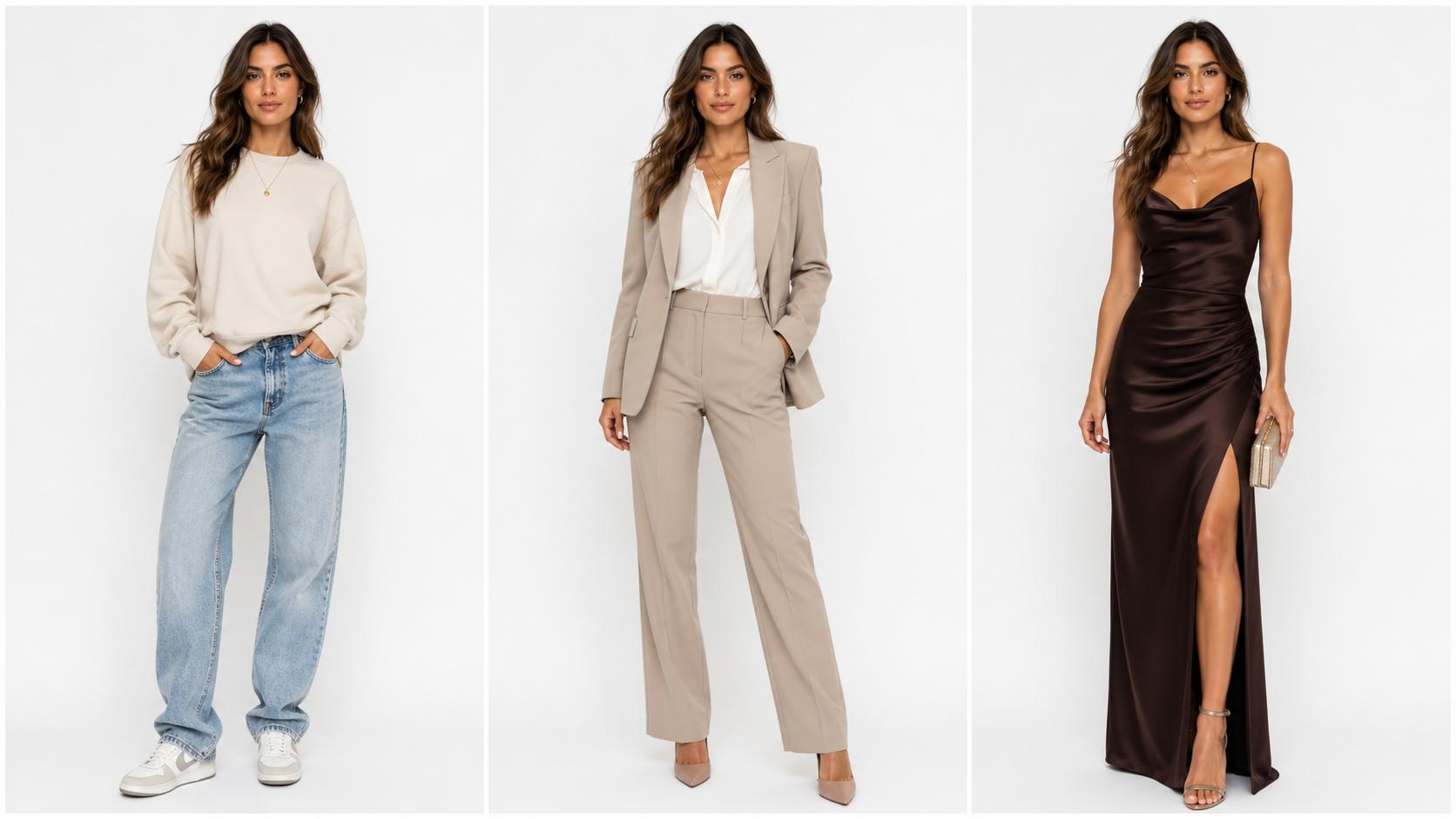
When a model returns multiple takes, it lets you compare them side by side, keep more than one direction, or use the strongest result as the base for your next prompt.
How to Use Text to Image
Step 1 Enter Your Text Prompt
Describe what you want in plain language — subject first, then style, lighting, and mood. Text to Image accepts prompts in English or any other language you prefer.
Step 2 Choose AI Model and Style
Pick a look — photorealistic, anime, 3D render, oil painting — then choose the model it runs: GPT Image 2, Seedream 4.5, Nano Banana Pro, or Seedream 5.
Step 3 Compare Variants, Keep the Winner
Compare the variants it returns side by side, pick the strongest direction, save more than one if you need options, and download the final HD result without a watermark.