Free AI Image Animator — Turn Any Photo into Animation
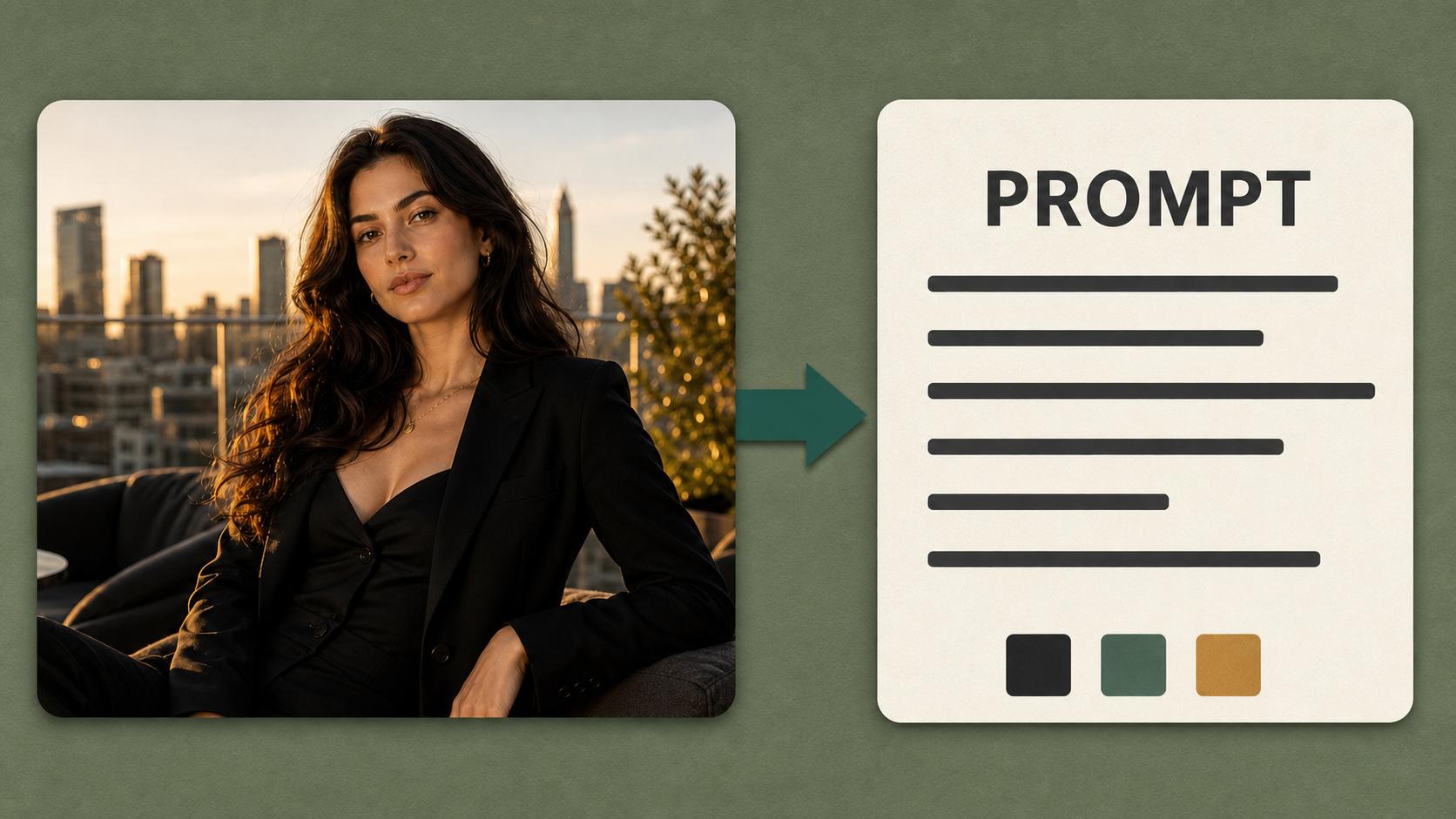
Upload a photo and this online AI Image Animator brings it to life — portraits, product shots, landscapes, and illustrations all animate into smooth, looping HD clips. Pick a motion style, adjust the pacing, and download without a watermark.
Animate Still Photos with Leading AI Models
Product shots, portraits, landscapes, storyboard frames — the AIGenTools AI Image Animator turns any photo into a smooth animation through leading video models, with HD exports and no watermark.
Cinema-Grade HD, Every Detail Intact
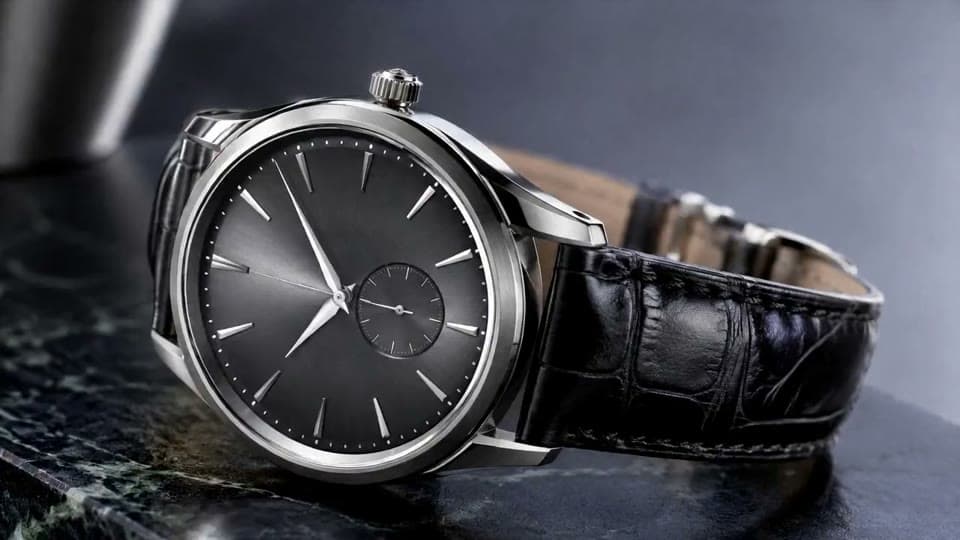
Every animation renders in HD — fabric textures, hair strands, water highlights, and eye reflections all retain the crispness of the original photo. Sharp enough for product shots and brand ads, not just casual social posts.
Subtle Natural Motion, Not Heavy CG
AI Image Animator adds movement that feels like the photo was alive all along — a soft blink, a breath, hair drifting in a breeze, fabric settling. No exaggerated effects, no warping, no 'filter look.'
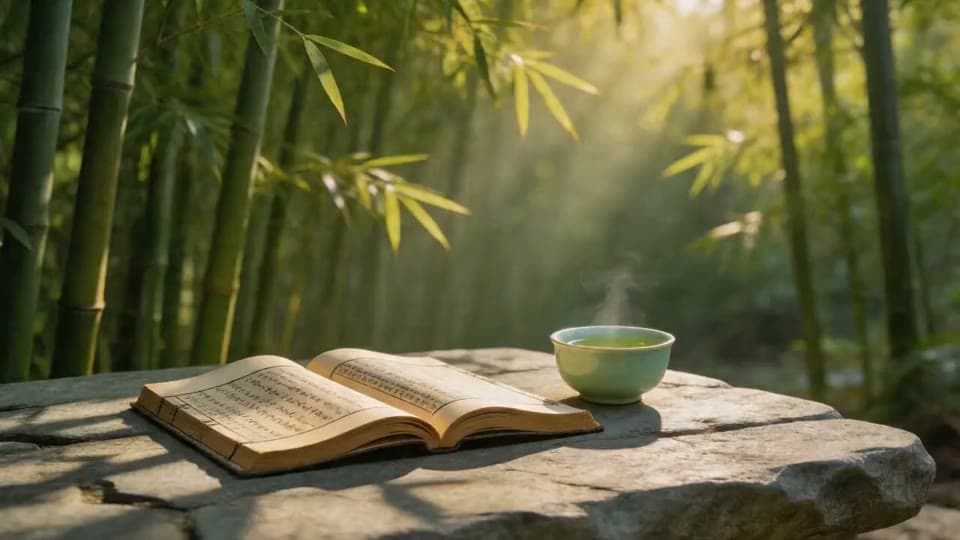
Seamless Loops Built for Reels and Stories
Every animation is designed to loop cleanly — no visible jump cut between the last and first frame. Drop it into Reels, Stories, website heroes, or product galleries and let it run continuously without distraction.
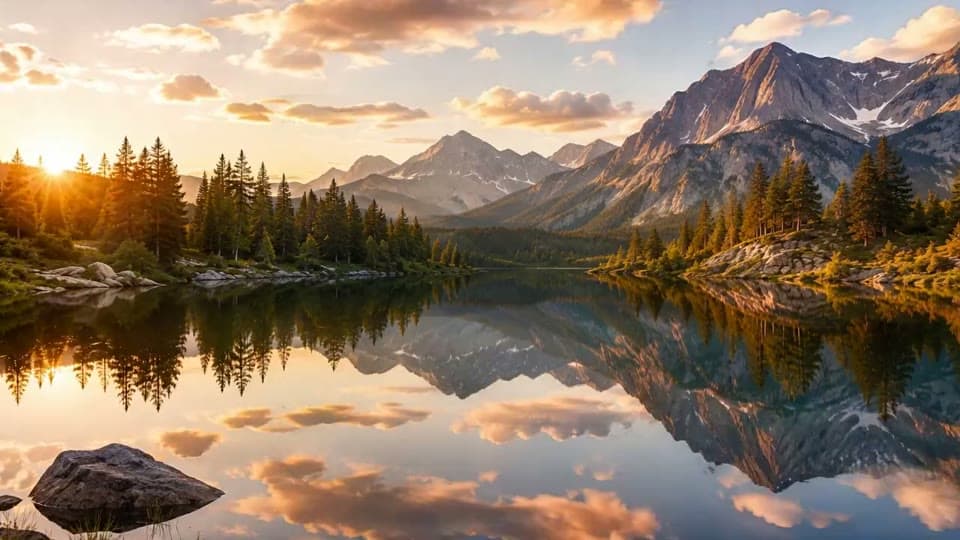
Why Choose AI Image Animator?
AIGenTools is built to be the best AI Image Animator for creators who need smooth, production-ready animation — not a throwaway filter. It delivers motion prompts in any language, multiple aspect ratios, watermark-free downloads for free users, and higher limits for paid users, all from one browser-based workspace.
Describe the Motion in Your Language
Write the motion prompt for AI Image Animator in English, Chinese, Japanese, Spanish, and more — the animation models parse your instruction directly, so nuanced direction reads the same in any language.
Control Motion Direction and Pacing
Guide the animation with a short prompt — specify camera movement, subject motion, wind direction, or pacing. AI Image Animator follows your brief instead of guessing, so the motion lands where you want it.
Watermark-Free Downloads
Free users can download animated results from AI Image Animator without a watermark. Paid users get higher usage limits, higher priority, and faster processing — the cost in credits is always shown before you generate.
How to Use AI Image Animator
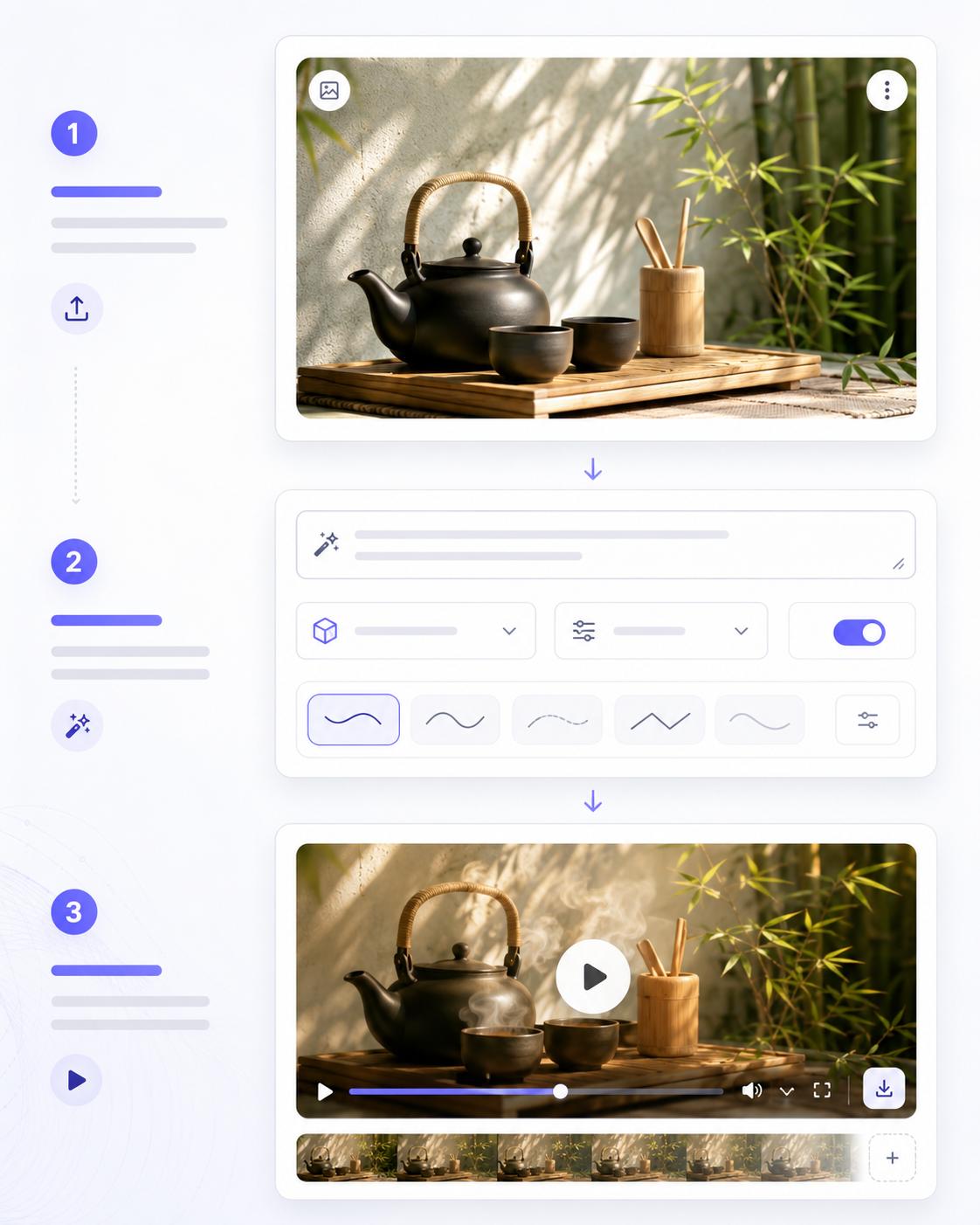
Step 1 Upload Your Photo
Open AI Image Animator online and upload any still image — portrait, product shot, landscape, or illustration. The clearer and better-lit the photo, the smoother the resulting animation. Supported formats include JPG, PNG, and WebP.
Step 2 Describe the Motion and Pick a Model
Type a short motion brief — what moves, camera direction, pacing, mood — then pick the AI Image Animator model that fits the look. Set the aspect ratio for your target platform: 9:16 for Reels, 16:9 for YouTube, or 1:1 for feeds.
Step 3 Preview and Download the Animation
Watch the animation loop in the preview pane. If the motion or pacing is off, adjust the prompt and let the animator re-run. When it looks right, download the HD result without a watermark.