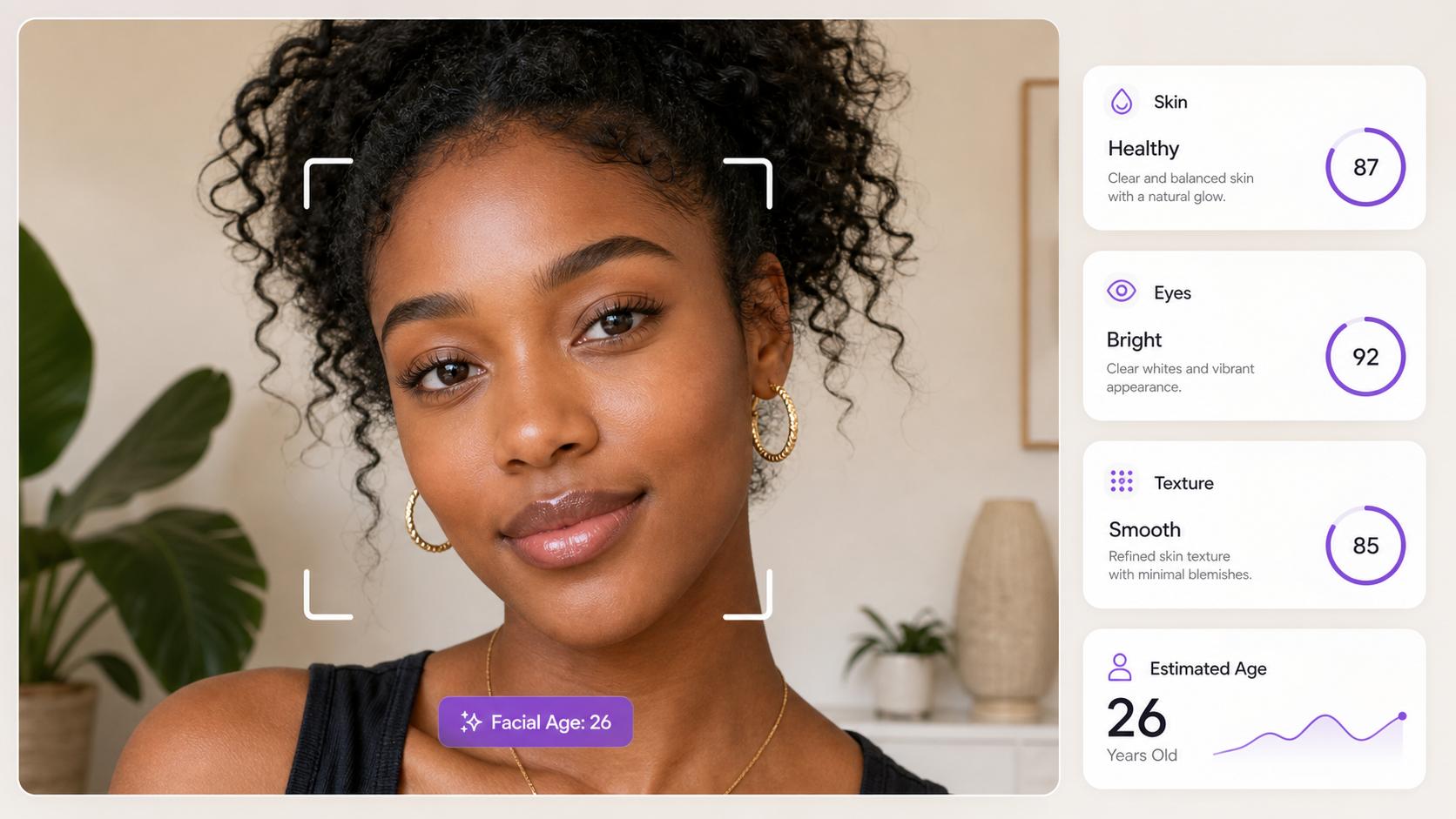
Free AI Clothes Changer Online for Realistic Photo Results
Upload a photo and the new look — this online AI Clothes Changer retargets the garment onto your body while keeping your pose, proportions, and the original lighting intact.
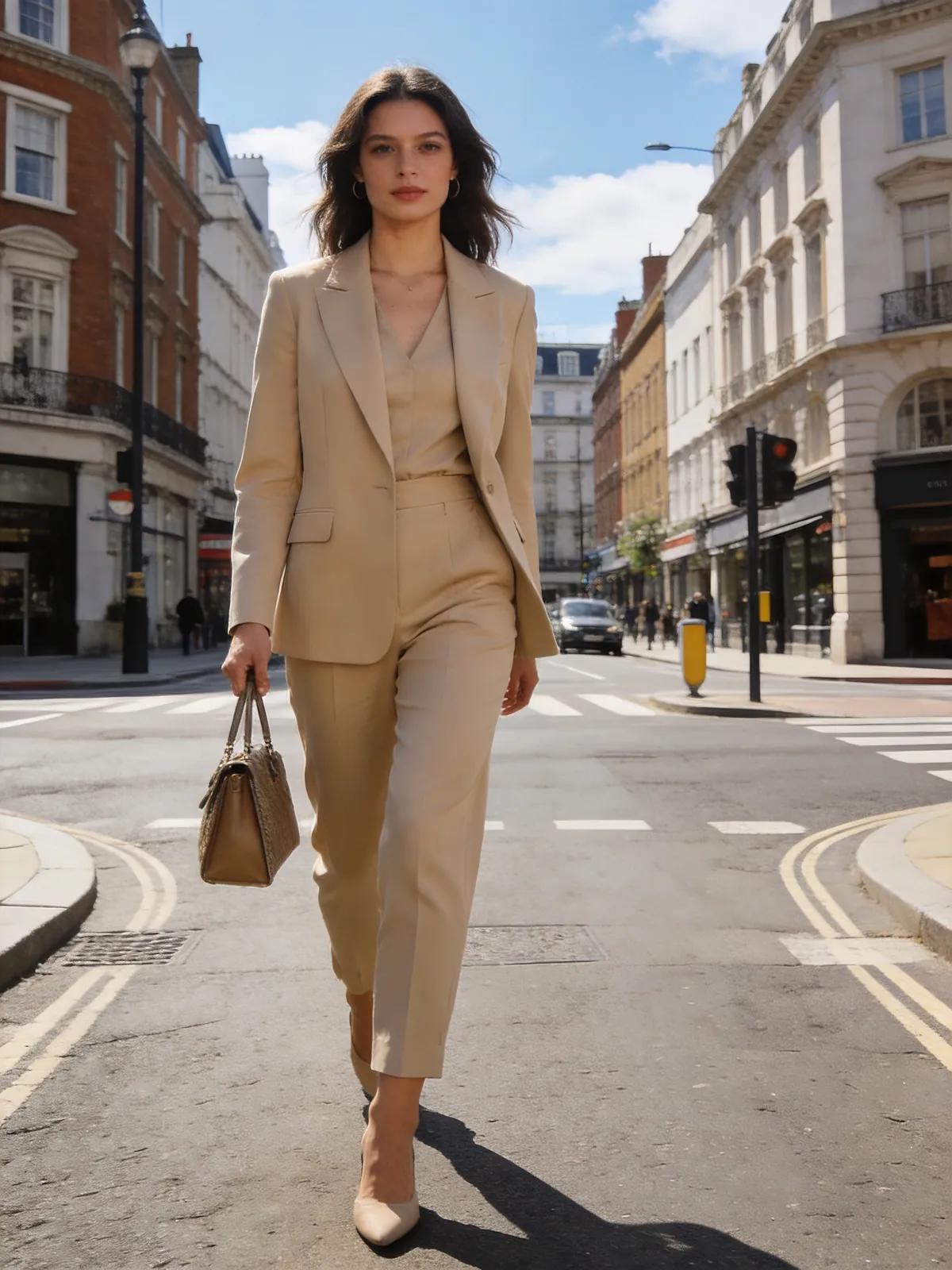
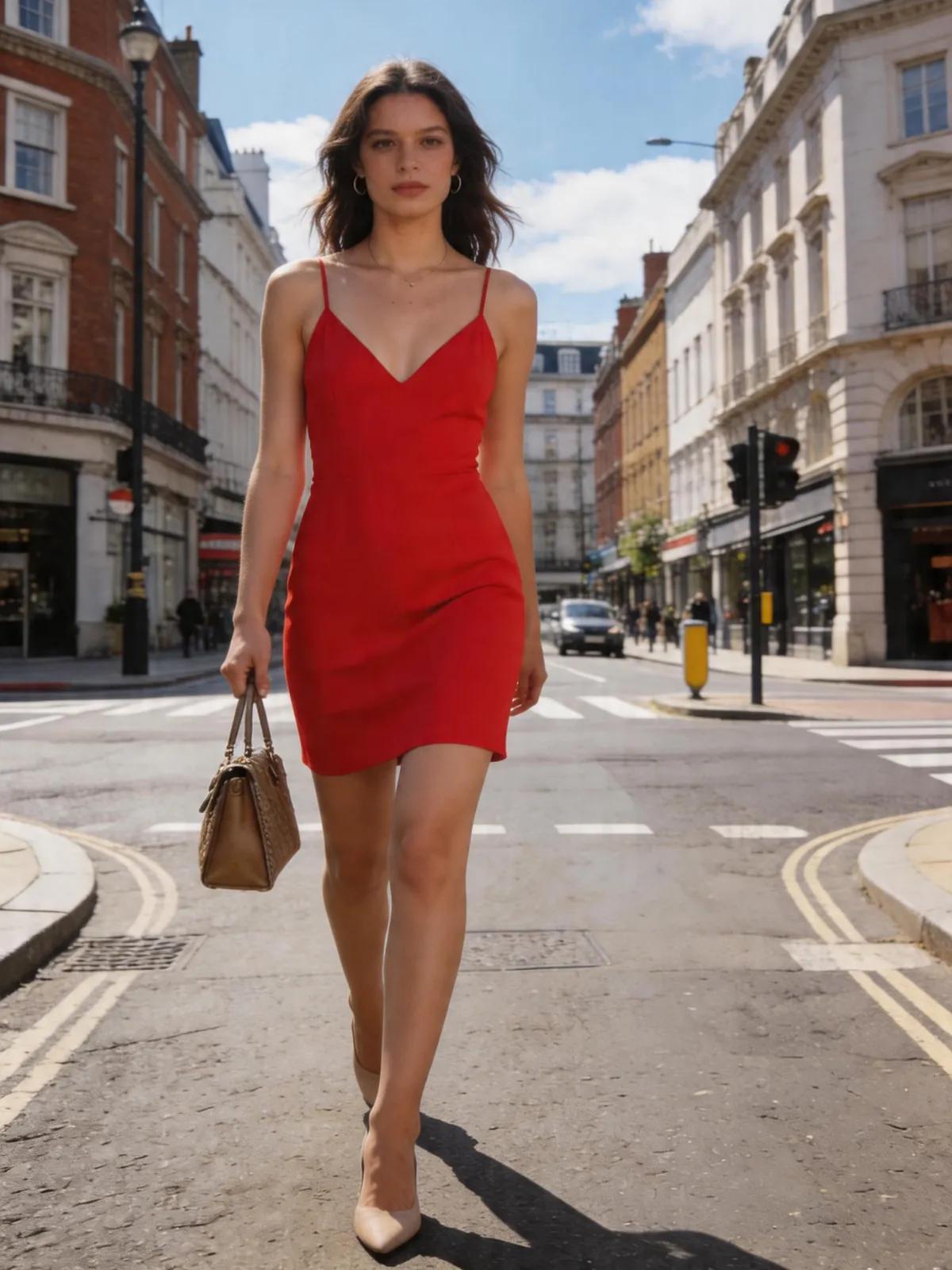
Virtual Try-On That Reads Like the Original Photo
A try-on only looks real when shoulder seams follow your posture, fabric drapes naturally, and lighting matches the room. The AIGenTools AI Clothes Changer was tuned for those details, so the result reads like the original photo, not a composite — built to change clothes in a photo convincingly.
Free Online AI Clothes Changer for Realistic Photo Results
Use AI Clothes Changer online — upload your photo, pick or describe the outfit, generate a result, and download it without a watermark. No app install or manual masking required, and the tool runs entirely in your browser.
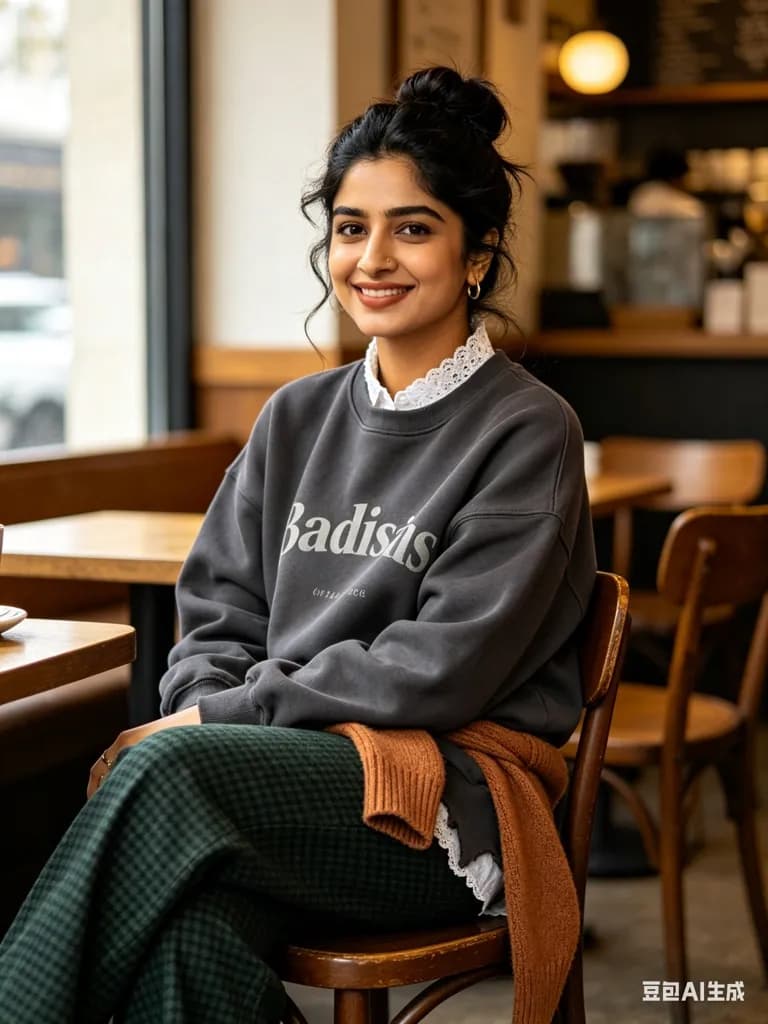
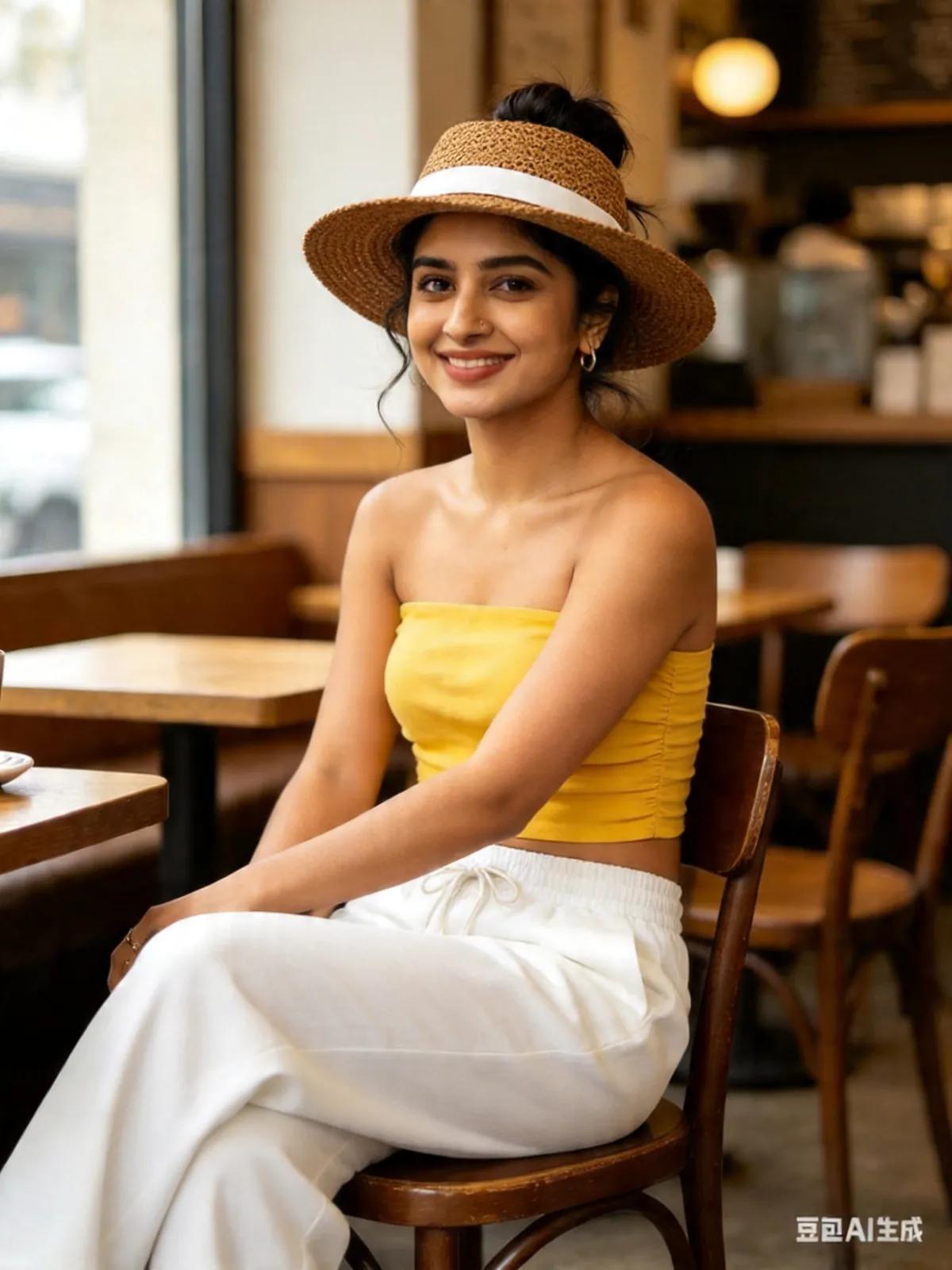
AI-Powered Clothes Changing with a True-to-Body Fit
The tool reads body shape, proportions, and posture from your portrait, then drapes new garments so they follow your pose and natural movement. No masking or manual editing — upload, pick or describe the new look, and AI Clothes Changer handles realistic outfit swaps in a single pass.
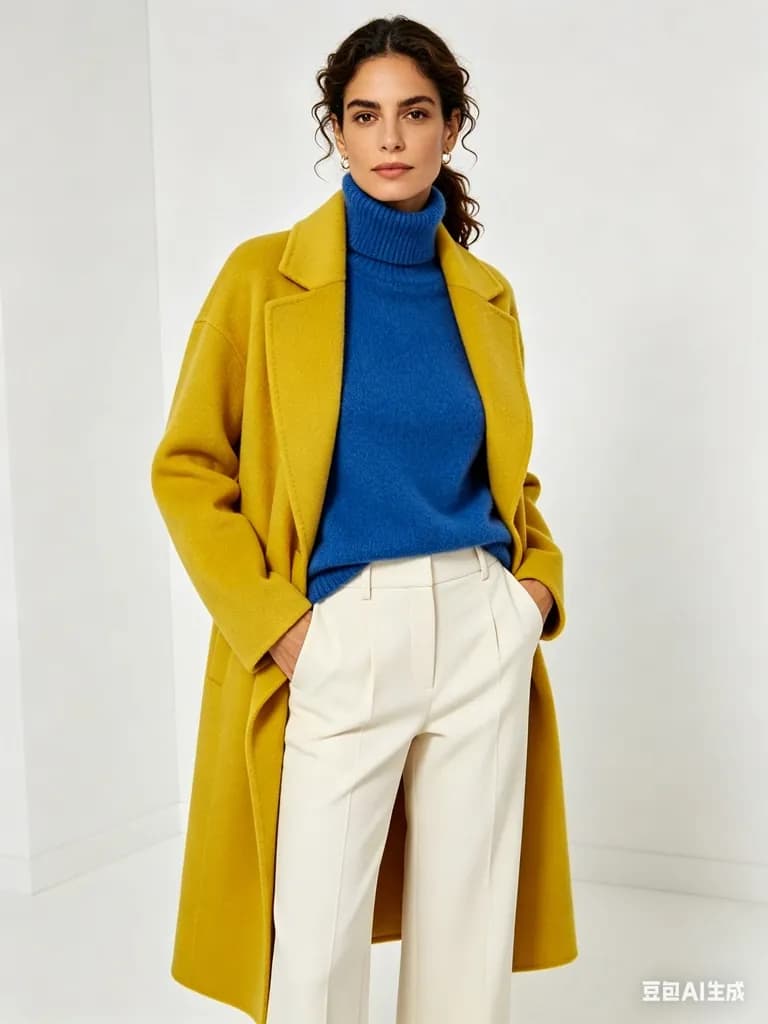
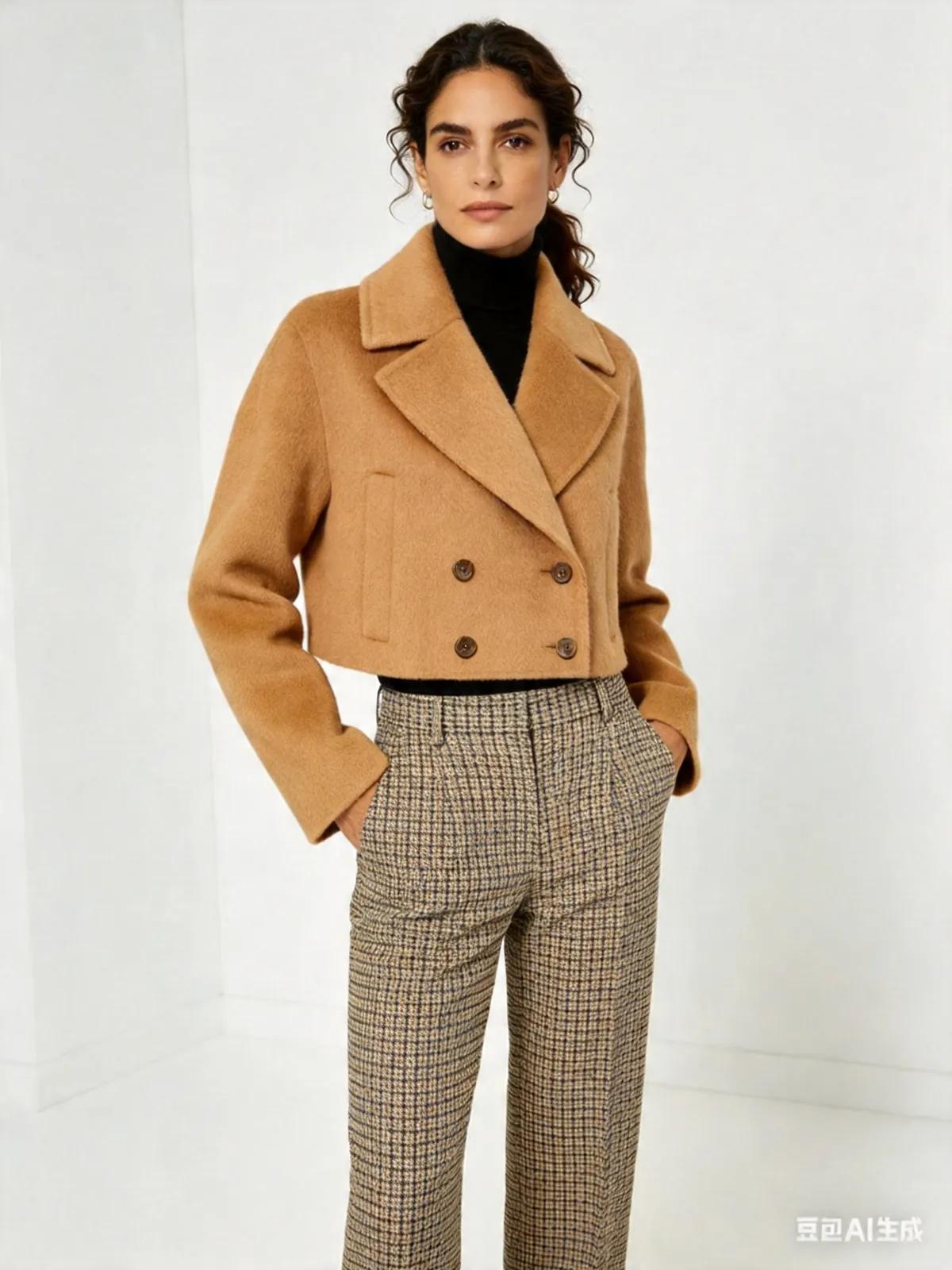
High-Resolution Clothing Replacement That Looks Real
Shadows, fabric folds, and garment structure stay intact so every swap reads like a real photo. Outputs render in HD with accurate body proportions — crisp enough for profile pictures, model portfolios, marketing visuals, and product lookbooks without re-shooting.
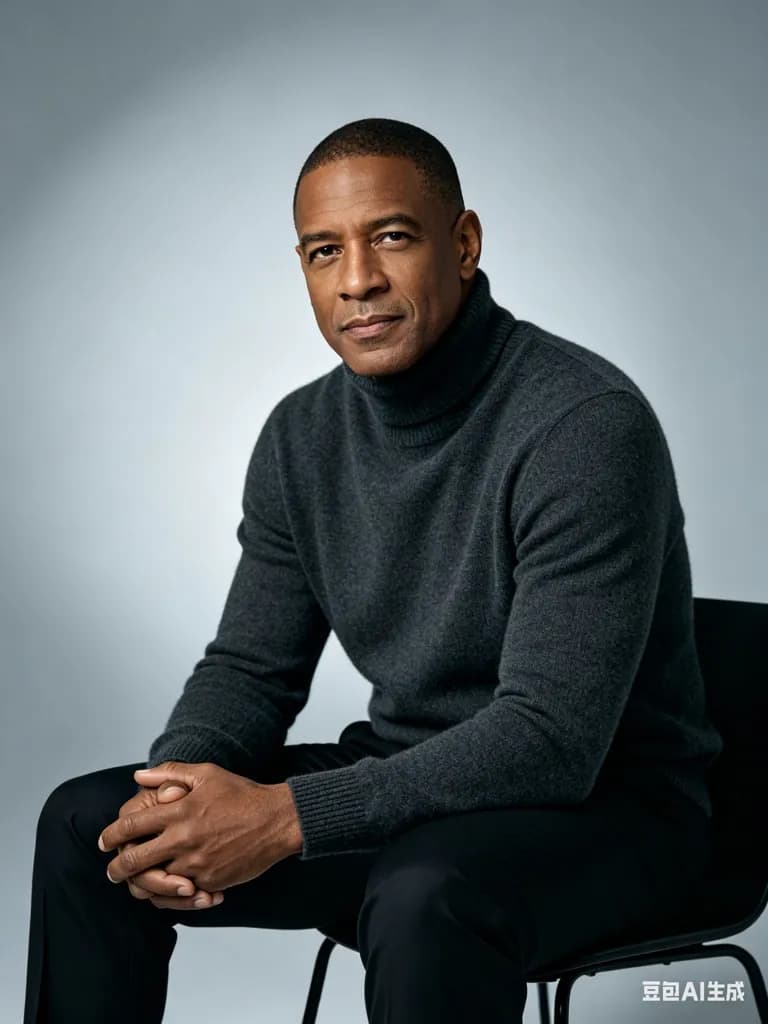
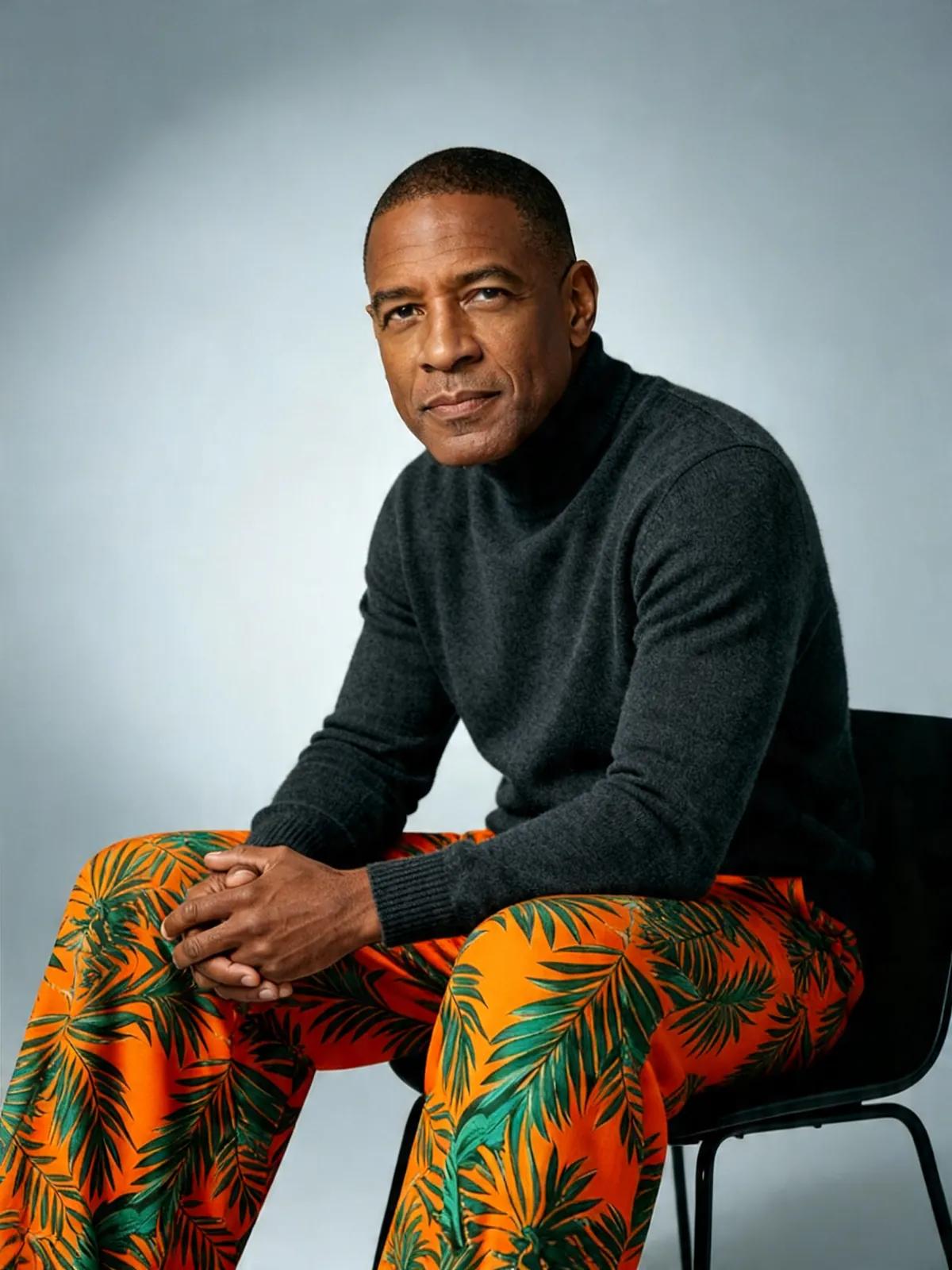
Virtual Try-On Across Every Clothing Style
Swap into streetwear, business formal, dresses, jackets, or a full seasonal look — it spans the full range of styles, so you can preview outfits before buying, test a new aesthetic for a shoot, or mock up a look for social content without leaving the page.


What Sets AI Clothes Changer Apart?
It is made for real styling work, which is why it stands out as the best AI Clothes Changer for everyday creators: reference-or-prompt input, original face and background preserved, watermark-free downloads for free users, and higher limits plus priority for paid users.
Garment Photo or Text Prompt
Paste a reference photo of the clothing you love, or describe the fit, fabric, and color in plain words — AI Clothes Changer adapts either way and keeps the fit realistic.
Original Face and Background Preserved
AI Clothes Changer edits only the clothing region — your face, pose, skin tone, and the photo’s background all stay exactly as shot. No identity shifts, no lighting drift, and no artifacts creeping into the scene around you.
Watermark-Free Downloads and One Shared Wallet
Free users can download AI Clothes Changer results without a watermark, and paid users get higher usage limits plus priority. It runs on pay-as-you-go credits from one shared wallet across every AIGenTools tool, with the cost shown before you generate.
How to Use AI Clothes Changer
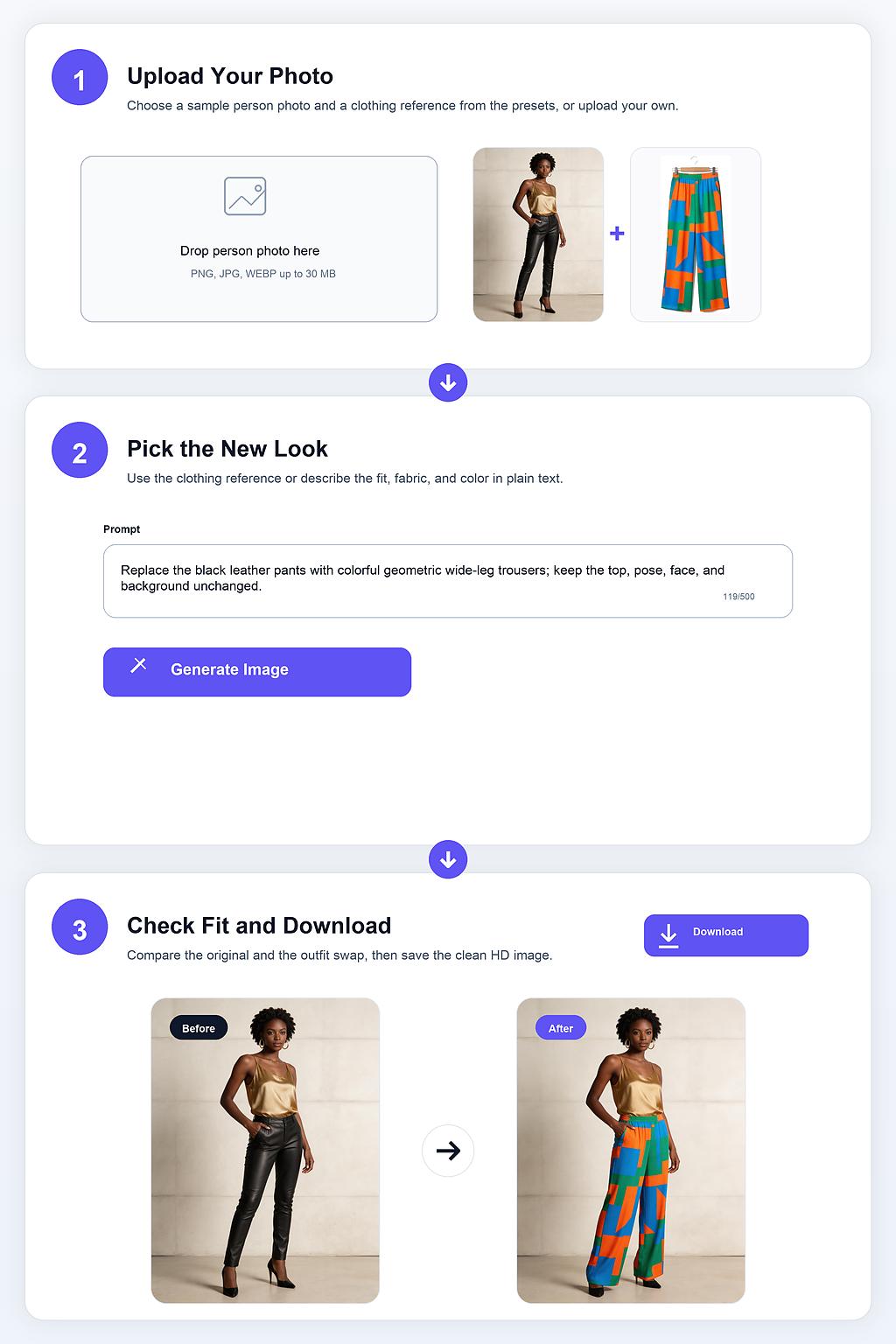
Step 1 Upload Your Photo
Open AI Clothes Changer and upload a clear, front-facing portrait with the garment area fully visible for the cleanest swap. No cropping or manual masking needed — the tool detects the outfit region on its own.
Step 2 Pick the New Look
Drop a garment reference photo into AI Clothes Changer or describe the fit, fabric, and color in plain text — it adapts to either input. Pick a preset (Photoreal, Studio, or Streetwear) to set the overall vibe without rewriting the prompt.
Step 3 Check the Fit, Save the Lookbook Frame
Study how the garment drapes around the shoulder, waist, and hem — if the fit reads off, swap one detail in the prompt and let AI Clothes Changer rerun for a cleaner take. Once the silhouette sits right, download the HD image without a watermark and use it in a lookbook, storefront hero, or social carousel.