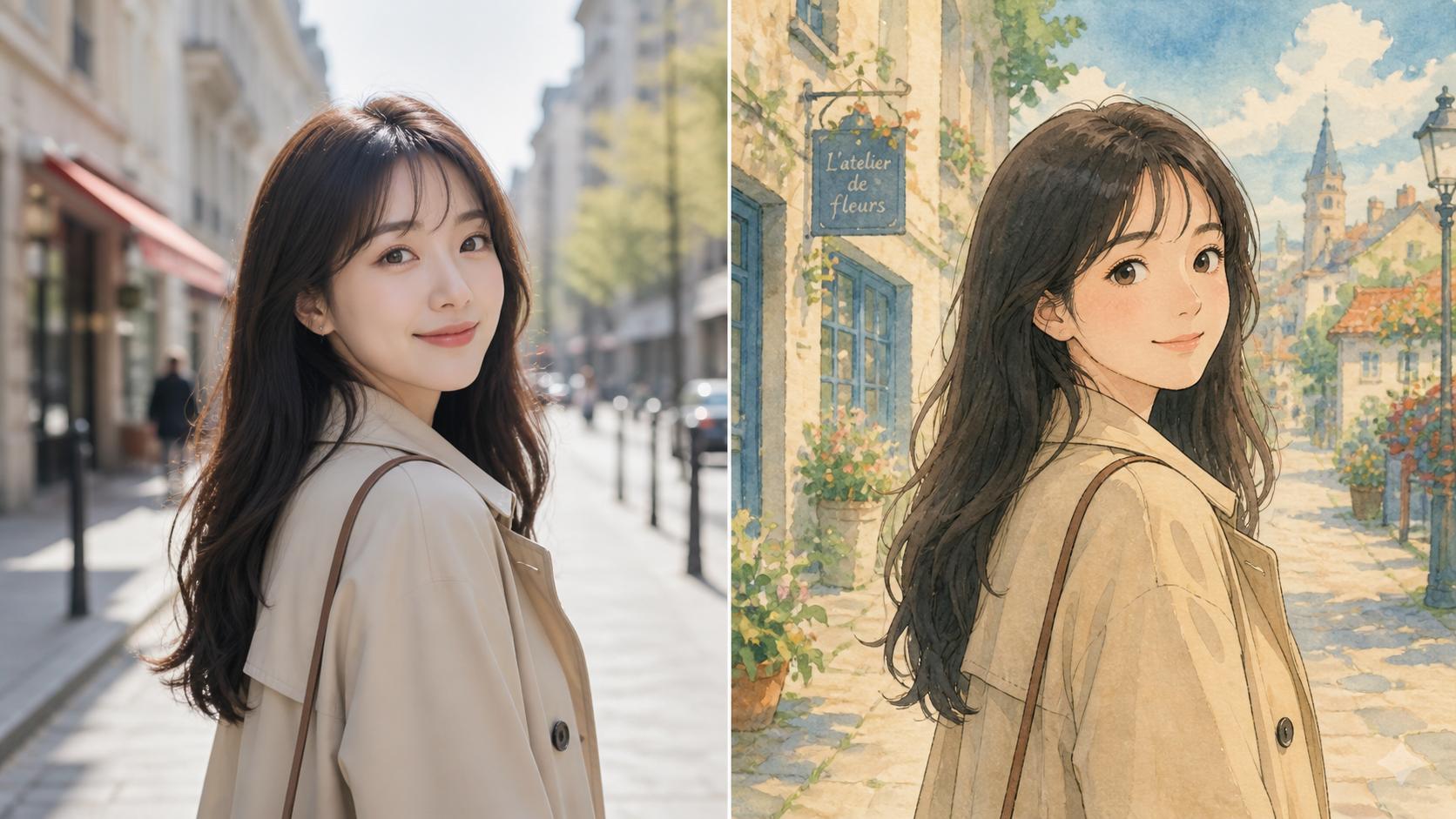
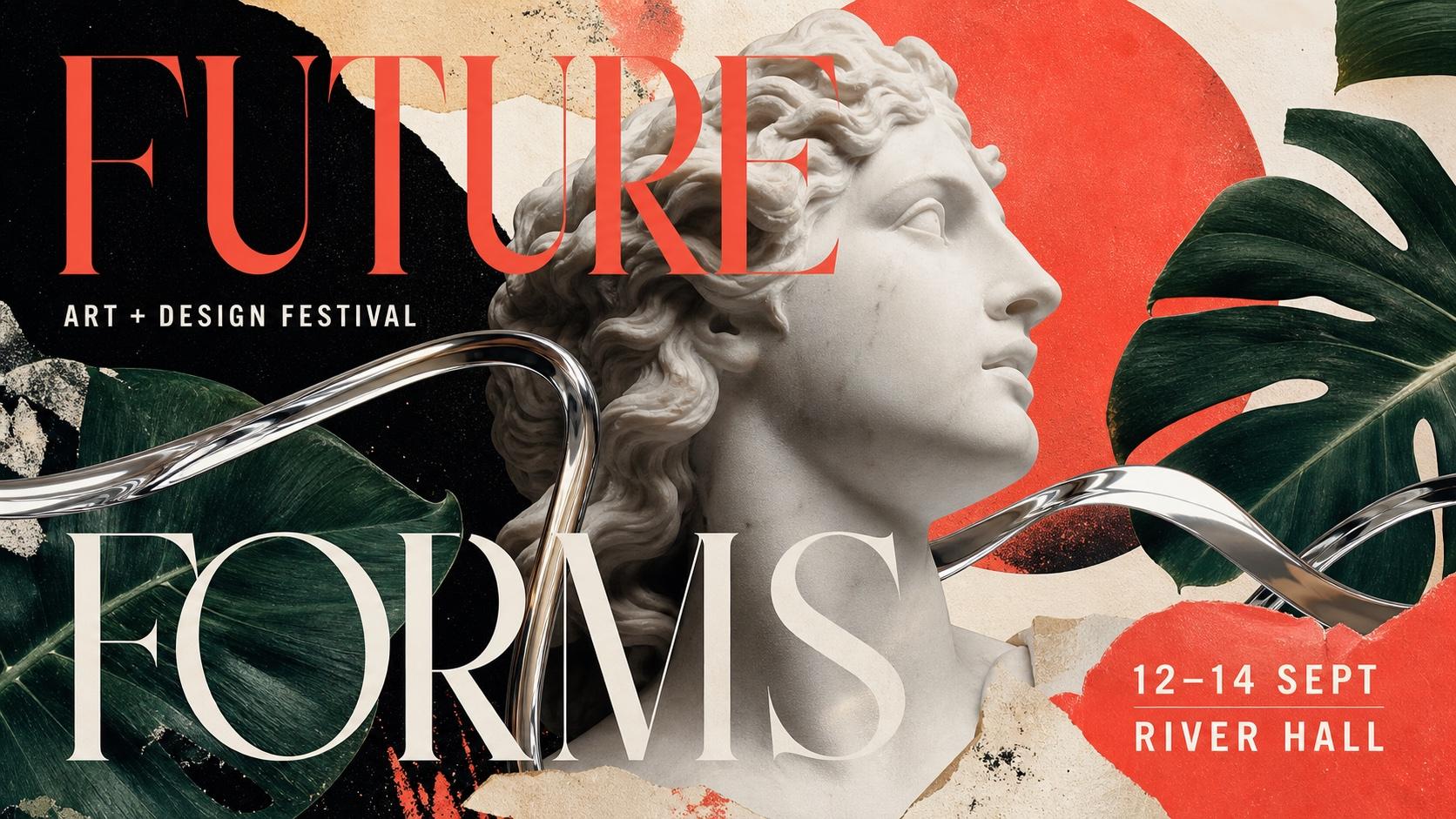
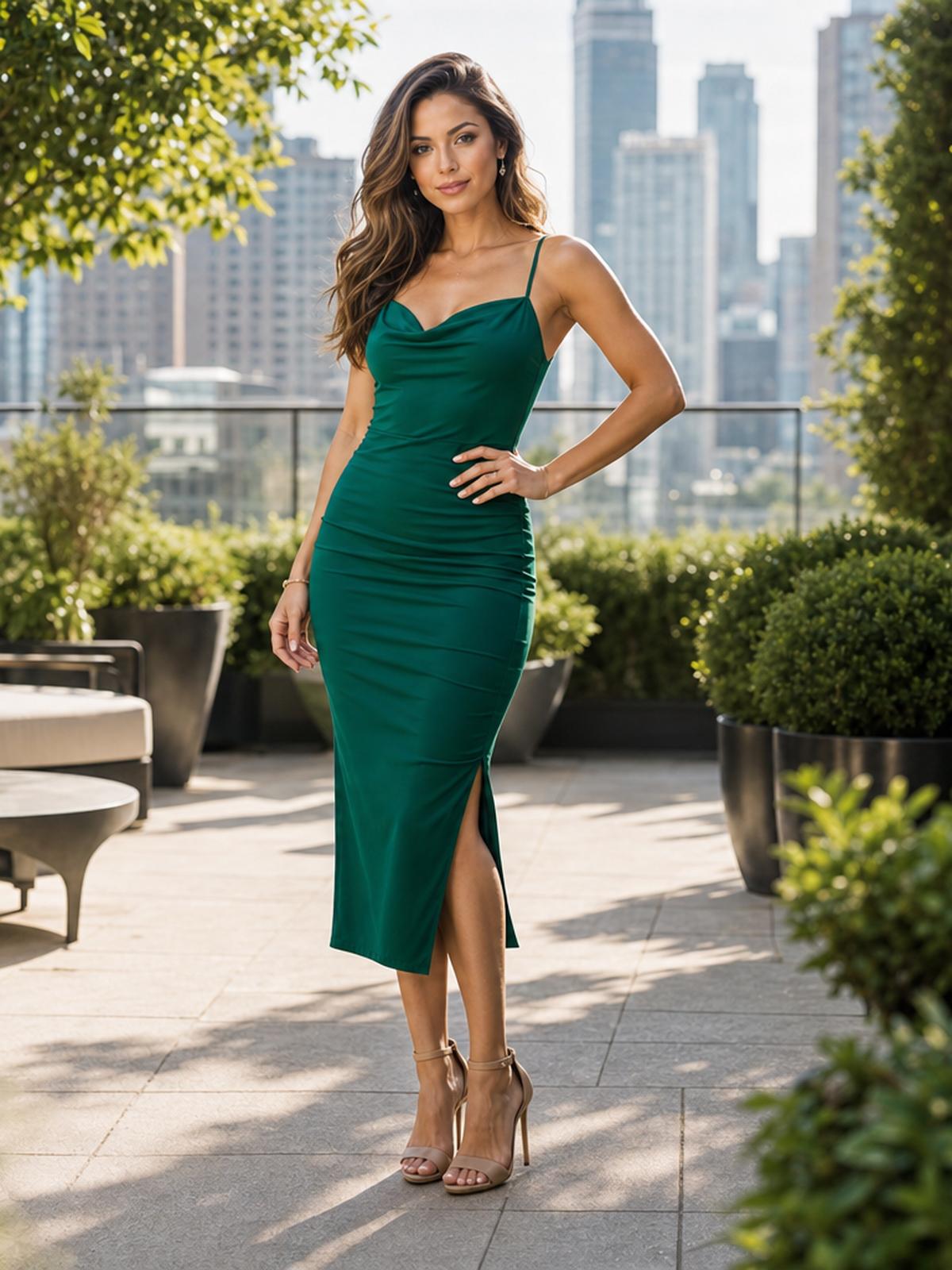
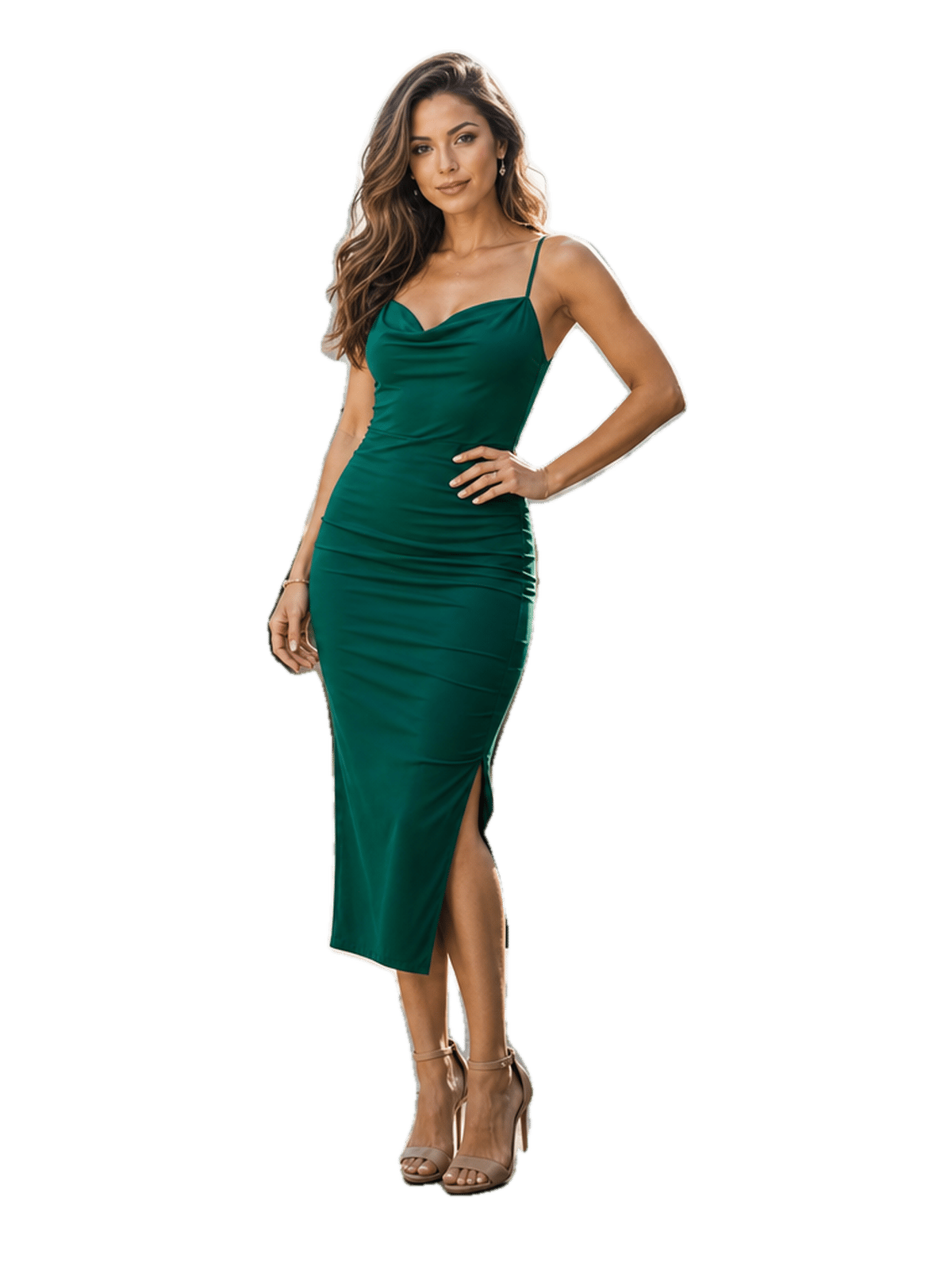
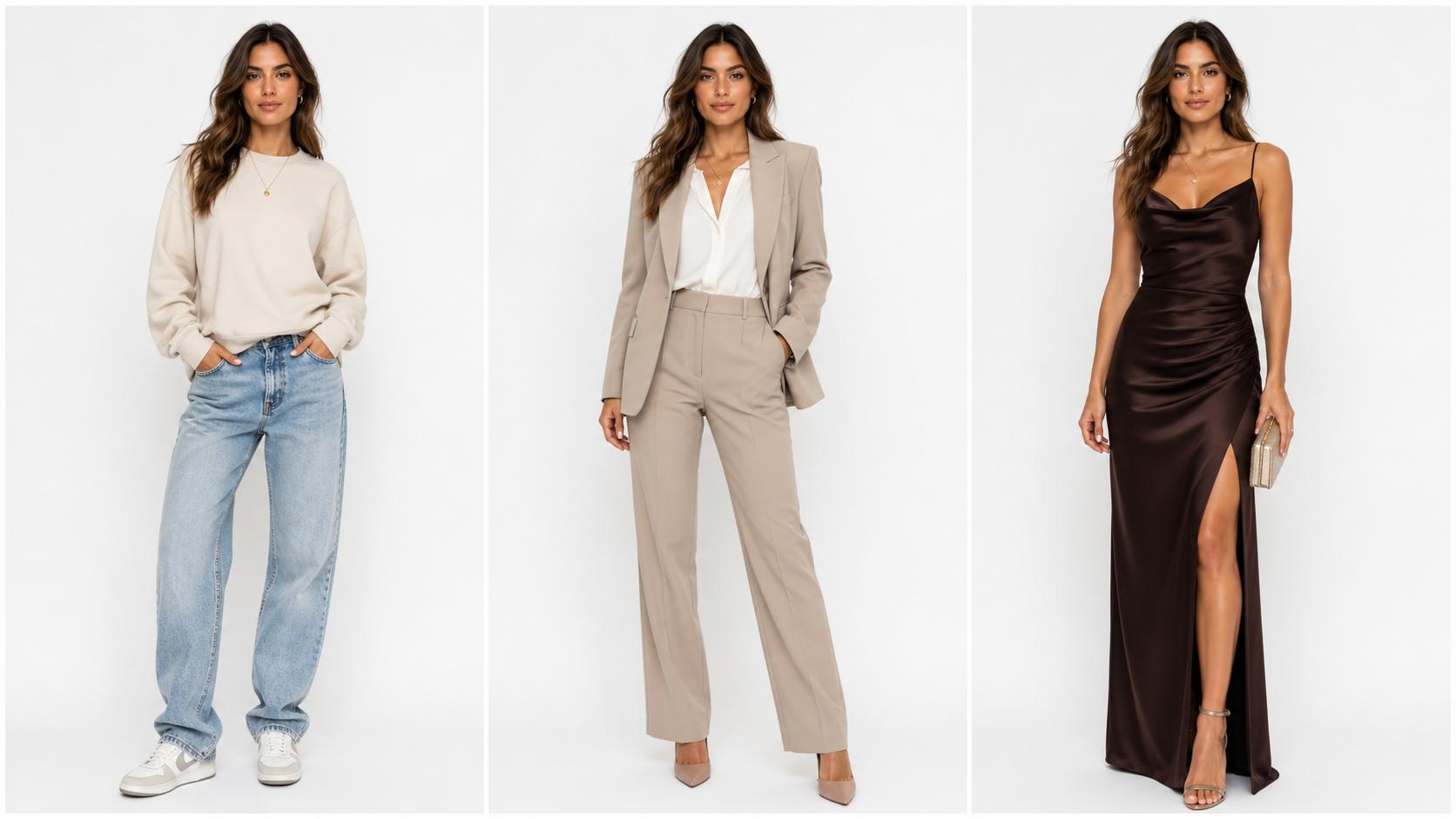
Merge Photos into One Image
Upload two or more photos, describe how they should come together, and the blended result appears right here.

Free AI Image Combiner — Merge Photos into One Scene
Upload two or more photos and AI Image Combiner blends them into a single natural image — matching light, color, and perspective so the result looks photographed, not pasted together.
Combine Two Photos into One Image That Looks Real
Manual compositing means masks, layers, and hours of edge cleanup. AI Image Combiner reads every upload, works out how the pieces should sit together, and renders one frame where the lighting and perspective finally agree.
What Makes AI Image Combiner Different?
Plenty of photo mergers just stack two pictures side by side. The best AI image combiner rebuilds the scene instead — one light source, one perspective, one image that holds together.
Two or More Images at Once
Upload a pair of photos, or add extra references when a scene needs a subject, a background, and a style all at the same time.
Optional Prompt Control
Skip the prompt for a straight blend, or describe what you want — where the subject sits, how the light falls, which mood the scene should hit.
Lighting and Color Reconciled
Shadow direction, white balance, and skin tone are matched across every input — the step manual compositing usually gets wrong.
Fast, Simple, and Free to Start
Merge images in seconds — no download, no plugins, nothing to learn. Upload, describe the blend, generate. Runs in any browser, and you can start without an account.
Watermark-Free Downloads
Every combined image downloads clean — ready for a product listing, a social post, a print, or a client deck.
Private, Secure Processing
Your uploads are never used to train our models, and deleting a result removes them with no backup copy — safe for personal, business, or sensitive photos.
How to Combine Two Photos with AI
From separate pictures to one blended image in three steps.
Upload the Photos You Want to Merge
Drop in two images — JPG, PNG, or WebP — or add more when the scene needs a subject, a backdrop, and a reference. Sharp, well-lit uploads give the blend the most to work with.
Describe How They Should Come Together
Leave the prompt empty for a straight blend, or say what you want: who stands where, what the background becomes, how the light should read. One clear instruction beats a paragraph.
Generate and Download
Press Generate and the merged image lands in your history in seconds. Download it watermark-free, or rerun with one detail changed if the composition needs a nudge.