Turn Any Image into a Prompt
Upload a photo, hit Generate, and a detailed, editable prompt appears right here.
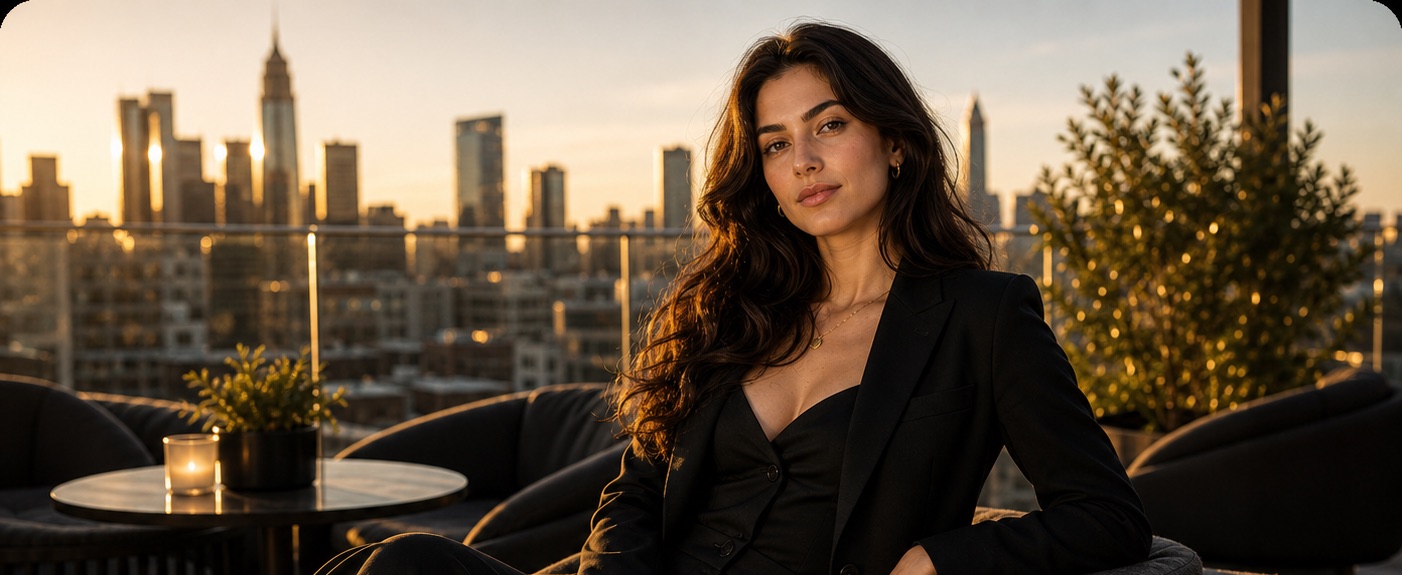
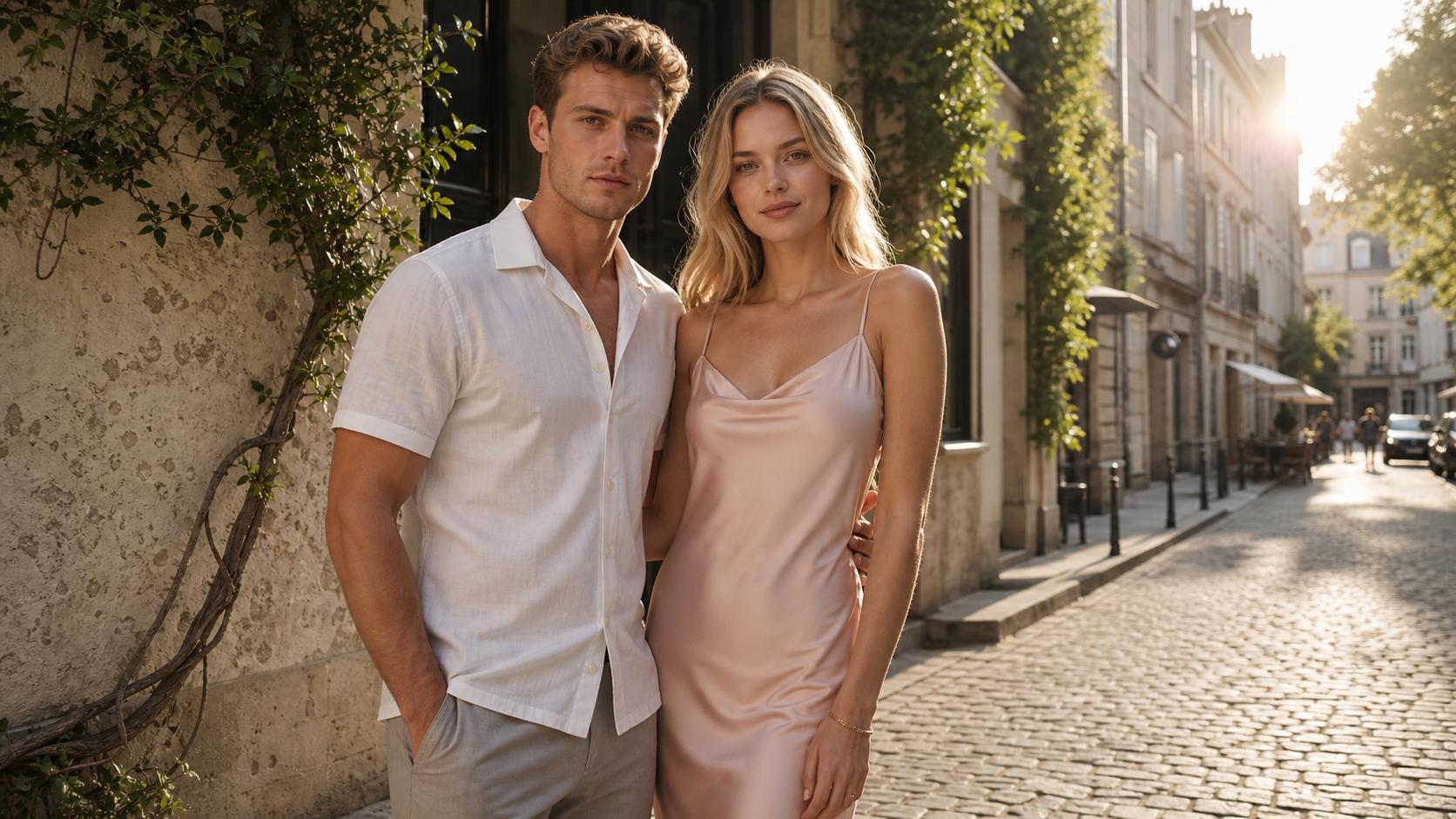
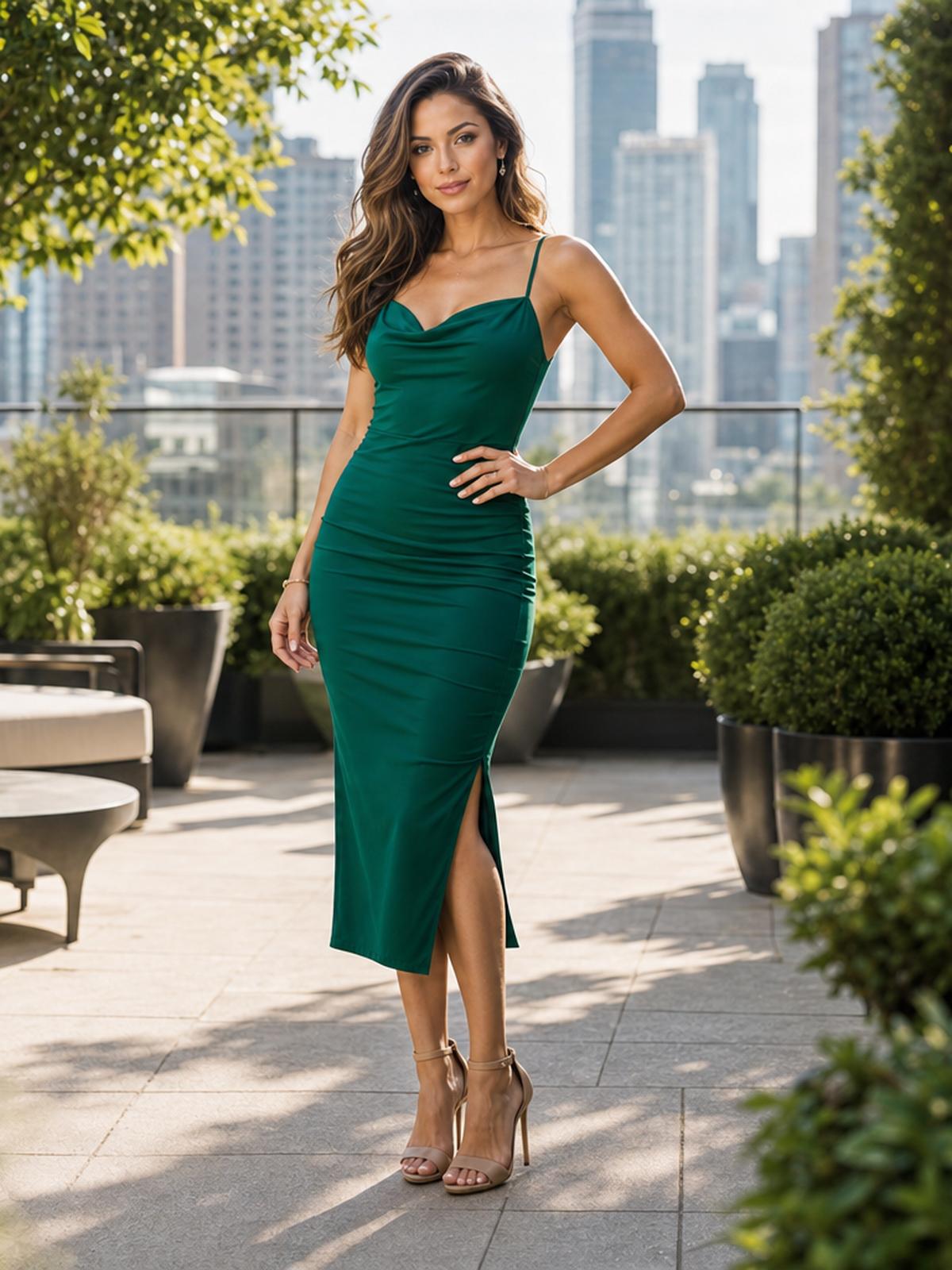
A young adult fashion model in an elegant black tailored outfit, seated on a rooftop lounge at golden hour, city skyline in the background, warm cinematic sunlight, modern furniture and plants, confident relaxed pose, editorial photography, realistic skin texture, shallow depth of field, 50mm lens.
AI Image to Prompt — Turn Any Image Into a Prompt You Can Actually Reuse
Upload any photo and Image to Prompt reads it, then writes a detailed, editable text prompt you can paste into Midjourney, Flux, Stable Diffusion, or any AI image generator. Choose a fast free model or a higher-quality Pro model and get clean prompt text in seconds.
See What’s Possible with Image to Prompt
Pick an example to see the kind of detailed, ready-to-use prompt Image to Prompt writes from an image.
What Makes Image to Prompt Different?
Beyond a plain caption, Image to Prompt gives you generator-ready output, model choice, and clean editable text you can actually reuse — the details that make it one of the best reverse-prompt tools for real creative work.
Prompts for Major Image Generators
Get a detailed natural-language prompt you can use as a starting point in Midjourney, Flux, Stable Diffusion, DALL·E, and other AI image generators.
Choose Speed or Quality
Use the free model for fast everyday prompt extraction, or switch to the Pro model when you want a more careful read of composition, lighting, and style.
Fresh Read Every Time
Each generation starts from the uploaded image only, so a previous result cannot bleed into the next prompt you create.
Copy Clean, Editable Text
Every result is plain, editable text with one-click copy, so you can paste it into any image generator and fine-tune the wording yourself.
Private by Default
AIGenTools does not train its own models on your uploads or the prompts they produce; delete an image and it is removed with no backup copy.
Runs in Your Browser
Image to Prompt works online with nothing to install, so you can turn an image into a prompt on desktop or phone whenever inspiration hits.
Who Uses Image to Prompt
From designers and marketers to solo creators, here are the ways people turn an image into a usable prompt.
Match a reference's style
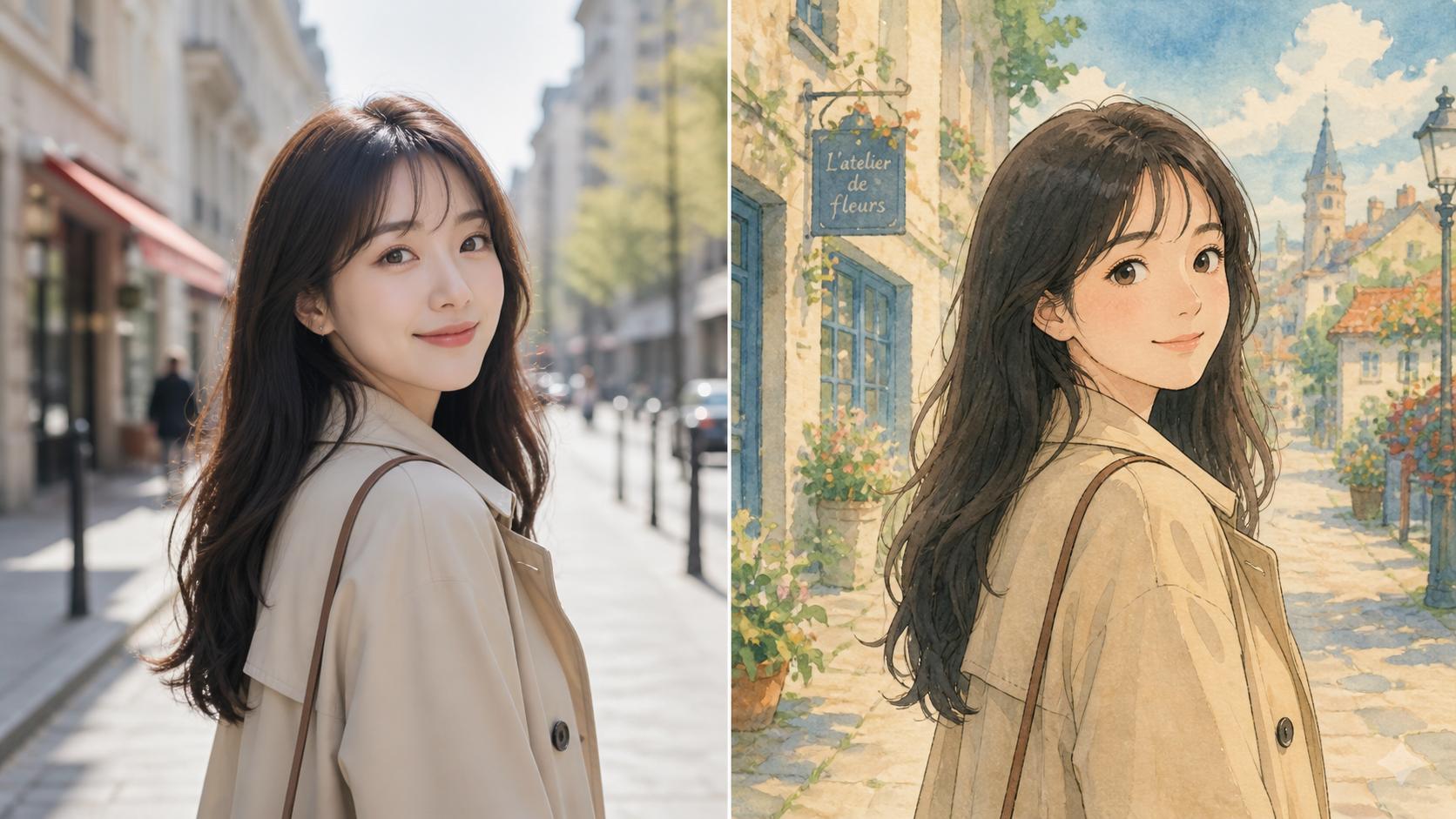
Found an image with a mood, palette, or look you want to borrow? Turn it into a prompt that captures the style, then generate your own variations off it.
Recover a lost prompt
Made something great months ago and the prompt is long gone? Drop the saved image back in and get wording close to what originally produced it.
For marketers and sellers
Turn a product photo into a prompt that nails its lighting, angle, and styling, then spin up ad variations, color swaps, and fresh scenes without booking another shoot.
Switch models without losing the look
Nailed it in Midjourney but want the same feel in Flux or Stable Diffusion? Convert the image back into a prompt you can retune for wherever you generate next.
For designers and art directors
Build a reusable swipe file: run reference and moodboard images through the tool and keep a prompt library to mix, match, and remix across projects.
Sharpen your prompt-writing
Reading the prompt behind an image you admire is one of the fastest ways to pick up the composition, lighting, and style terms that actually change a result.
How to Use Image to Prompt
From a reference image to a ready-to-use prompt in three quick steps.
Upload Your Image
Open Image to Prompt and drag in a JPG, PNG, or WebP — a photo, screenshot, or AI render all work as a reference.
Choose a Model
Pick the free model for speed or the Pro model for a higher-quality description, then let Image to Prompt read the image.
Copy Your Prompt
Review the generated prompt, tweak the wording if you like, then copy it into your favorite AI image generator and create.