
Free AI Image Enhancer — Unblur & Sharpen Photos Online
Fix blurry, grainy, or compressed photos in one click. Upload a picture and the online AI Image Enhancer sharpens soft edges, removes noise and JPEG artifacts, and rebuilds fine detail and faces — no manual editing.


Enhance Image Quality, Not Just Image Size
An enhancer improves how clear a photo looks; an upscaler only makes it bigger. AI Image Enhancer is tuned for clarity first — sharpening muddy edges, smoothing grain, dissolving JPEG compression — so the result reads clean and focused.
Unblur Image and Recover Lost Sharpness
Soft focus, camera shake, and motion blur leave photos looking muddy. AI Image Enhancer rebuilds crisp edges and fine structure, so blurry phone pictures snap back into focus — no photo editor, no re-taking the shot.
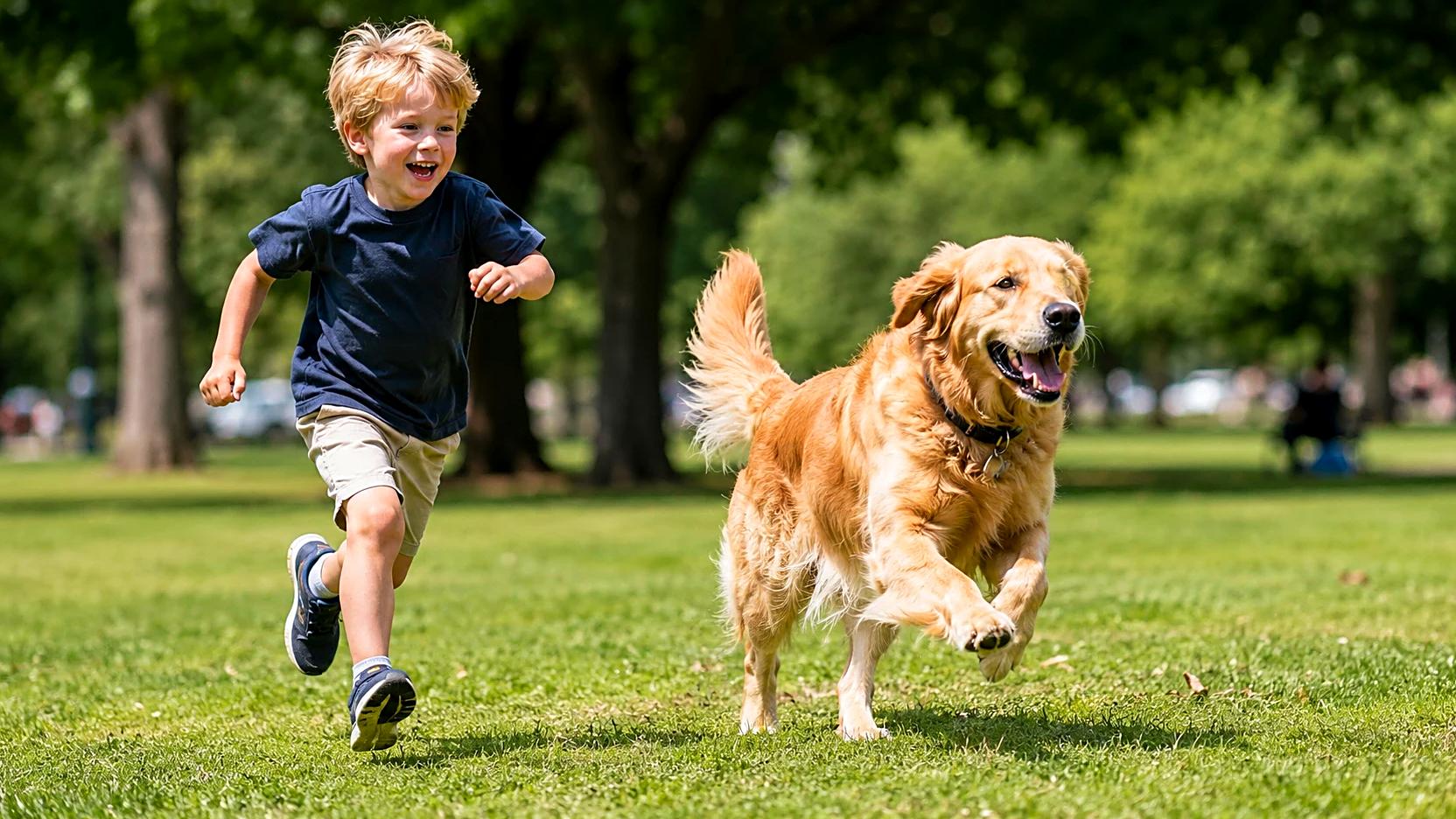
Remove Noise, Grain, and JPEG Artifacts
Low-light shots and compressed downloads come loaded with speckle and blocky banding. AI Image Enhancer denoises cleanly and dissolves JPEG artifacts while keeping real texture — no smeared, plastic, over-smoothed look.
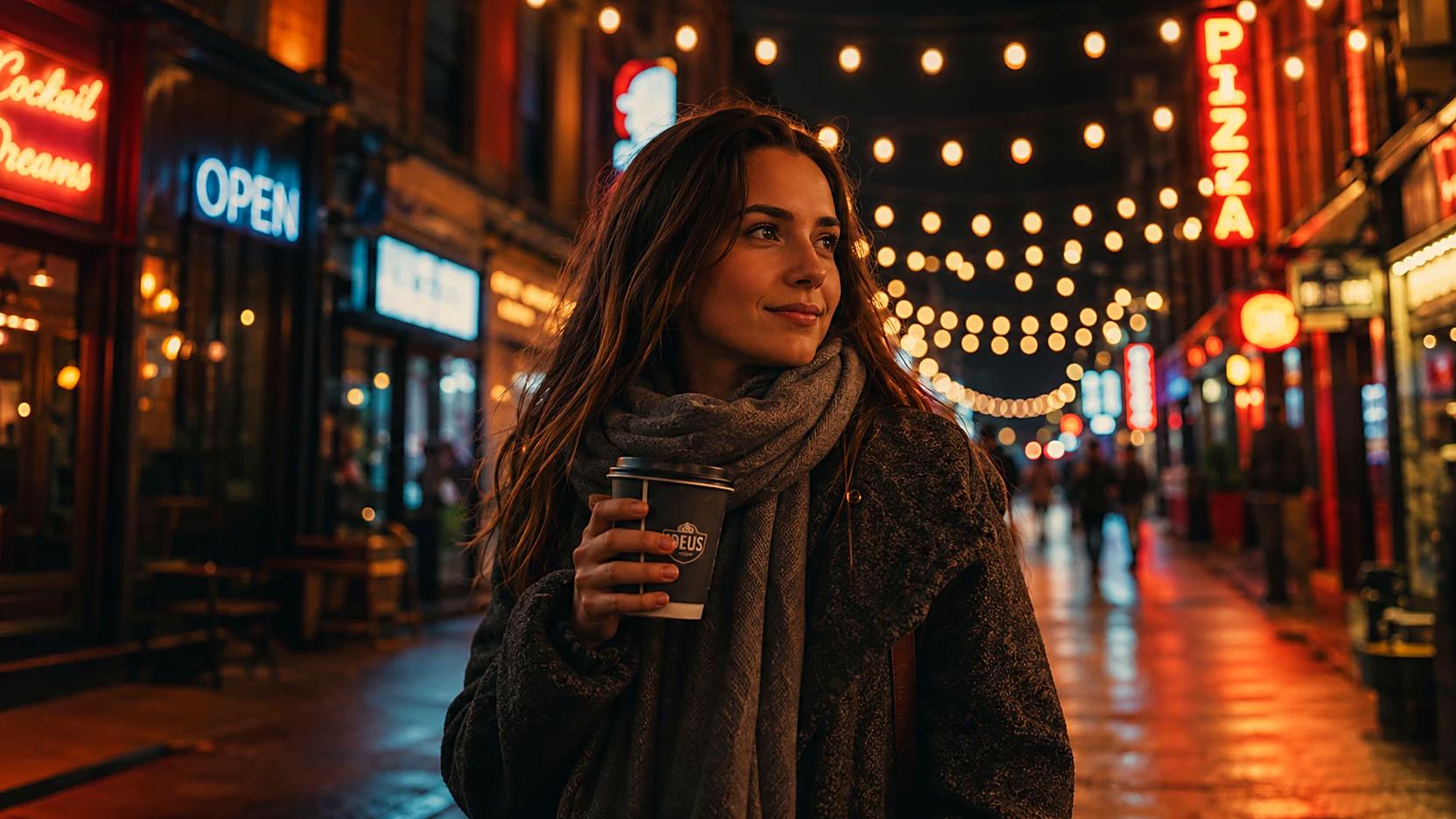

Restore Faces and Fine Detail
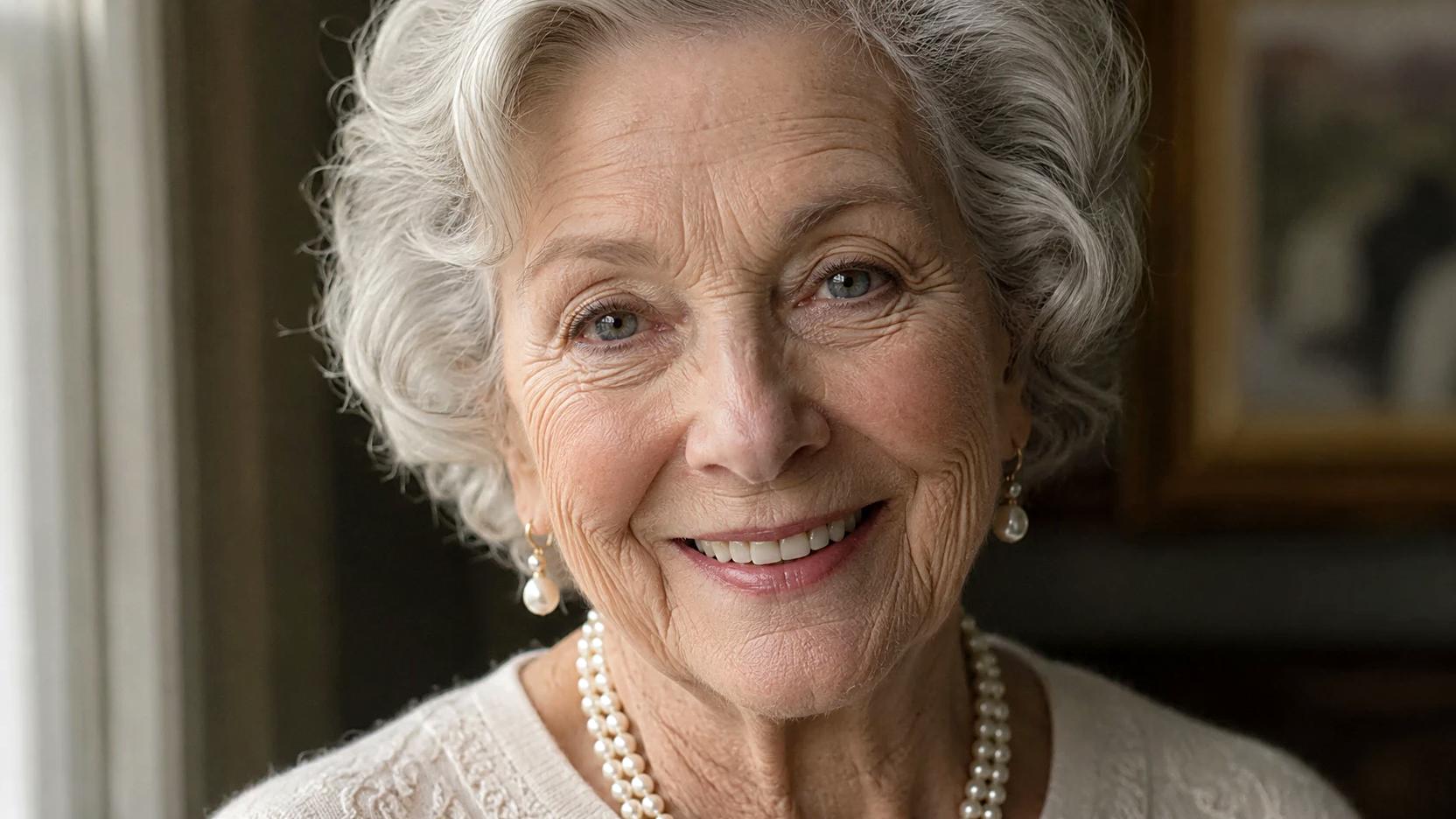
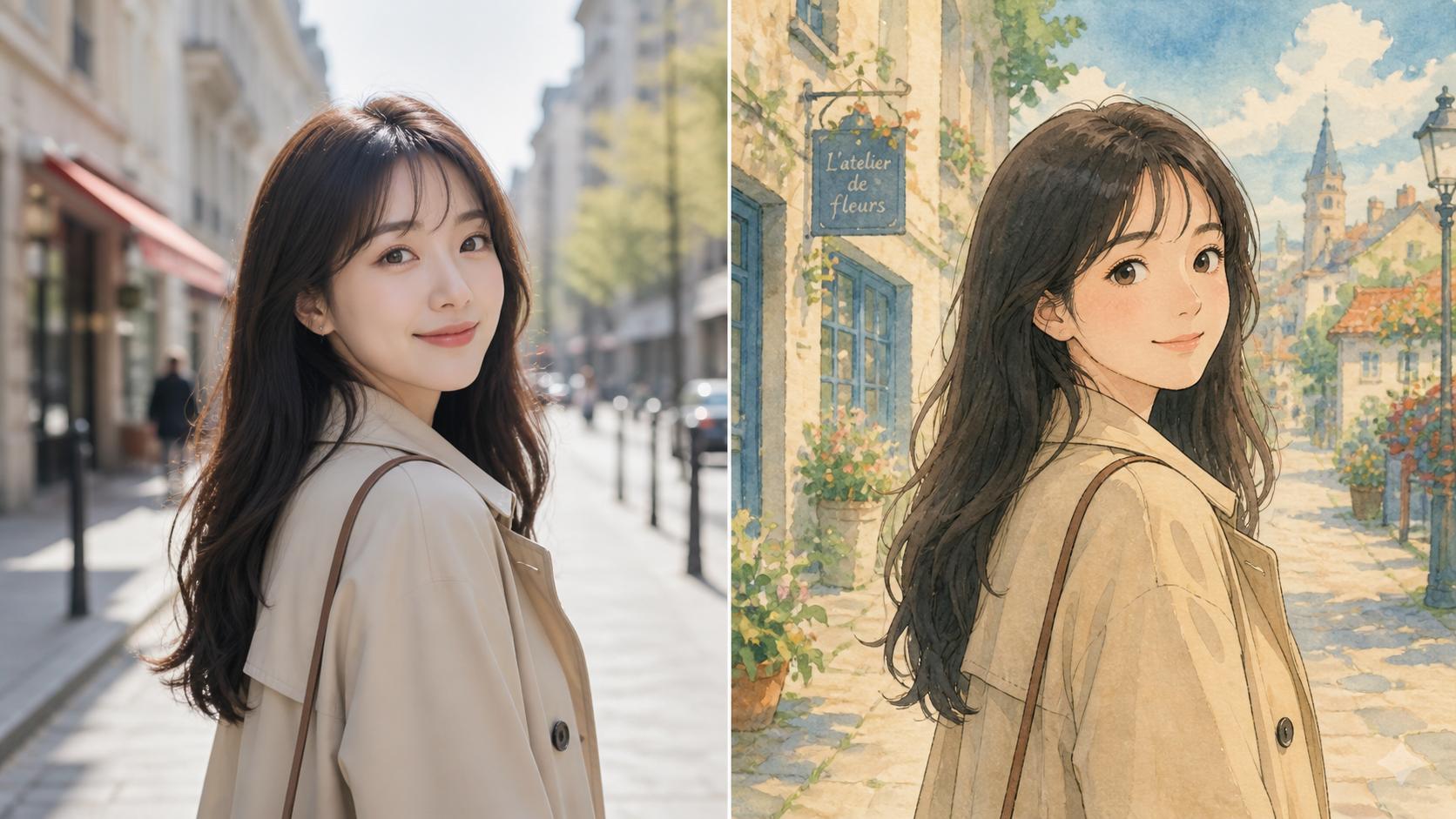
Faces are where low quality shows most. Dedicated face restoration sharpens eyes, skin, and hair, while detail recovery brings back texture in fabric and lettering — ideal for old photos and soft AI-generated faces alike.

Make Product Photos Look Professional
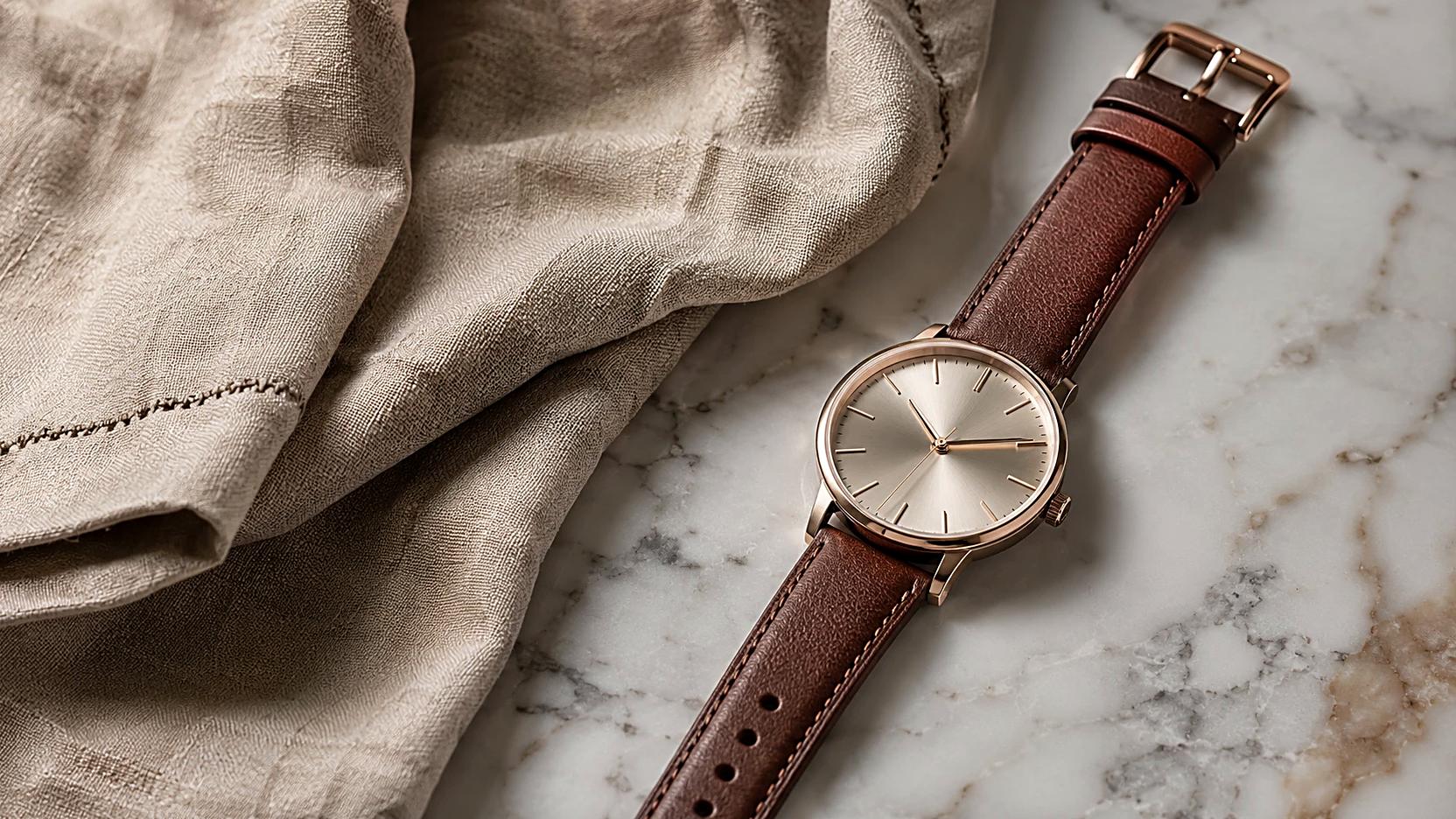
A slightly soft product shot reads amateur. Run it through AI Image Enhancer and edges, texture, and lettering come out crisp — listing-ready images from photos you already have.
What Makes AI Image Enhancer Different?
It is made for real fixes — sharpening soft shots, cleaning up noise and compression, and restoring detail. Everyday runs are free and watermark-free, making it the best AI Image Enhancer for cleanup.
One-Click Clarity Boost
No sliders, no presets. Upload a soft or noisy image and AI Image Enhancer sharpens, denoises, and clarifies in one pass.
Detail-Preserving Enhancement
AI Image Enhancer respects the original — clarity and texture are lifted, not smoothed into wax, so results still look like your photo.
Works on Photos, Scans, and AI Images
Camera shots, old scans, screenshots, AI-generated images — AI Image Enhancer handles them all, recovering clarity from any source.
How to Use AI Image Enhancer
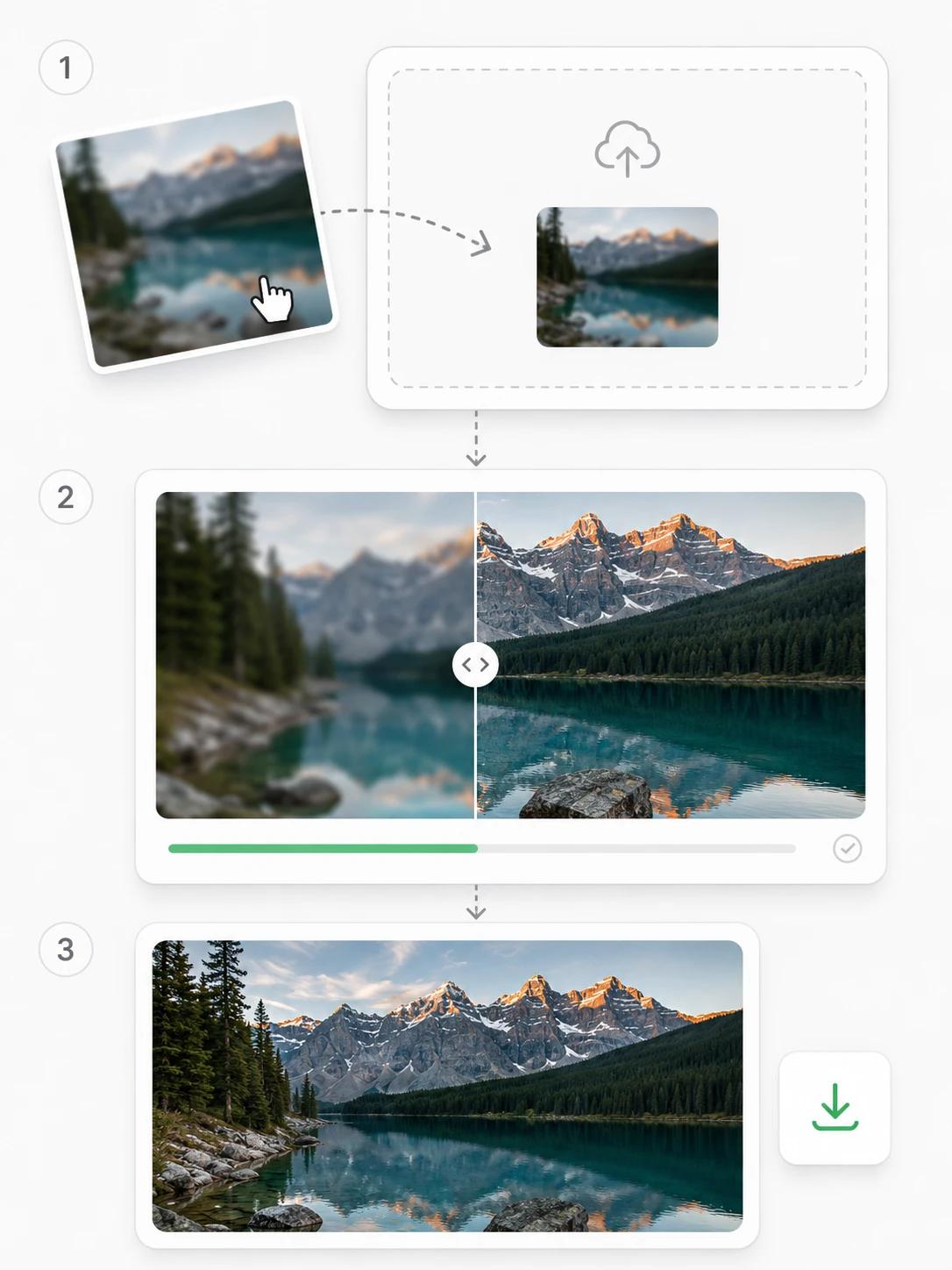
Step 1 Upload a Blurry or Low-Quality Photo
Drop a PNG, JPG, or WEBP into AI Image Enhancer — a soft phone shot, a grainy night photo, an old scan, or a compressed download. No cropping or editing needed.
Step 2 Click Enhance to Improve Image Quality
It sharpens edges, removes noise and JPEG artifacts, and restores fine detail and faces in one automatic pass, finishing fast.
Step 3 Download the Crisp, Clear Result
Compare before and after side by side, then download the clearer image AI Image Enhancer produced, watermark-free — ready for social posts, listings, or prints.
Frequently Asked Questions
Explore More Tools from AIGenTools

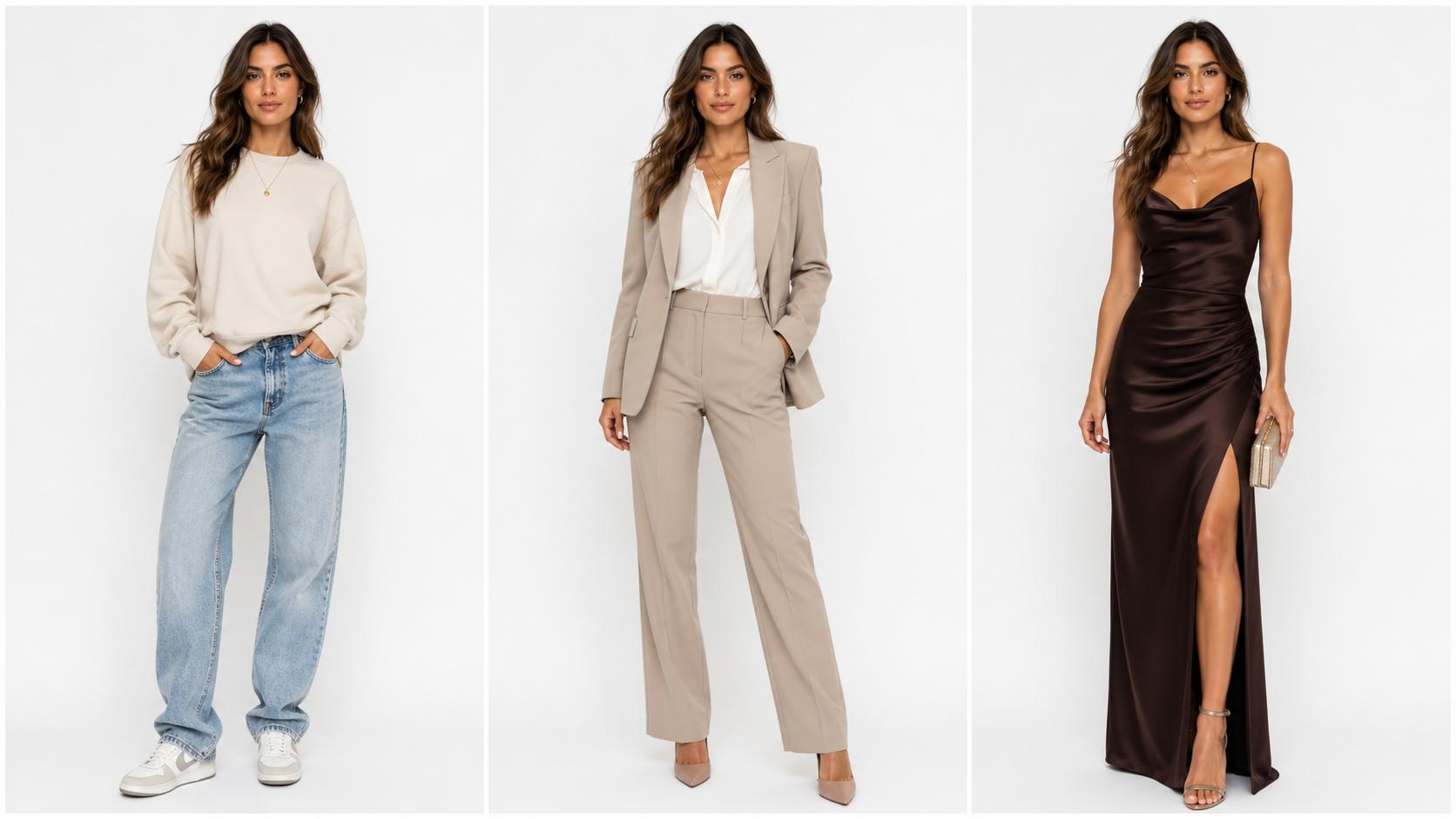




Turn Blurry Photos Crisp and Clear with AI Image Enhancer
Upload a blurry, grainy, or compressed image and let the free AI Image Enhancer sharpen, denoise, and restore it — watermark-free, fast.