Free AI Image Upscaler — Enlarge Photos to 4K & 8K Without Quality Loss
Upload a small or low-resolution image and upscale it 2x or 4x to sharp 2K, 4K, or 8K. This online AI Image Upscaler adds real pixels and reconstructs detail instead of stretching them — no blur, no jagged edges.
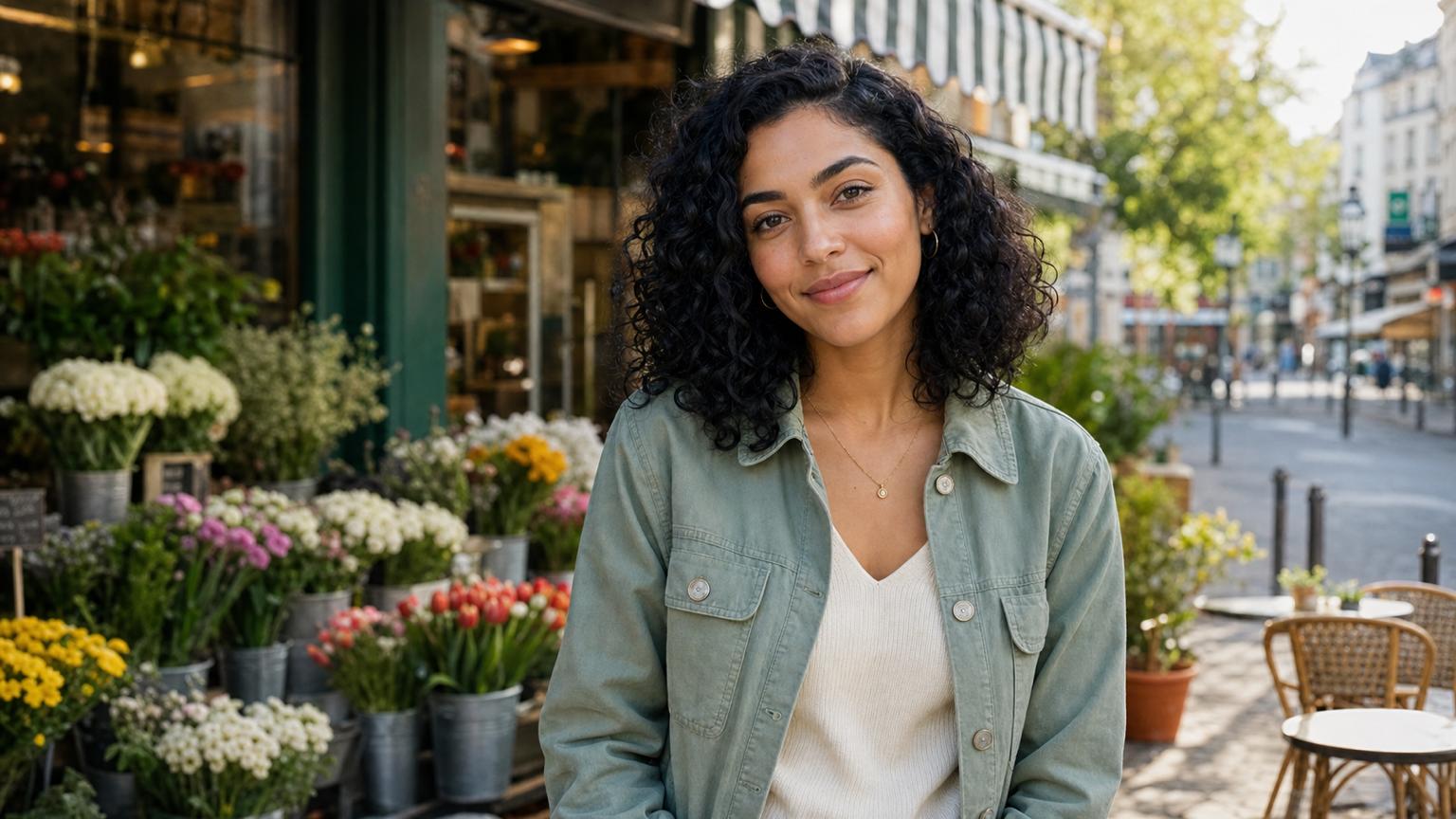
Increase Image Resolution Up to 4K and 8K
A regular editor just stretches the same pixels, so it blurs as it grows. Our AI Image Upscaler reconstructs real detail instead — 2x, 4x, up to 8K — keeping edges and textures crisp on photos, renders, and logos.
Enlarge Image Without Losing Quality
Instead of stretching the pixels you already have, the model adds new ones, rebuilding edges and texture as the image grows — so a 4x enlargement still looks sharp, not soft or pixelated.
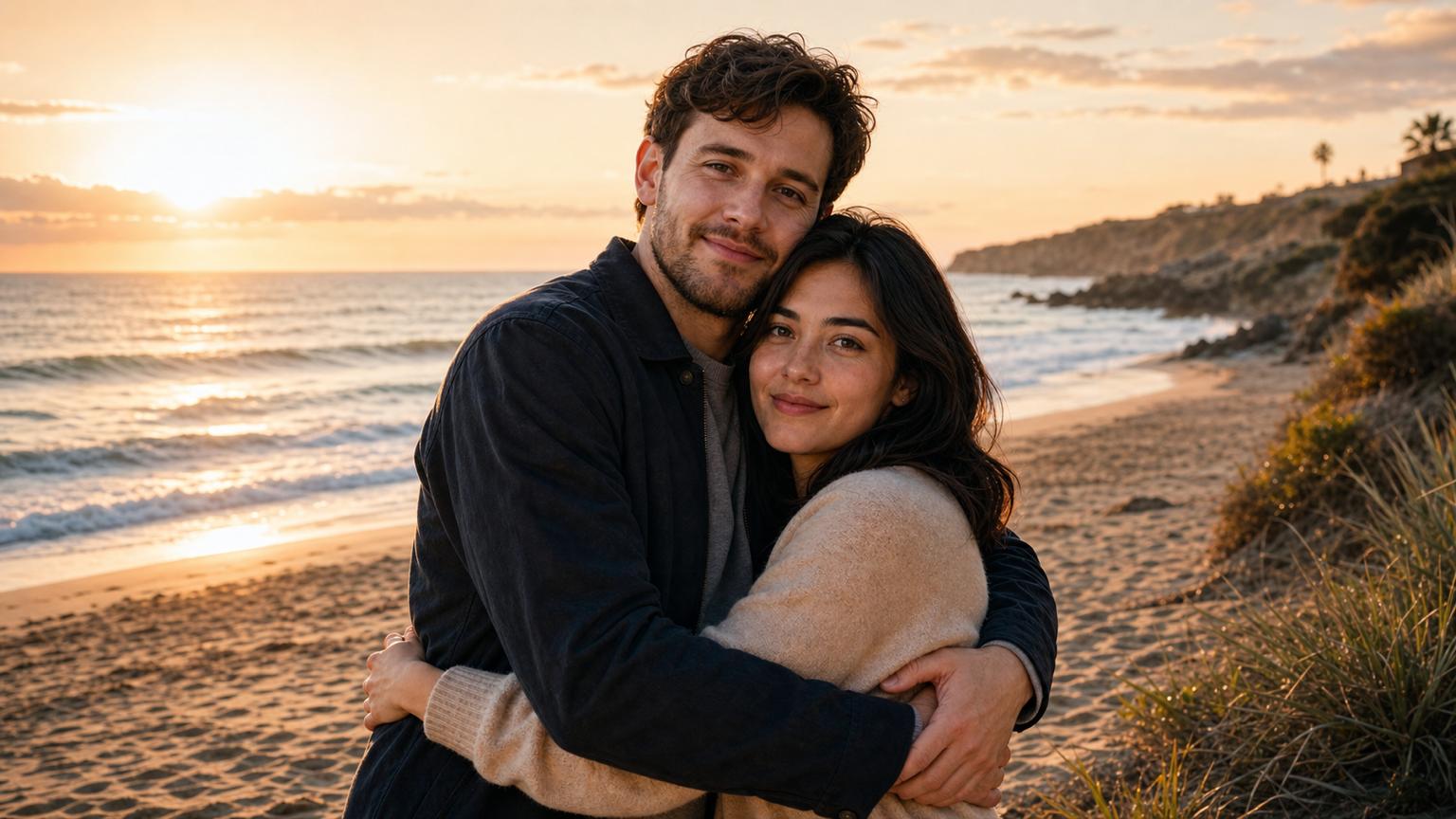

Enlarge Photos for Print and Posters
Small web images don't have enough pixels to print cleanly. Upscale a photo 2×, 4×, or 8× first and it gains the resolution for a flyer, poster, or framed wall art.
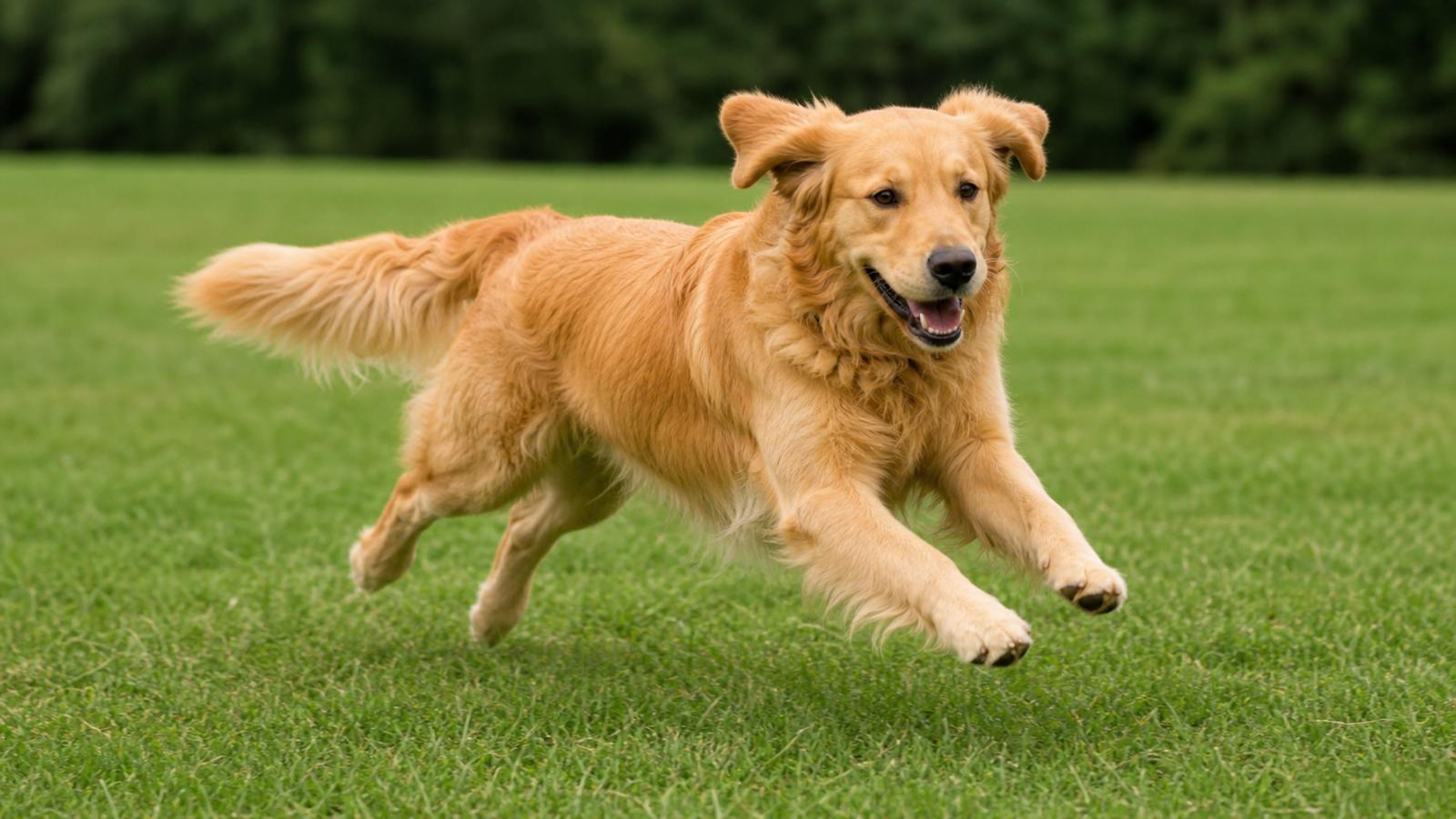
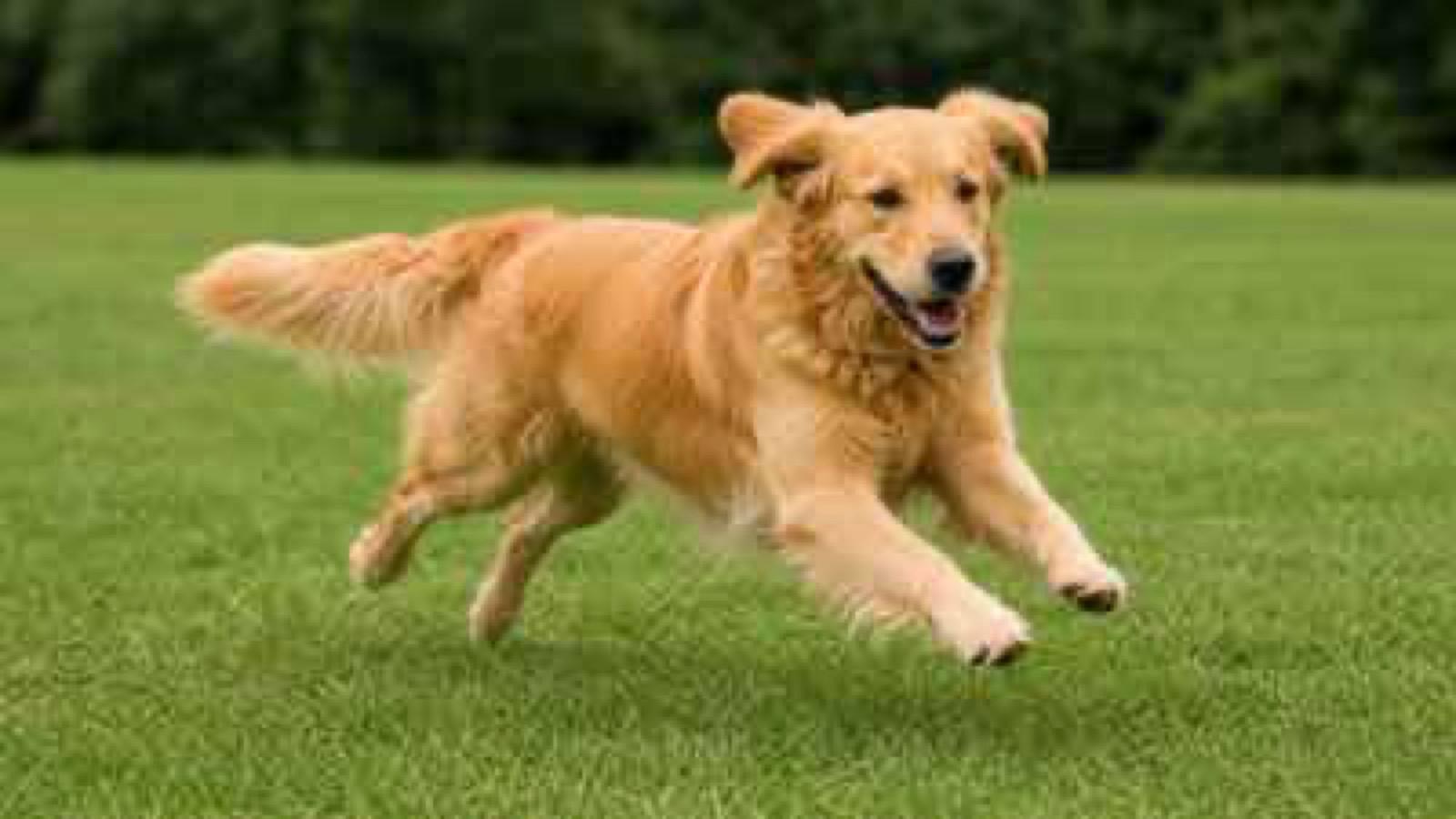
Turn Any Image Into a 4K Wallpaper
Most images are too small for a 4K monitor or TV and stretch blurry as a background. Upscale them to true 4K and they fill the whole screen with sharp, clean detail.
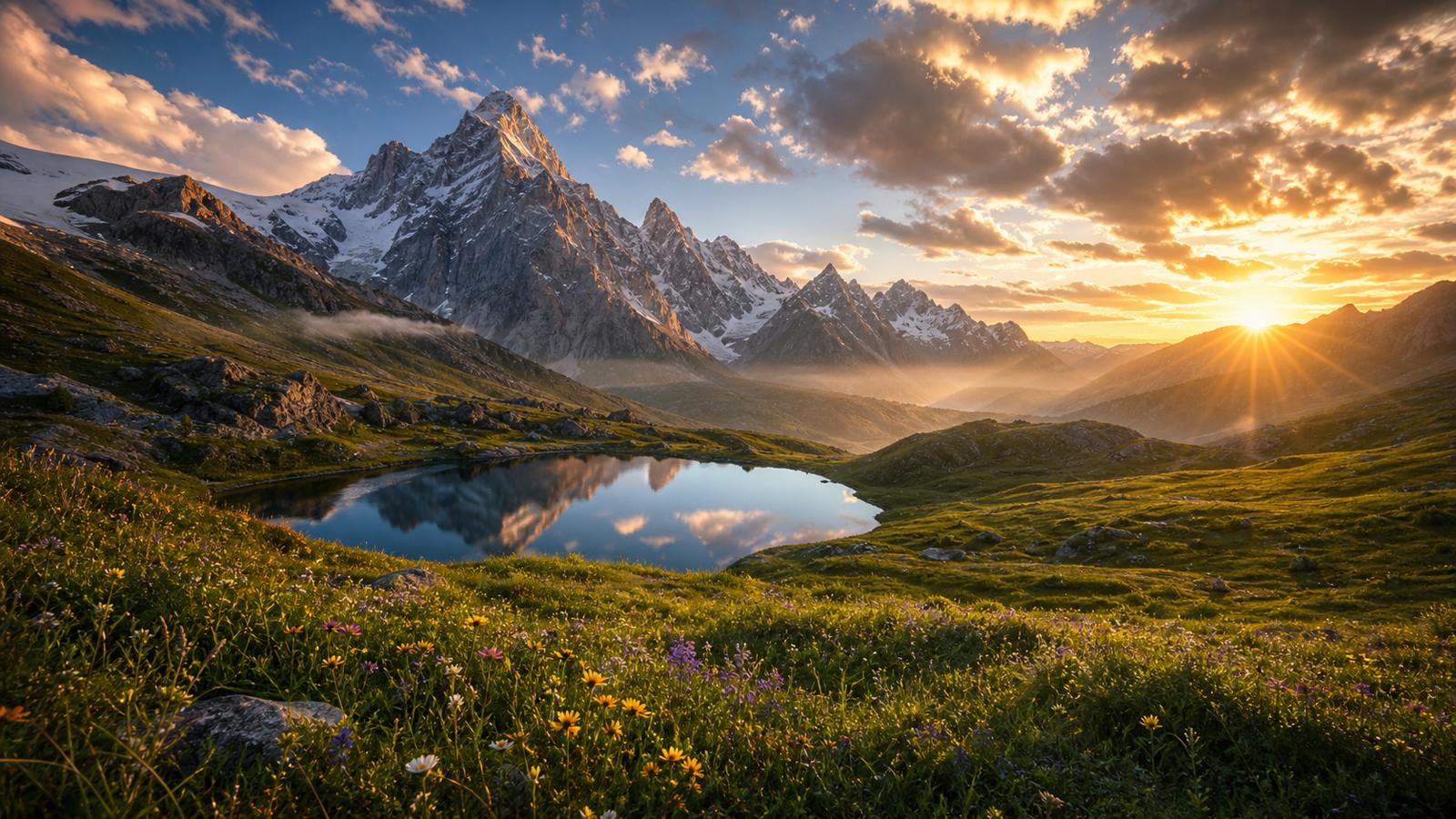

Sharpen Product Photos for E-commerce
Marketplaces reward big, crisp product images. Enlarge a small product shot so shoppers can zoom in on fabric, stitching, and labels — and meet Amazon, Shopify, and Etsy size requirements without a reshoot.
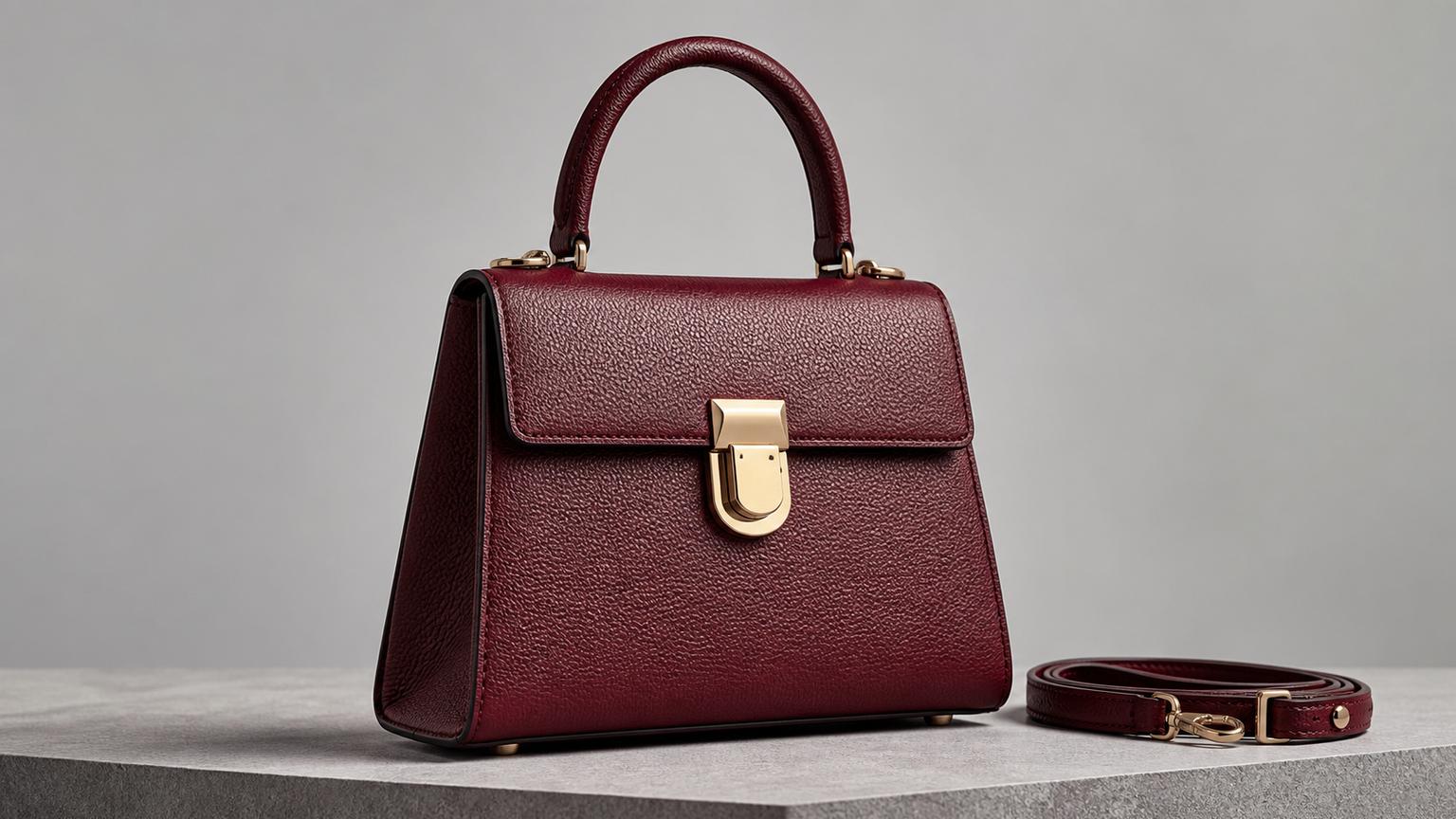
What Makes AI Image Upscaler Stand Out?
AI Image Upscaler is made for everyday enlarging work — pick a 2x or 4x scale, push images up to 8K, and download watermark-free — one of the best upscaling choices for print and posters.
Pick Your Scale: 2x or 4x
Choose how much bigger to go with AI Image Upscaler: 2x for a quick resolution bump, 4x to turn a small source into a large file ready for print or big displays.
Free and Watermark-Free
Run most enlargements in seconds and download with no watermark — a genuinely free AI Image Upscaler for photos, product images, and AI art that came out too small.
Sharp Output Up to 4K and 8K
Need the absolute largest, cleanest result? AI Image Upscaler pushes resolution all the way to 8K with the high fidelity that demanding print and poster work needs.
How to Use AI Image Upscaler
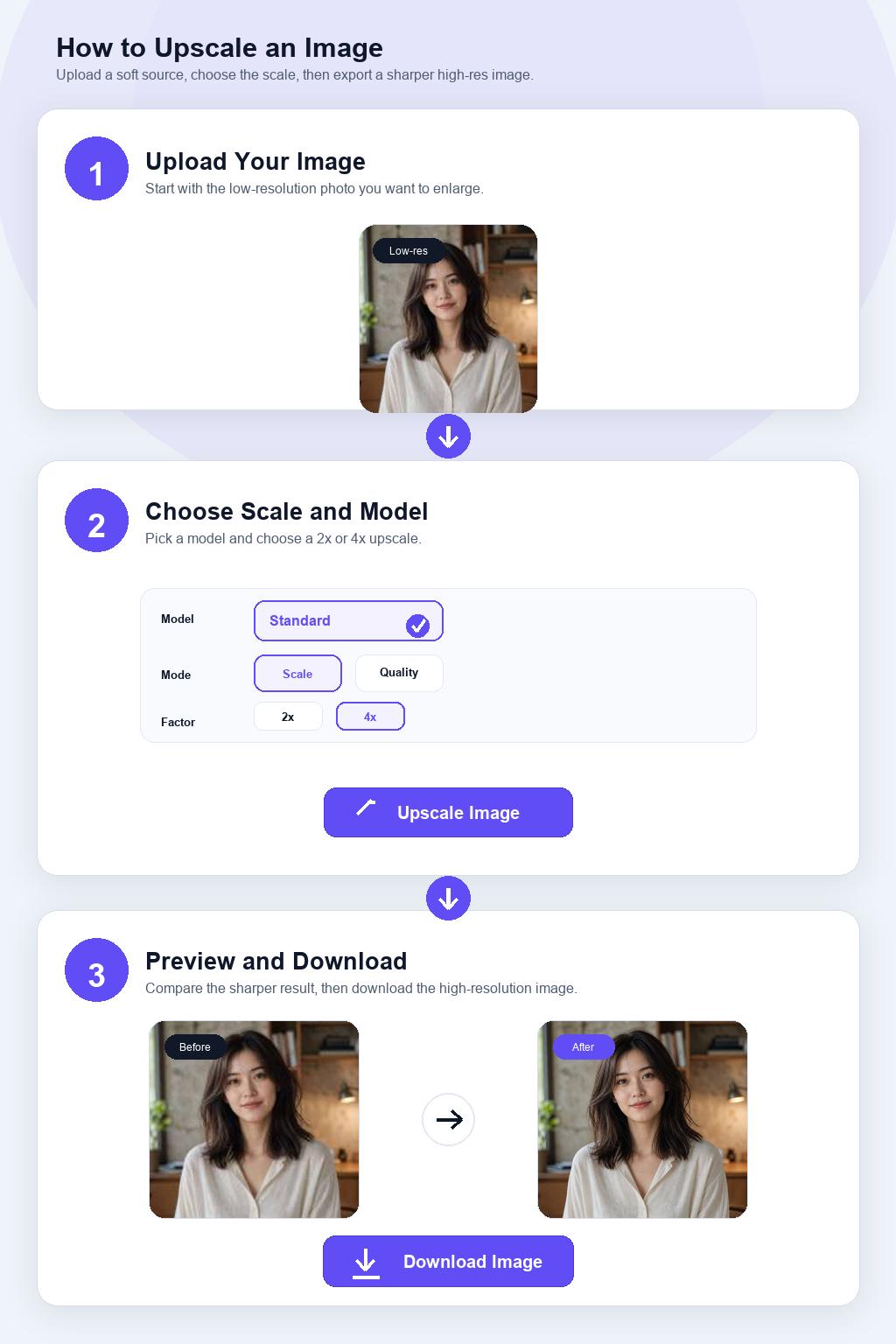
Step 1 Upload Your Image
Drop a PNG, JPG, or WEBP into AI Image Upscaler — even a small or low-resolution one. The smaller and softer the source, the more obvious the jump in size and resolution after upscaling.
Step 2 Choose 2x or 4x
Pick your scale, then start the upscale. AI Image Upscaler enlarges the image and reconstructs detail so the larger version stays sharp instead of turning blurry.
Step 3 Download the High-Res Image
Preview the enlarged result and download the full high-resolution file from AI Image Upscaler. Use it for print, posters, product zoom, or any high-DPI screen that needs more pixels.