GPT Image 2.5 AI Image Generator & Editor
GPT Image 2.5 is OpenAI's newest image model, available here in both API variants: Flare for fast generation and editing, Sunburst for the finest detail and tightest multi-round edits, up to 4K with up to 16 reference images.
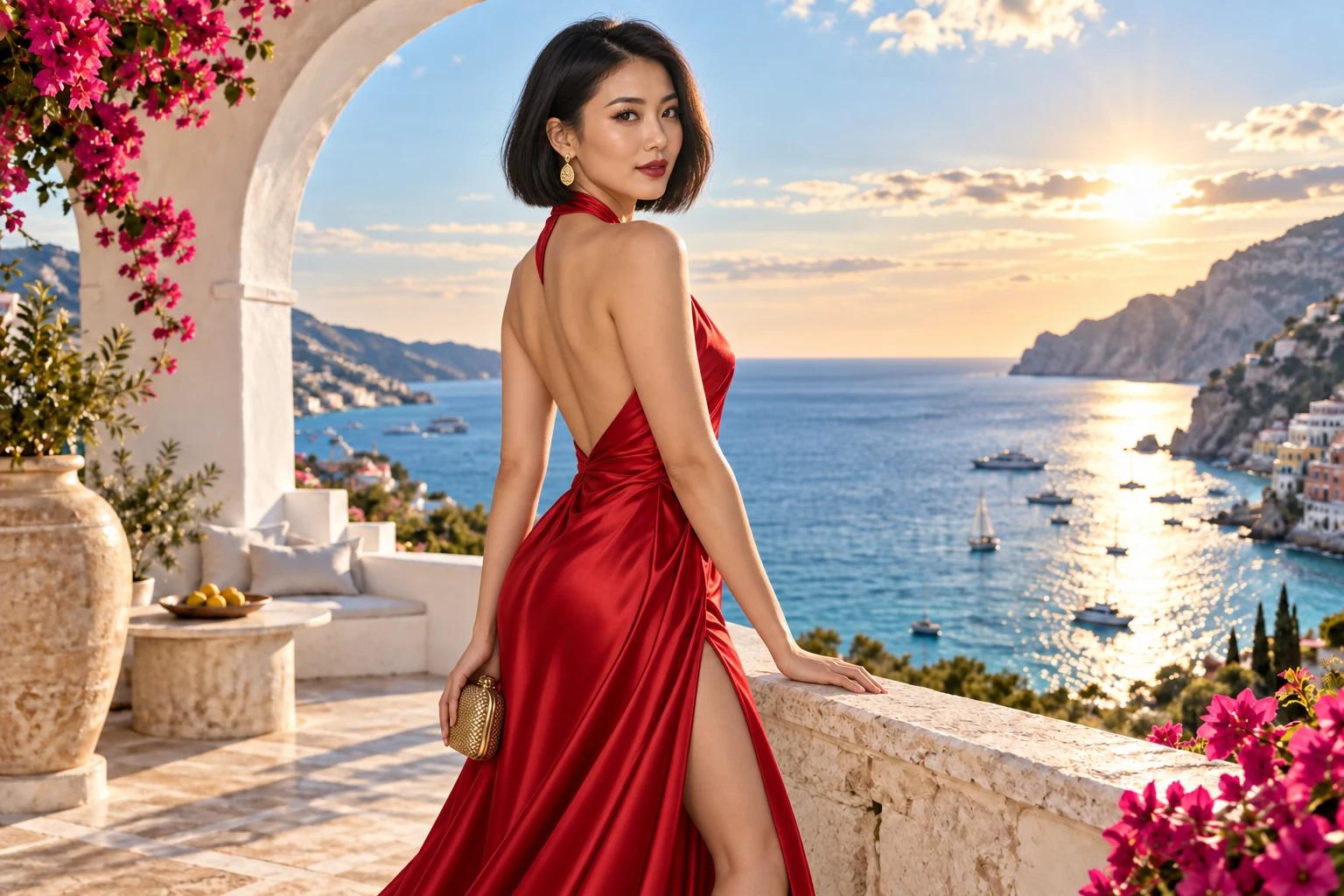
Key Features of GPT Image 2.5
Finer detail, edits that change only what you ask, and references that stay recognizable — released September 2026 in two variants, Flare and Sunburst.
What Sets GPT Image 2.5 Apart?
Two tunings of one model, a 4K ceiling, and a deep reference stack — the controls that make this the best GPT Image 2.5 experience for editing and generation online.
Flare: Higher Quality, Half the Wait
The default variant. OpenAI puts Flare above GPT Image 2 on quality with up to 50% lower latency, which suits social content, product visuals, and high-volume generation.
Sunburst: The Precision Tier
Built for premium visual work. Sunburst takes longer per image and returns finer detail with the tightest control across multiple rounds of edits, at the same credit cost as Flare.
Up to 4K Output
Generate at 1K for drafts, then 2K or 4K for final assets — web heroes, print, and large displays from the same prompt.
Up to 16 Reference Images
Drop in as many as 16 references for an edit — products, people, palettes, or layout guides — and GPT Image 2.5 blends them while keeping each subject recognizable.
Nine Aspect Ratios, Square to 21:9
Pick 1:1, 3:2, 2:3, 4:3, 3:4, 16:9, 9:16, or cinematic 21:9, or let auto follow your reference image's shape.
Long, Detailed Prompts
Prompts run up to 20,000 characters, so a full creative brief — subjects, copy, palette, layout, and style notes — fits in one box without trimming.
Who Should Use GPT Image 2.5?
Anyone who needs a picture to stay faithful to a real person, product, or brand while it changes — and to keep holding up through edit after edit.
Marketers & Agencies
Turn a campaign brief into on-brand key visuals, then swap the headline, product, or background per market without regenerating the whole set.
E-Commerce Sellers
Put one product photo into new scenes, lighting, and packaging mockups while the label, shape, and color stay exactly as shot.
Product & UX Designers
Mock up screens, dashboards, and marketing pages with legible labels and a layout that survives revision rounds.
Creators & Social Teams
Batch thumbnails, covers, and post visuals with Flare's speed, and keep a series consistent from the same references.
Illustrators & Concept Artists
Explore styles from a sketch or a moodboard reference, then refine composition and color across passes without losing the character.
Photographers & Retouchers
Change a backdrop, the weather, or an outfit on a real portrait while skin, hair, and expression remain the person you photographed.
GPT Image 2.5 Flare vs Sunburst vs GPT Image 2.0
All three OpenAI models are in the studio above. Flare is the default for speed and volume, Sunburst is the precision tier, and GPT Image 2.0 remains the budget option.
| Compare | GPT Image 2.5 Flare | GPT Image 2.5 Sunburst | GPT Image 2.0 |
|---|---|---|---|
| Best for | Everyday generation and editing at volume — the default pick. | Premium visuals where fine detail and edit control matter most. | Previous generation — still strong on in-image text, lowest credit cost. |
| Speed | Up to 50% lower latency than GPT Image 2, per OpenAI. | Longer generation time in exchange for extra precision. | Baseline. |
| Editing behavior | Changes only what you ask; subject, composition, and background stay intact. | The same precision with the tightest control across multiple rounds. | Good single edits; multi-round consistency is where 2.5 pulls ahead. |
| Reference fidelity | Keeps faces, products, and places recognizable across new scenes and styles. | Same fidelity, with more headroom for intricate detail. | Improved on in 2.5 — subjects drift more often when the scene or style changes. |
| Reference images | Up to 16 per edit. | Up to 16 per edit. | Up to 16 per edit. |
How to Use GPT Image 2.5
From a prompt, or a reference photo, to a finished 4K image in three steps.
Pick Flare or Sunburst
Open the studio above and choose GPT Image 2.5 Flare for fast drafts and everyday work, or Sunburst when the final asset needs the finest detail and the steadiest multi-round edits.
Describe the Image or Upload References
Write the brief in plain language — subject, style, lighting, any exact text in quotation marks — or switch to image mode and drop in up to 16 reference photos to edit or restyle.
Set the Size, Generate, Refine
Choose an aspect ratio and 1K, 2K, or 4K, generate, then refine with follow-up instructions. Each edit builds on the last result, so change one thing at a time and download when it lands.