Turn a Selfie into a Pro Portrait
Upload one clear photo, pick a style, and a portrait that still looks like you appears right here.

Free AI Portrait Generator — Professional Headshots from One Selfie
Upload a clear photo of yourself, pick a look, and AI Portrait Generator returns a polished portrait that still looks like you — studio headshot, ID photo, academic, cinematic, and more. No photographer, no studio booking.
Turn a Selfie into a Professional Portrait in Seconds
A good headshot used to mean a studio, a photographer, and a week of waiting. AI Portrait Generator reads the face in your upload, keeps every feature intact, and re-lights, re-dresses, and re-frames it into the portrait you actually need.
What Sets AI Portrait Generator Apart?
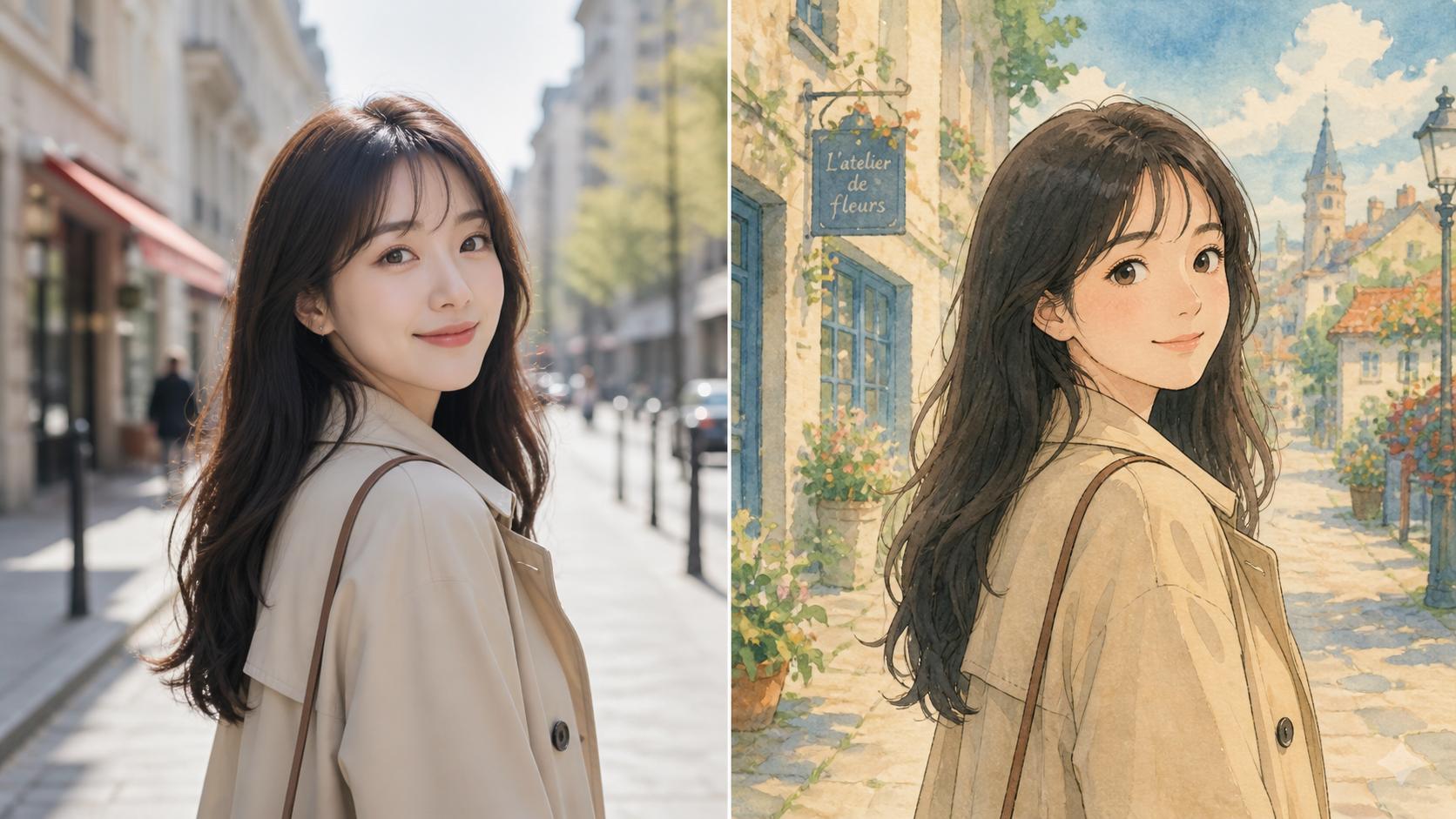
Plenty of tools restyle a photo; fewer keep the person in it. The best AI portrait generator preserves identity first and styles second — that order is what makes the result usable on a real profile.
Nine Portrait Styles
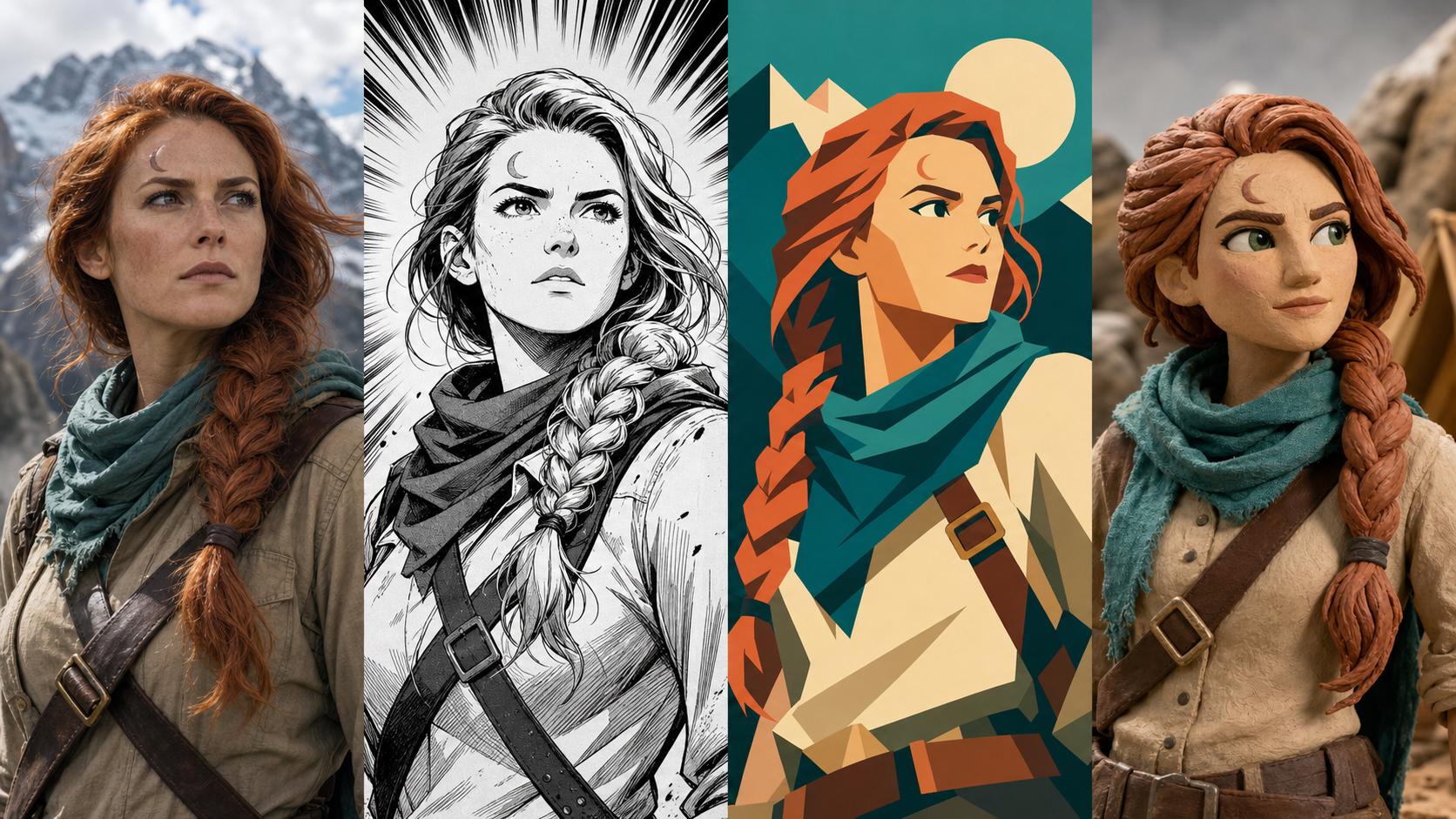
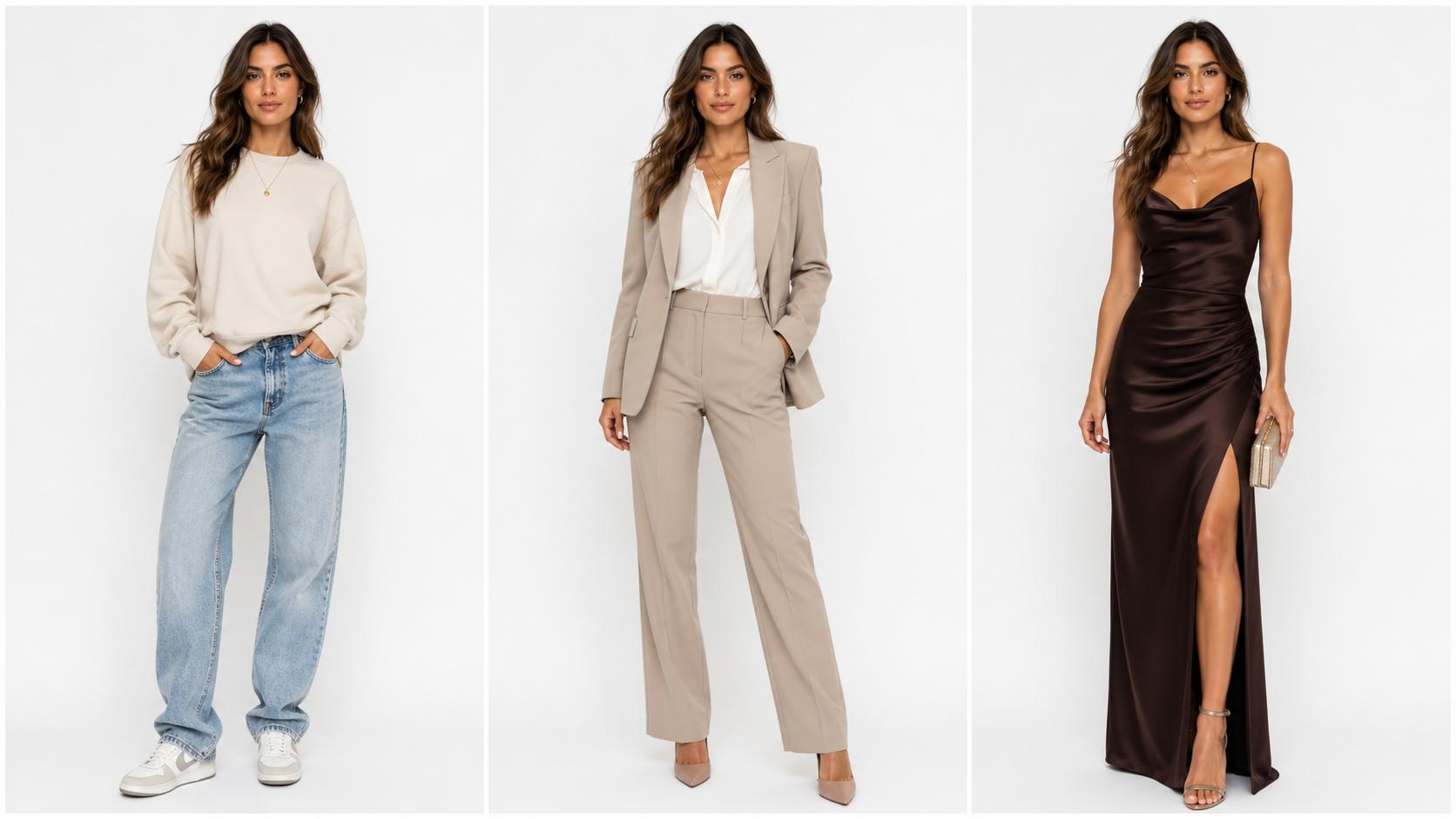
Professional, Business Formal, ID Photo, Academic, Tech, Creative Studio, Casual Outdoor, Black & White, and Cinematic — each a complete look with its own lighting, wardrobe, and backdrop.
Your Face Stays Yours
Every style starts by pinning your features, bone structure, and skin tone, so the portrait reads as you — not an AI-generated lookalike.
Optional Prompt Control
Pick a style and generate, or add a line of your own — glasses on, a navy blazer, a warmer smile — to steer the details.
Portrait-Ready Framing
Output defaults to a 3:4 portrait crop, with square and widescreen options for banners, avatars, and slide decks.
Fast, Simple, and Free to Start
Upload, choose a look, and download — no photo-editing skills required. Try AI Portrait Generator free, then keep going with credits.
Watermark-Free Downloads
Every portrait downloads clean, without a watermark, ready for a profile page, a resume, or a print.
How to Make an AI Portrait from a Selfie
From an ordinary photo to a finished portrait in three steps.
Upload a Clear Photo of Your Face
Drop in one JPG, PNG, or WebP where your face is easy to see — front-facing, evenly lit, nothing covering your eyes. The sharper the source, the more faithful the portrait.
Choose a Portrait Style
Pick one of nine looks, from Professional and ID Photo to Black & White and Cinematic. Add a short prompt if you want a specific outfit, expression, or background detail.
Generate and Download
Click Generate and your portrait appears on the right within seconds. Download it watermark-free, or switch styles and run it again to compare looks.