Hotel Lobby AI Video Generator
Upload one photo for the left side and one for the right. Hotel Lobby AI places both in the orange booth, hangs a single mic between them, and renders the duet clip from the viral trend.
What Is Hotel Lobby AI?
Hotel Lobby AI is an AI video generator built for one trend. Upload two photos and it renders a short Hotel Lobby video of your duo in the orange booth: one raps up into a hanging microphone while the other plays hype partner.
The look comes from a 2022 session on COLORS, the Berlin music platform known for performances in front of one solid-colored wall. Quavo and Takeoff, as Unc & Phew, performed their song "Hotel Lobby" there: an orange wall, two artists side by side, one microphone hanging between them.
In September 2026 that clip became a template. Creators on TikTok and X used AI video tools to put new duos in the booth — cats, grandparents, TV characters, historical figures — and the stranger the pairing, the further the Hotel Lobby trend travelled.
One Room, One Mic
An orange wall, a hanging microphone, and nothing else in the frame.
A Rapper and a Hype Partner
One raps up into the mic while the other answers with moves.
Any Pairing Works
Friends, couples, pets, characters — contrast is the joke.
Made to Be Shared
Short, vertical, and instantly recognizable in a feed.
Join the Hotel Lobby AI Trend with Your Own Duo
Two rappers and one mic in an orange room started the Hotel Lobby trend. Cats, grandparents, and cartoon characters took their places. Now it is your turn: pick two photos and step into the booth.
Hotel Lobby AI Features
Most ways to join the trend mean hunting for a source clip or filling in a long text box. The best Hotel Lobby AI workflow is shorter: two photos, three settings, one button.
Nothing to Write
The scene, lighting, camera, and performance are already set. You only choose the photos.
Left and Right Stay Where You Put Them
The left slot raps at the mic and the right slot is the hype partner. One tap swaps them before you generate.
Vertical or Wide
Render in 9:16 for TikTok, Reels, and Shorts, or 16:9 for YouTube and desktop screens.
5, 10, or 15 Seconds
A short hook for a quick post, or a longer take that fits more of the routine.
Sound Comes Built In
Every clip renders with an original beat and rap vocals that match the lip movement.
Watermark-Free MP4
Every clip downloads clean and stays in your history, ready to post or cut into a longer edit.
How to Make a Hotel Lobby AI Video
From two photos to a finished clip in three steps.
Upload a Photo for Each Side
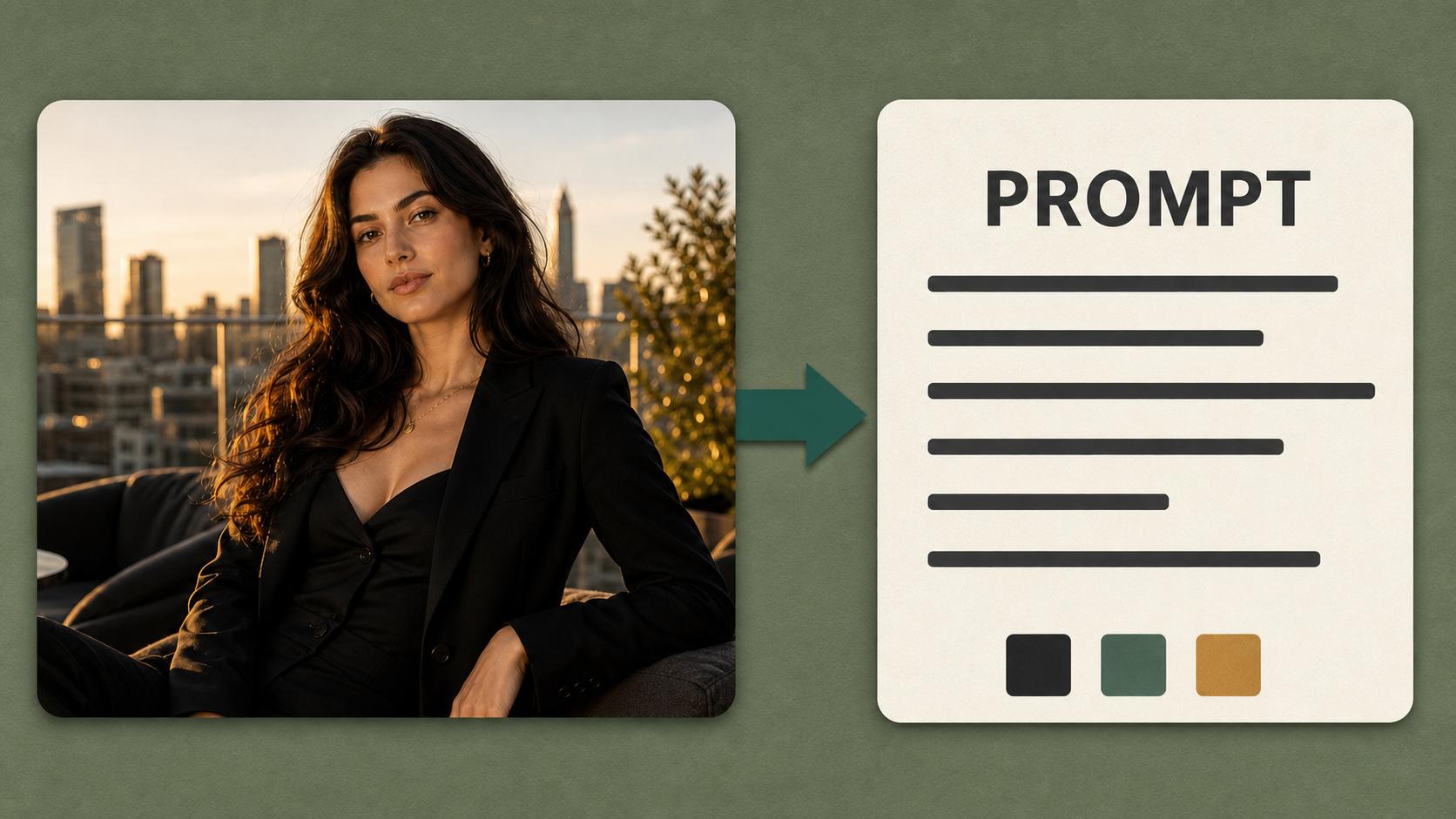
Add one JPG, PNG, or WebP photo, up to 30 MB, to Person 1 · Left, who raps at the mic, and one to Person 2 · Right, the hype partner. Clear, front-facing, well-lit photos with one subject each give the closest likeness.
Choose the Clip Settings
Pick 9:16 or 16:9, a length of 5, 10, or 15 seconds, and 480p or 720p. Longer clips fit more of the routine, and the credit cost on the button updates as you choose.
Generate and Download
Click Generate and the duet appears on the right when it is ready. Download the MP4, or swap the sides and run it again from the same photos.