GPT Image 2 AI Image Generator
GPT Image 2 is OpenAI's image model with standout text rendering — type a prompt and get readable headlines and labels baked right into the image. Generate posters, product shots, and UI concepts in 4K — try it for free.
What Makes GPT Image 2 a Standout AI Image Model
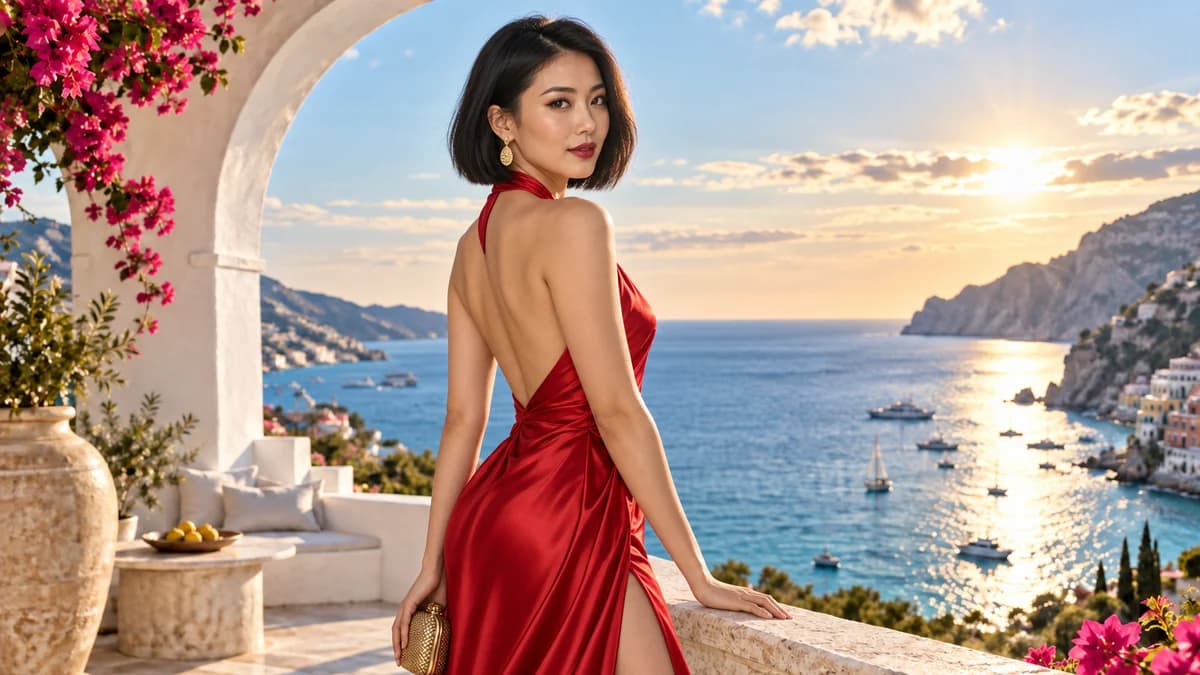
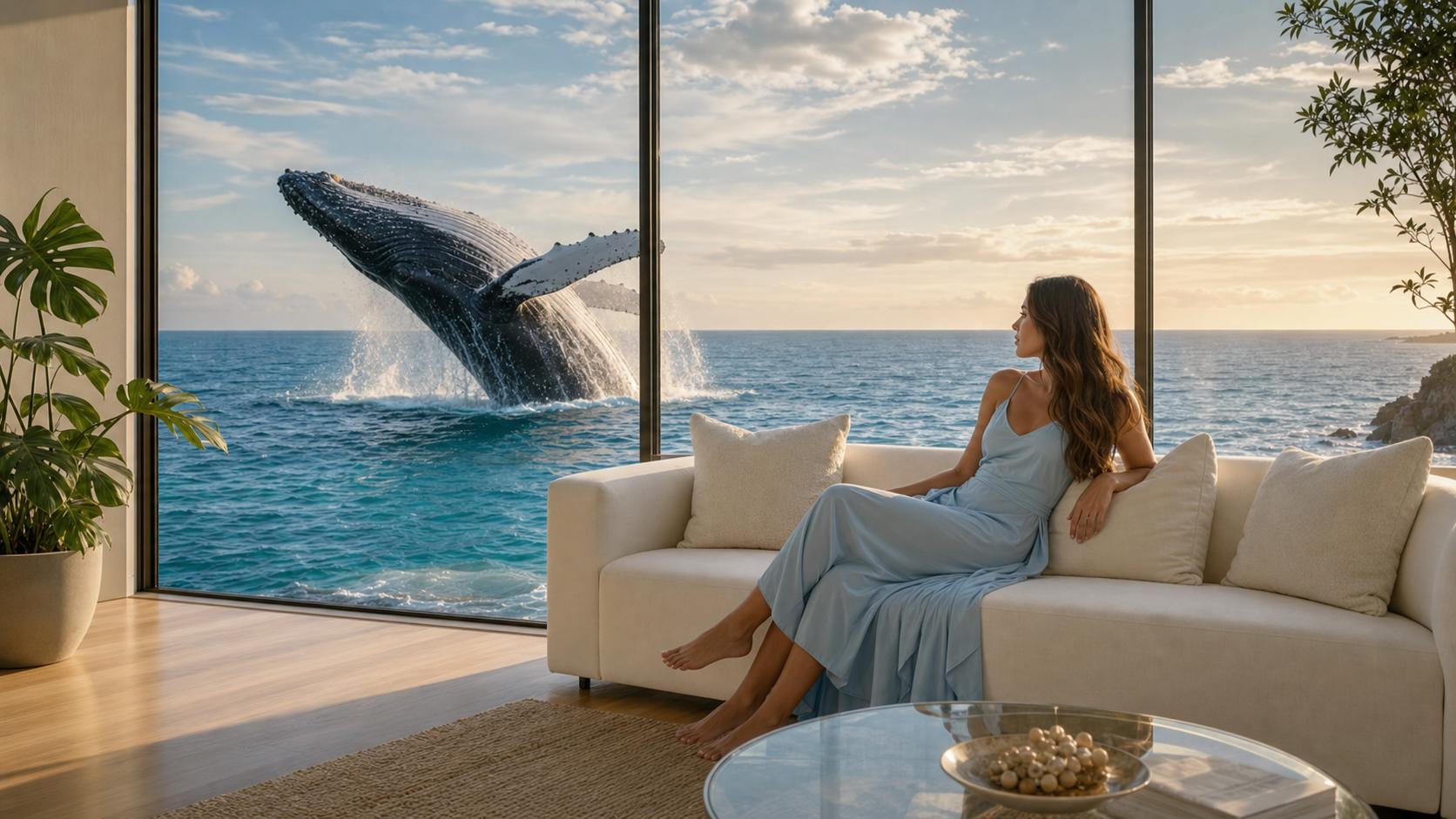
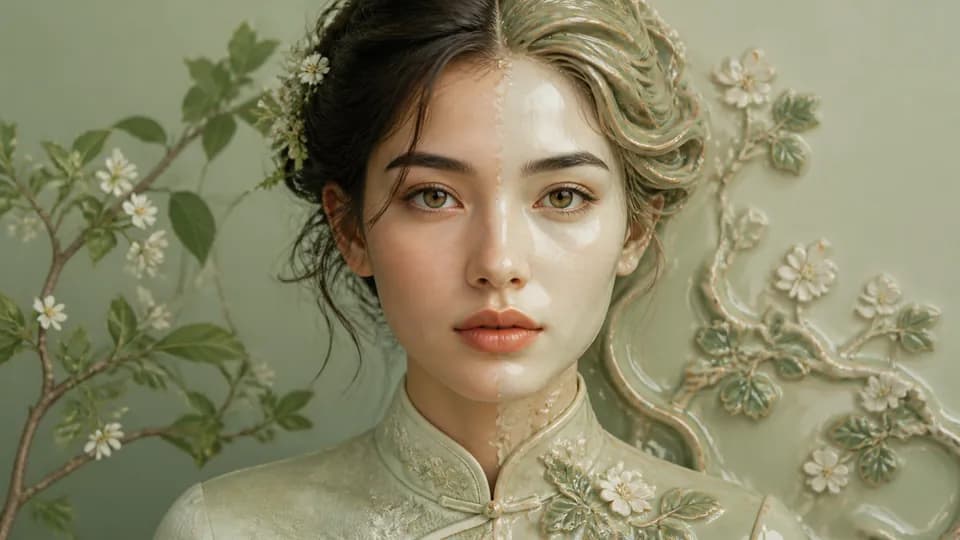
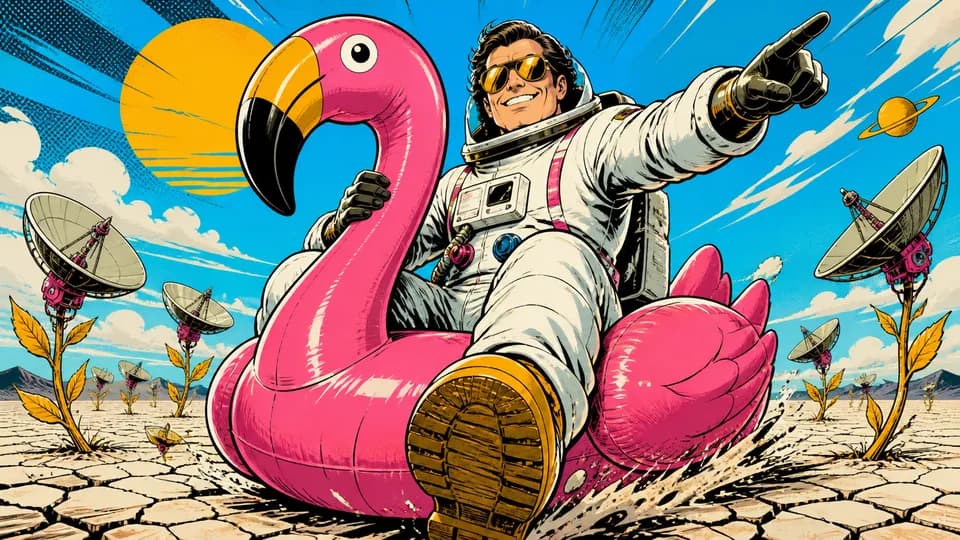
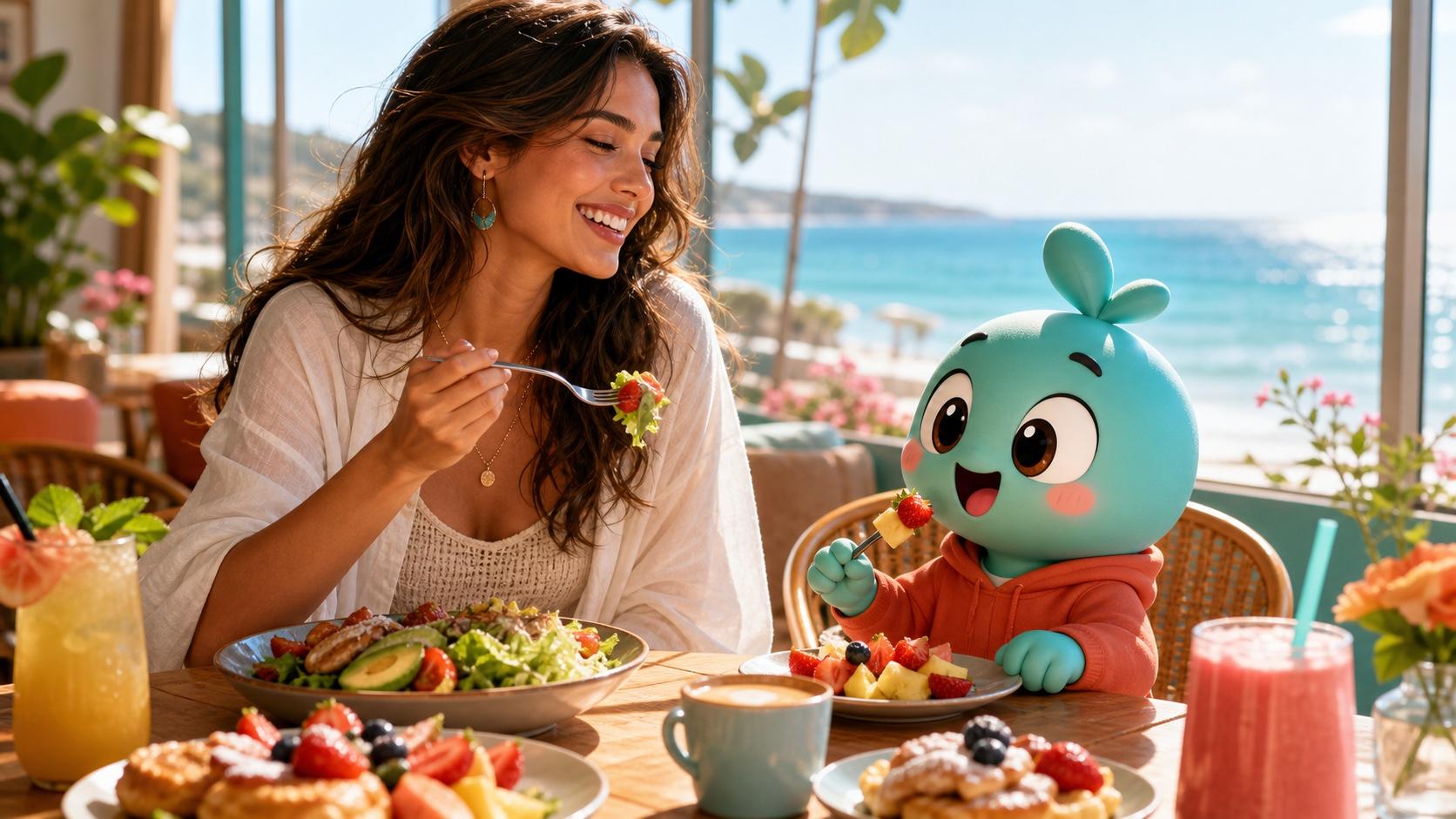
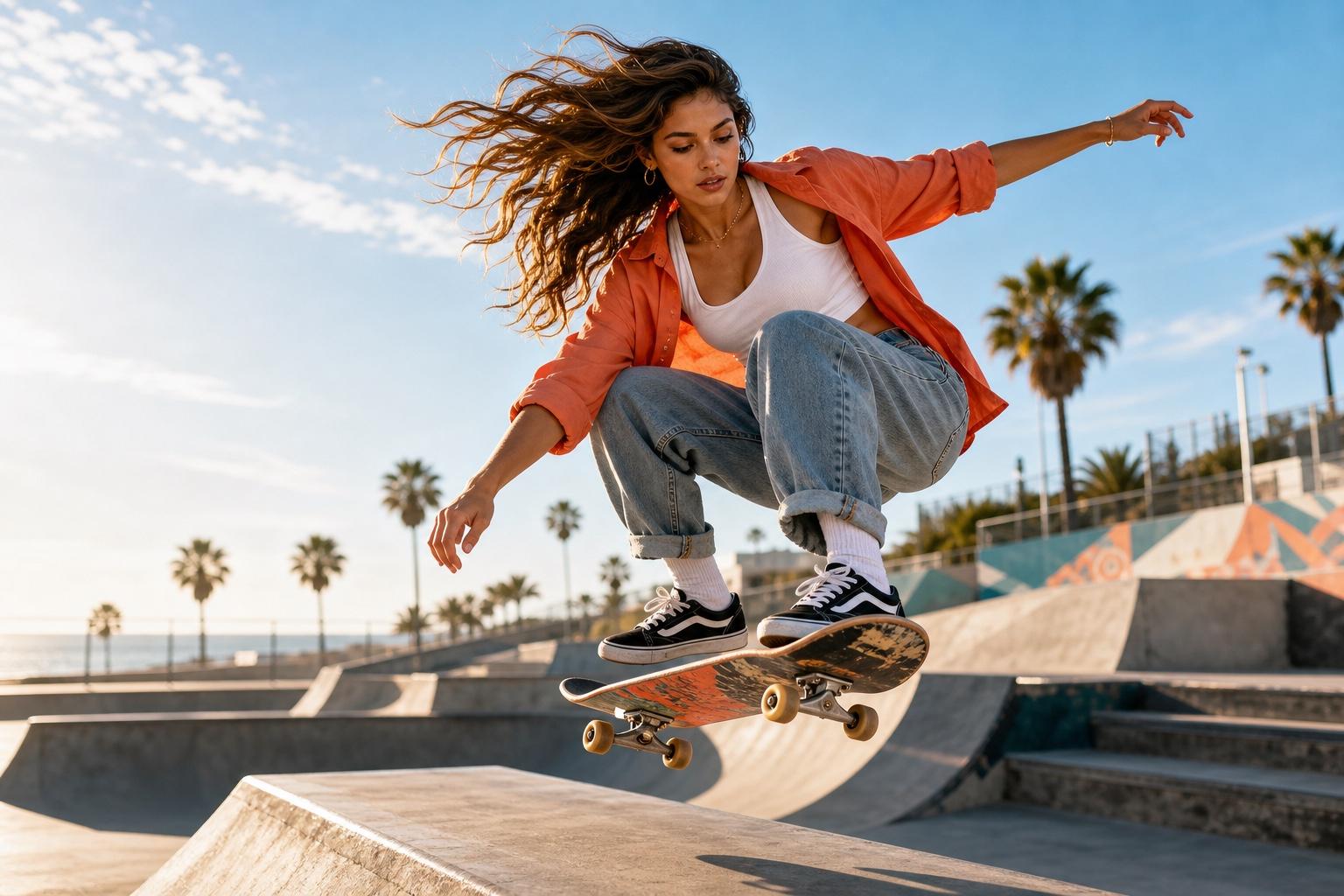
From marketing posters and product photos to app mockups and concept art, GPT Image 2 renders production-ready visuals from a single prompt — with 4K detail, faithful prompt adherence, and readable in-image text that sets this OpenAI image model apart.
Generate Images With Readable, Accurate Text
Most generators struggle with text. GPT Image 2 writes clean, legible words inside the image, from headlines to labels and captions, across many languages, so posters and mockups ship without a separate typesetting pass.
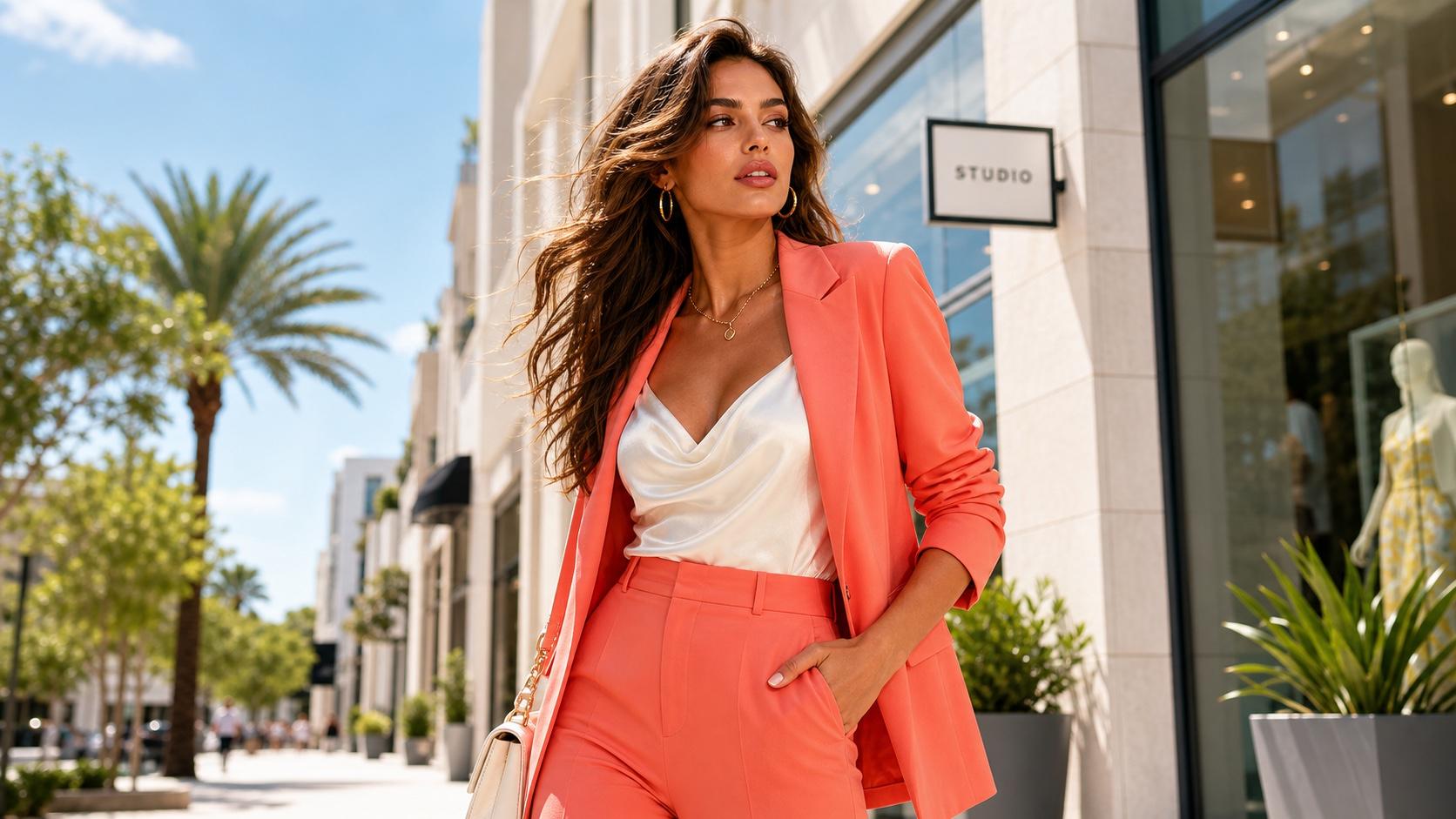
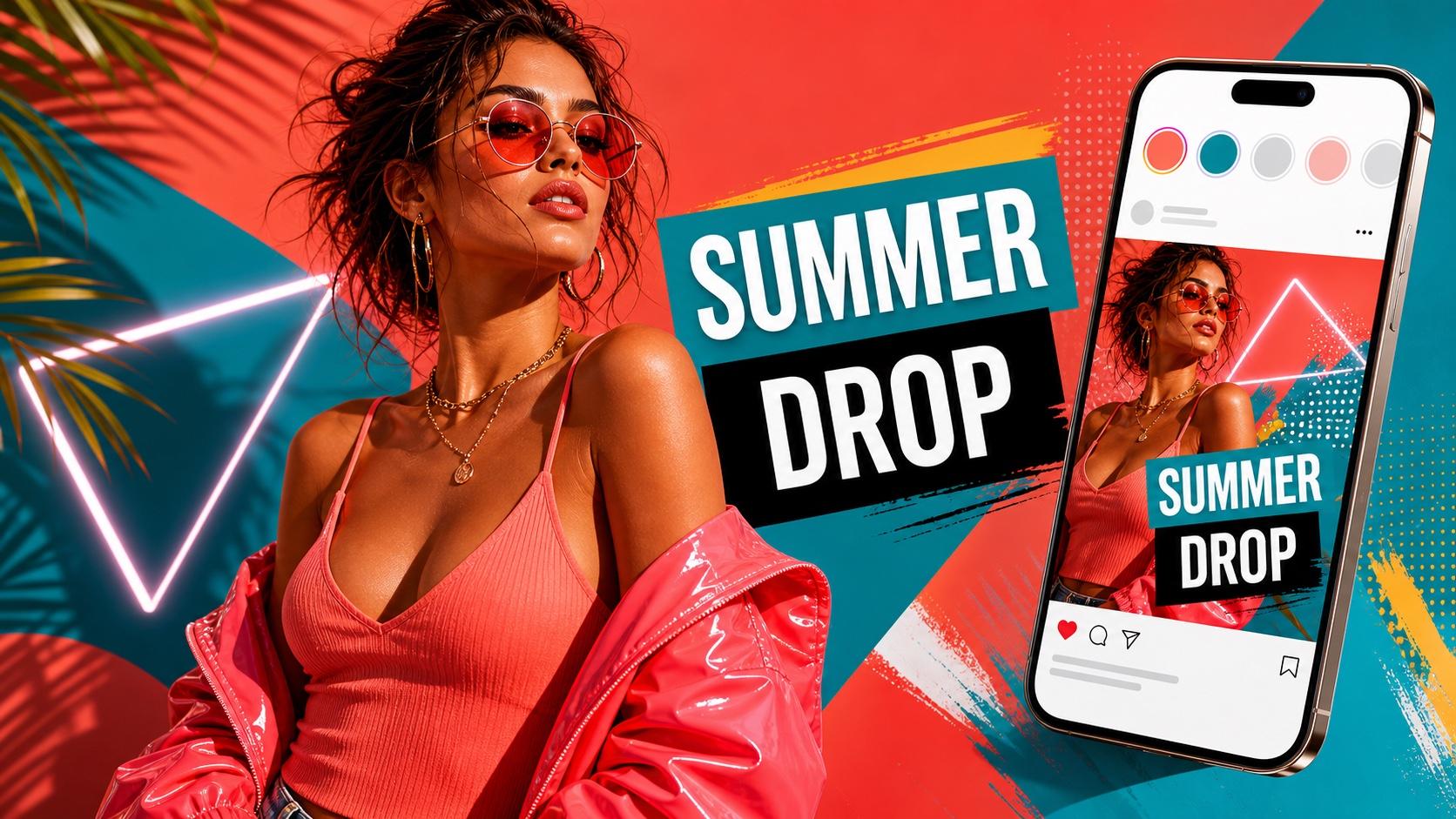
Design Posters and Social Graphics With Text
Turn a brief into a finished poster, ad, or social graphic where the headline reads correctly the first time. Describe the layout, copy, and palette, and the model lays it out in one pass.
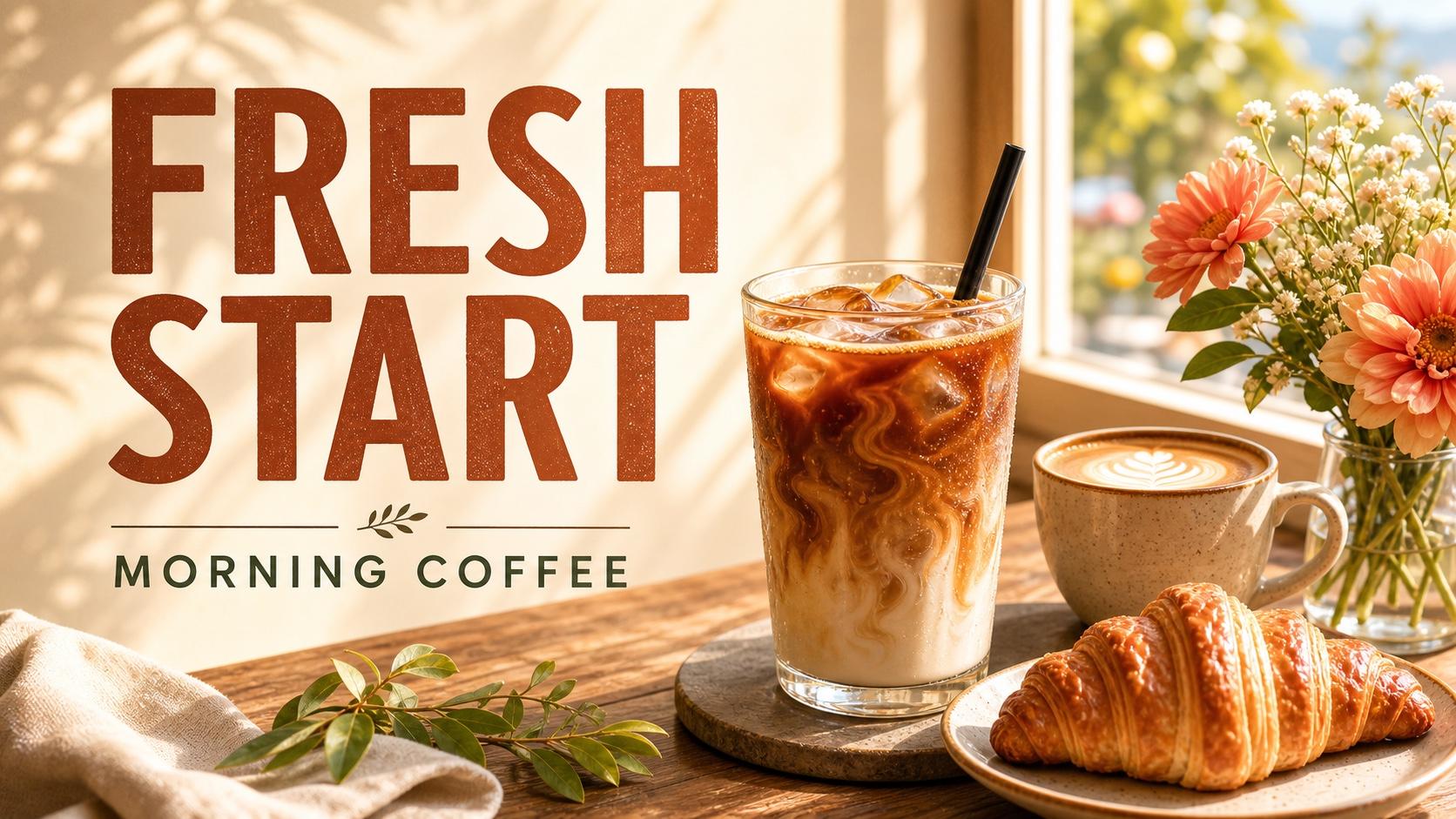
Create Product Photos and Marketing Visuals
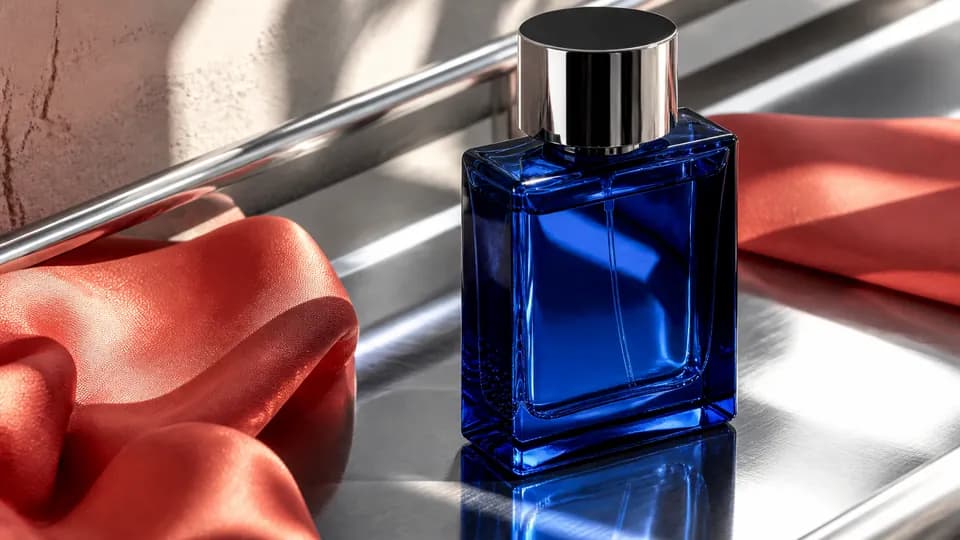
Generate studio-style product shots and campaign visuals from a description — clean backgrounds, honest lighting, and realistic materials. The 4K output holds up for storefronts, catalogs, and ads without a separate photo shoot.
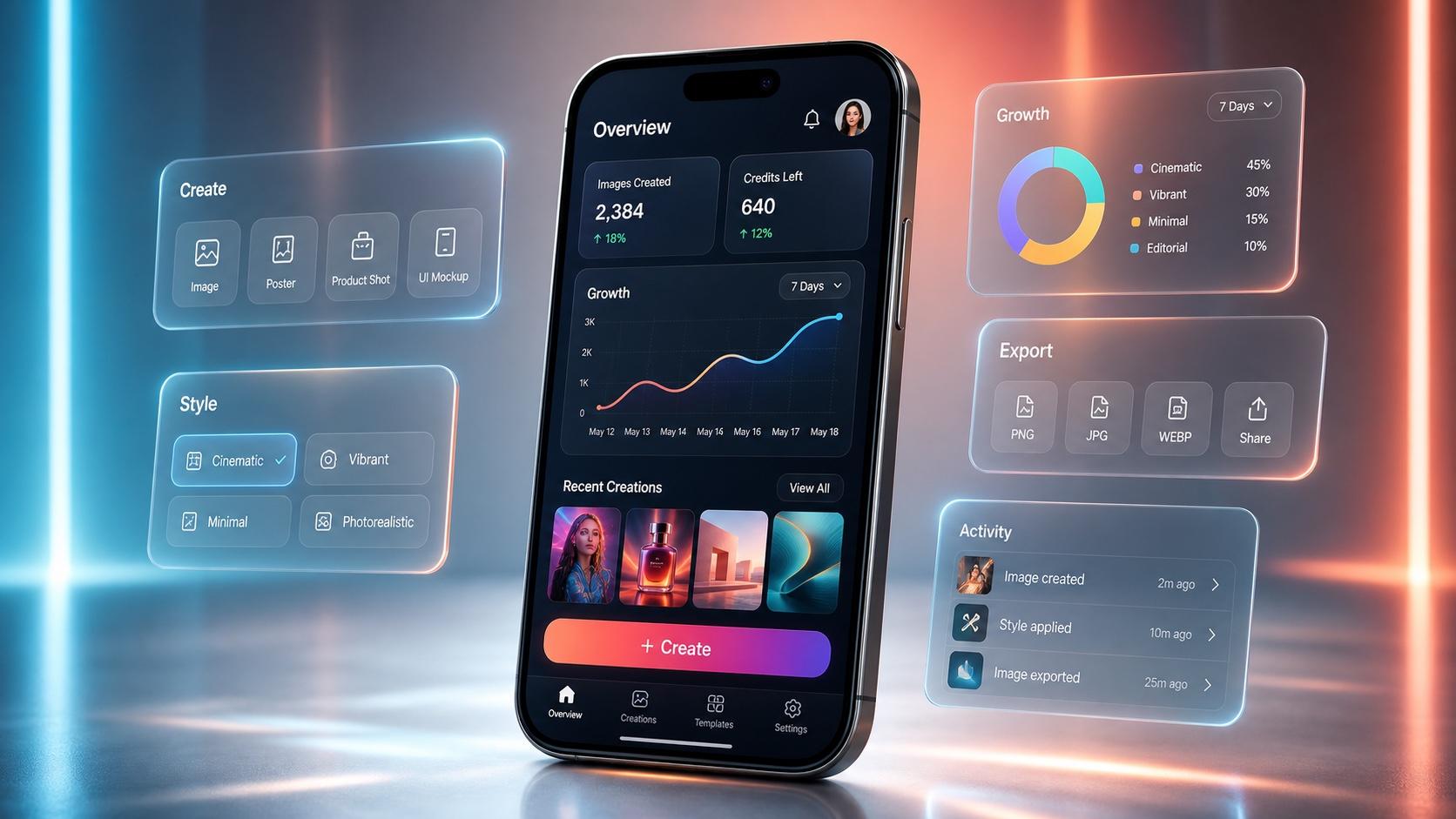
Mock Up App Screens and UI Concepts
Sketch interface ideas fast: describe a screen and it renders buttons, labels, and layout with text that actually reads. It is a quick way to explore directions before committing to design files.
GPT Image 2 Key Specs and Capabilities
GPT Image 2 is tuned for production — native 4K output, precise prompt adherence, and a full set of aspect ratios from one prompt box. The controls are what make this one of the best ways to use it online.
Native 4K Resolution
Render at up to 4K so a single image works for web heroes, print, and large-format displays. Pick the resolution that fits your output before you generate.
Text and Prompts in Any Language
Render in-image text across Latin, Chinese, Japanese, Korean, and more, and write your prompts in your own language — handy for global campaigns and localized creatives.
Strong Prompt Adherence
GPT Image 2 follows detailed prompts closely — subjects, counts, spatial layout, and on-image text land as described, so you spend less time re-rolling for the shot you asked for.
How to Generate Images With GPT Image 2
Three steps from prompt to a finished 4K image — right in the browser.
Write Your Prompt
Describe the image in plain language — subject, style, lighting, and any text you want rendered. Spell out exact words in quotation marks when you need them to appear correctly.
Set Resolution and Aspect Ratio
Choose your output size up to 4K and the aspect ratio that fits the format — social, banner, portrait, or print — right above the prompt box.
Generate and Download
Run GPT Image 2, review the result, refine your wording if needed, and download the finished image. You can try it online and start free without signing up.