
Seedream 5.0 Pro AI Image Generator
Seedream 5.0 Pro is ByteDance's flagship image model for professional creative work — realistic, production-ready results, precise controllable editing, and clean text in 14 languages, all from one prompt box. Generate and edit online — free to start.
What Makes Seedream 5.0 Pro Different
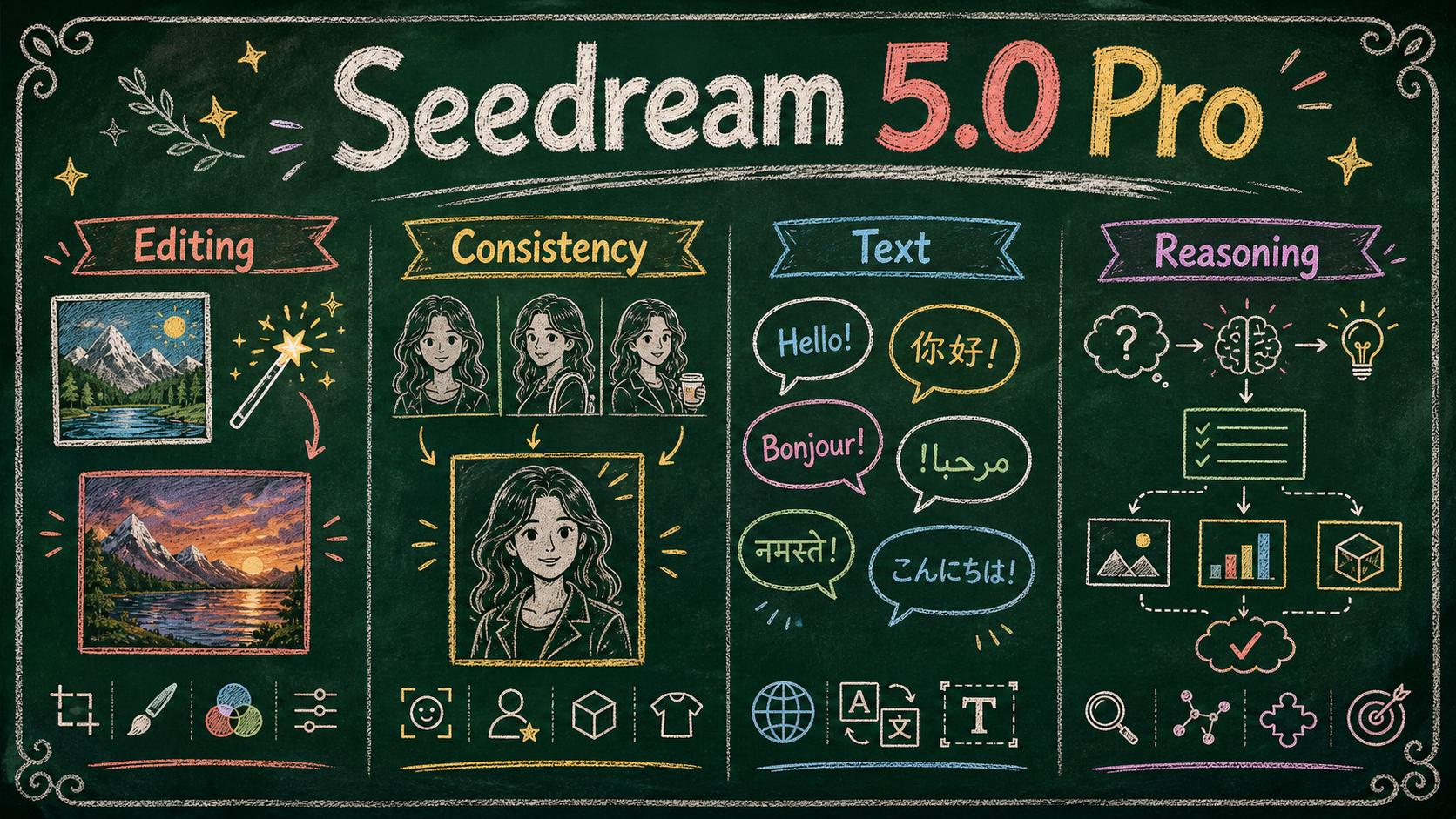
Earlier models made you re-roll the whole image to fix one detail. This model is built for control and realism: it understands what is in the frame, follows long instructions faithfully, and outputs production-ready visuals. Start from a text-to-image prompt or upload a photo to rework — used either way, it doubles as a full AI image editor that treats your picture as objects it understands, not pixels it has to re-roll.
Realistic Results That Don't Look AI-Generated
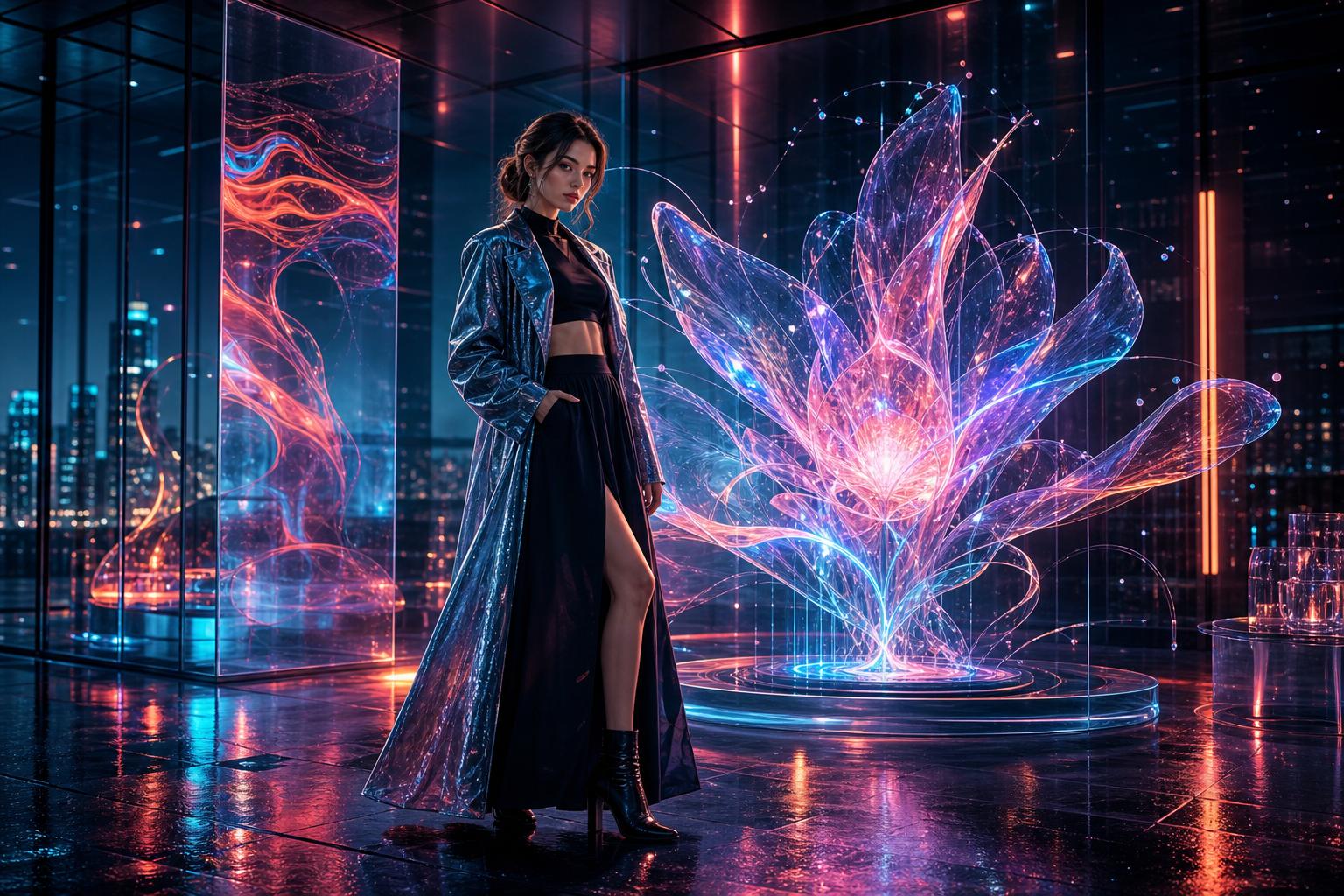
Seedream 5.0 Pro renders cinematic lighting, honest textures, and natural detail that sidestep the plastic AI look. Image richness and clarity step up into real lens language — richer atmosphere, sharper storytelling tension, frames that read like photographs rather than renders.

Keep Characters and Products Consistent
Feed the model up to 10 reference images and it fuses them into one result — the same face, outfit, or product carried across a whole campaign instead of re-described every time. Multi-image fusion is what makes series work like catalogs and storyboards practical.

Render Native Text in 14 Languages
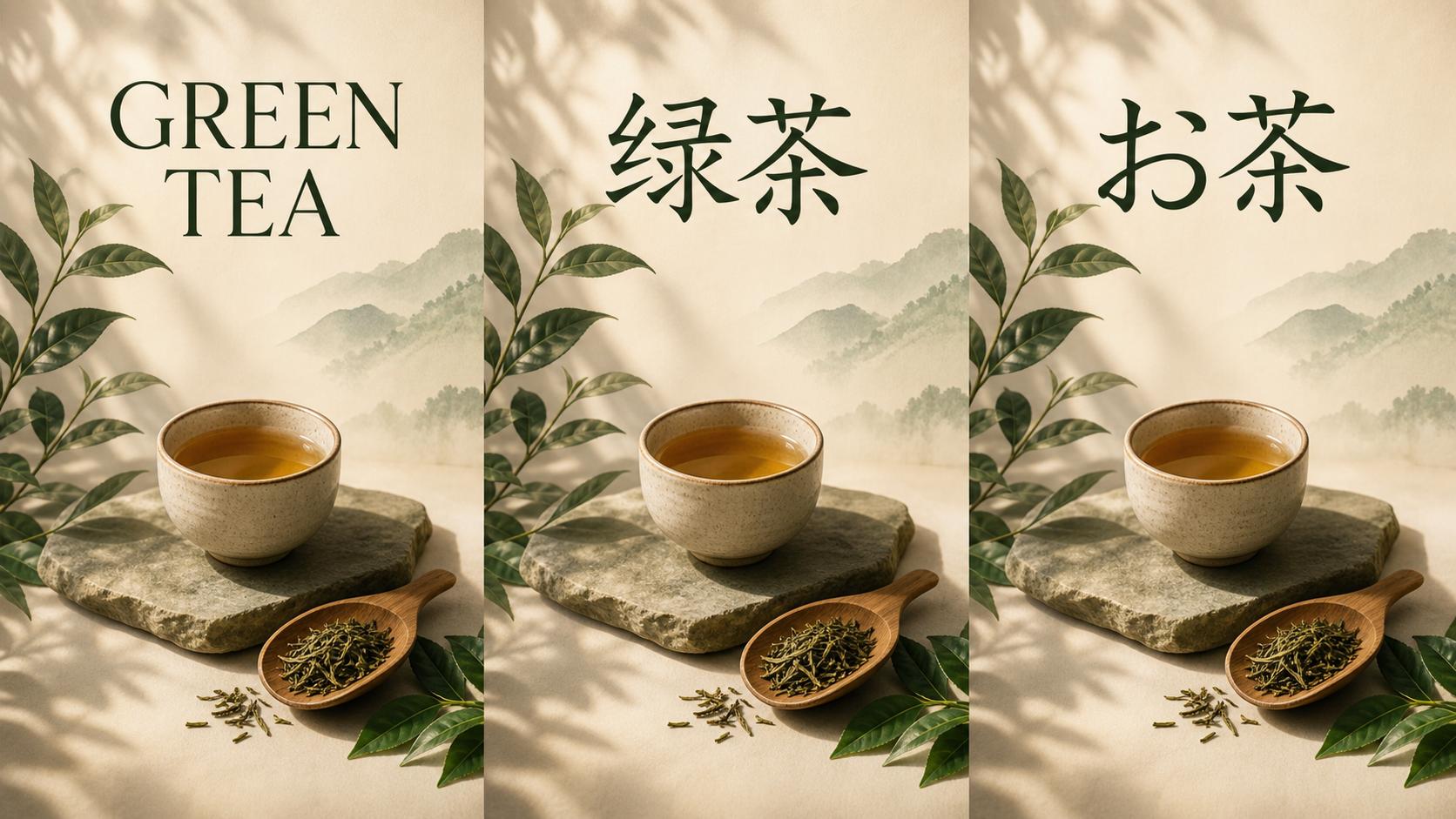
Seedream 5.0 Pro writes headlines, labels, and captions directly into the image with correct letterforms in 14 languages, including English, Arabic, Russian, Japanese, Korean, and Thai. Localized campaign creatives come out of one prompt instead of fourteen typesetting passes.
Reason Through Complex, Multi-Subject Prompts
Backed by deep reasoning and real-time web search, Seedream 5.0 Pro parses multi-step prompts logically — multiple subjects, dense layouts, current products and trends — instead of pattern-matching keywords. Charts, flowcharts, and infographics land in one pass with small text that stays legible.
Seedream 5.0 Pro Features Built for Production
Seedream 5.0 Pro is the professional tier of ByteDance's Seedream 5.0 family, released July 8, 2026. Every feature below is tuned for commercial production work — the control set that makes it worth the Pro in its name.
Precise, Controllable Editing
Select any element by point, box, or a quick sketch and change just that — or split the finished image into independent editable layers. Think of it as getting the layered design file instead of a flat picture: move one piece, and the lighting, shadows, and composition around it stay intact.
Native 2K Resolution
Generate at up to 2048×2048, so a single image holds up for web heroes, storefronts, and social formats without an upscaling pass. Pick the size that fits your output before you generate.
High-Density Infographics
Data charts, flowcharts, and diagrams render in one pass with small text that stays legible — a step past what earlier Seedream versions could lay out cleanly. Describe the data and the layout once, and the visual arrives ready to publish.
Sketch and Draft Input
Guide generation with more than words — upload a rough sketch or design draft alongside your prompt, and the model turns the layout you intended into a finished visual.
Natural Portrait Retouching
Retouch portraits with instructions the model actually follows — character features and image quality stay preserved, so the result is a stable, natural edit that still looks like the same person.
Local Cultural Accuracy
Deeper cultural understanding renders regional clothing shapes, patterns, and details correctly — so localized creatives look right in each market, not just translated.
Seedream 5.0 Pro vs 5.0 Lite, 4.5 and 4.0
The family in one view: Seedream 4.0 laid the unified generate-and-edit base, 4.5 sharpened consistency and typography, 5.0 Lite added deep reasoning on a budget — and Seedream 5.0 Pro turns it all into a production tool.
| Compare | Seedream 5.0 Pro | Seedream 5.0 Lite | Seedream 4.5 | Seedream 4.0 |
|---|---|---|---|---|
| Editing control | Pick a spot, draw a box, or sketch a region and only that part changes — plus layer separation and up to 10 fused references. | Understands edit instructions well, but changes stay whole-image rather than element-level. | Multi-image editing that keeps references consistent; a change re-renders the full frame. | General prompt-based editing inside one unified workflow. |
| Realistic image quality | Lighting, materials, reflections, and skin read like an actual photograph; portraits stay natural through edits. | Solid all-round quality with strong prompt alignment. | High fidelity and clean aesthetics, leaning toward a rendered look. | Capable baseline quality across broad styles. |
| In-image text | Dense copy rendered natively in 14 languages, with correct letterforms and local typography. | Better image-text alignment and text-aware layouts. | Strong typography for dense poster text, mostly in major languages. | Basic text rendering as a side effect of general generation. |
| Information visualization | Data, concepts, and long source text become publish-ready charts where even the small print stays legible. | Handles reasoning-driven, information-style prompts well. | Text-rich layouts with cleaner composition, but complex charts take retries. | Simple diagrams and knowledge-style visuals. |
| Best fit | Infographics, precise edit rounds, realistic portraits, and commercial production — the work Seedream 5.0 Pro is tuned for. | Everyday generation and reasoning-heavy prompts on a budget. | Posters, typography-heavy designs, and multi-image creative editing. | Exploration, style play, and general image tasks. |
How to Use Seedream 5.0 Pro Online
Three steps from idea to a finished, production-ready image with Seedream 5.0 Pro — no design software, no API keys.
Describe or Upload
Type what you want the model to create — subject, style, layout, and any exact words in quotation marks — or upload an image to edit, with up to 10 references for consistency.
Generate and Adjust
Run Seedream 5.0 Pro and review the result. Describe what you want different — a stronger headline, a cleaner background, warmer light — and the model adjusts the image instead of starting from scratch.
Download and Use Anywhere
Download the finished image for web, social, or storefront use. You can try Seedream 5.0 Pro online — sign in and you get free credits to start with.